
microSD
Express Card

Home
Memory Cards
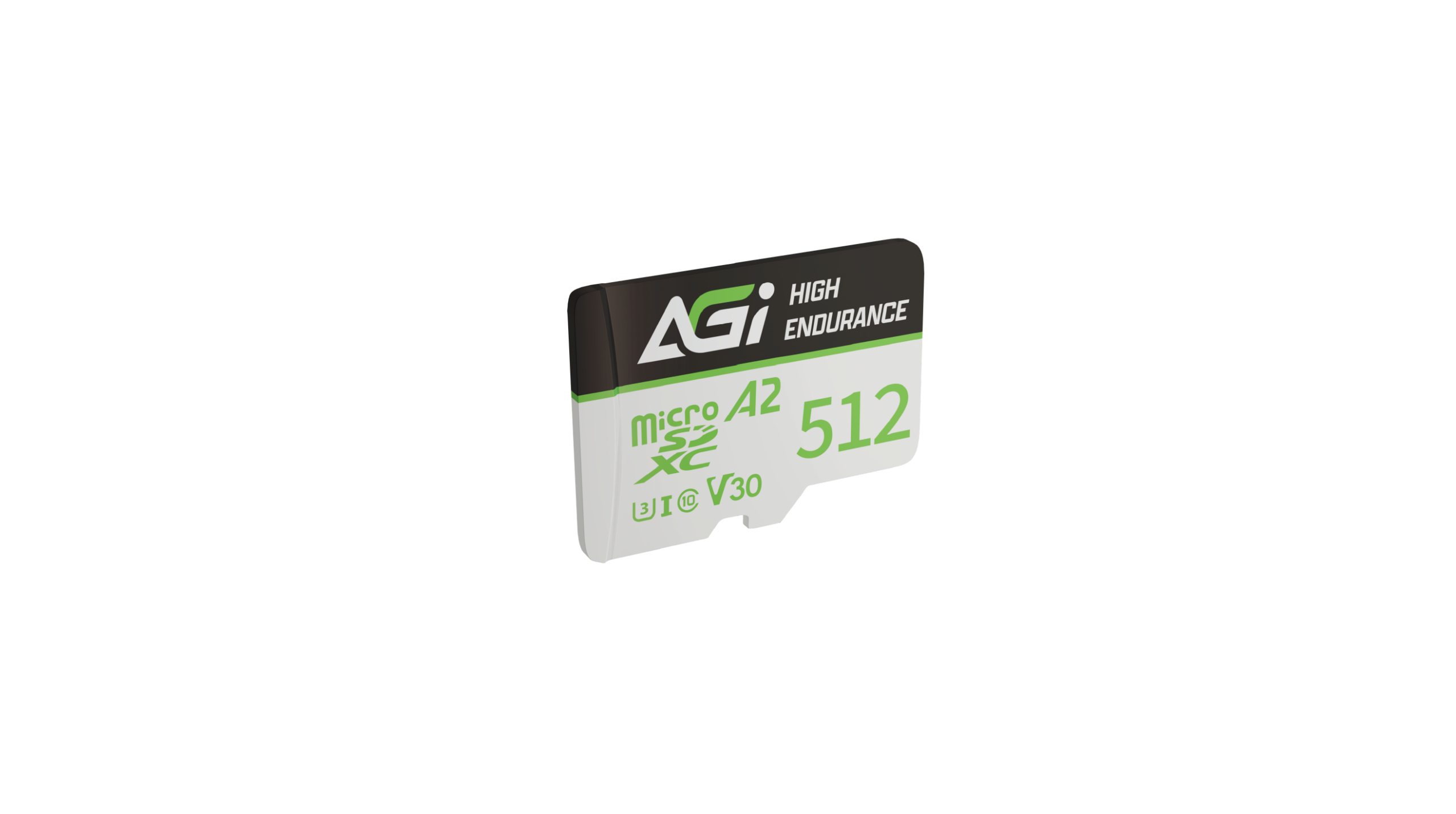
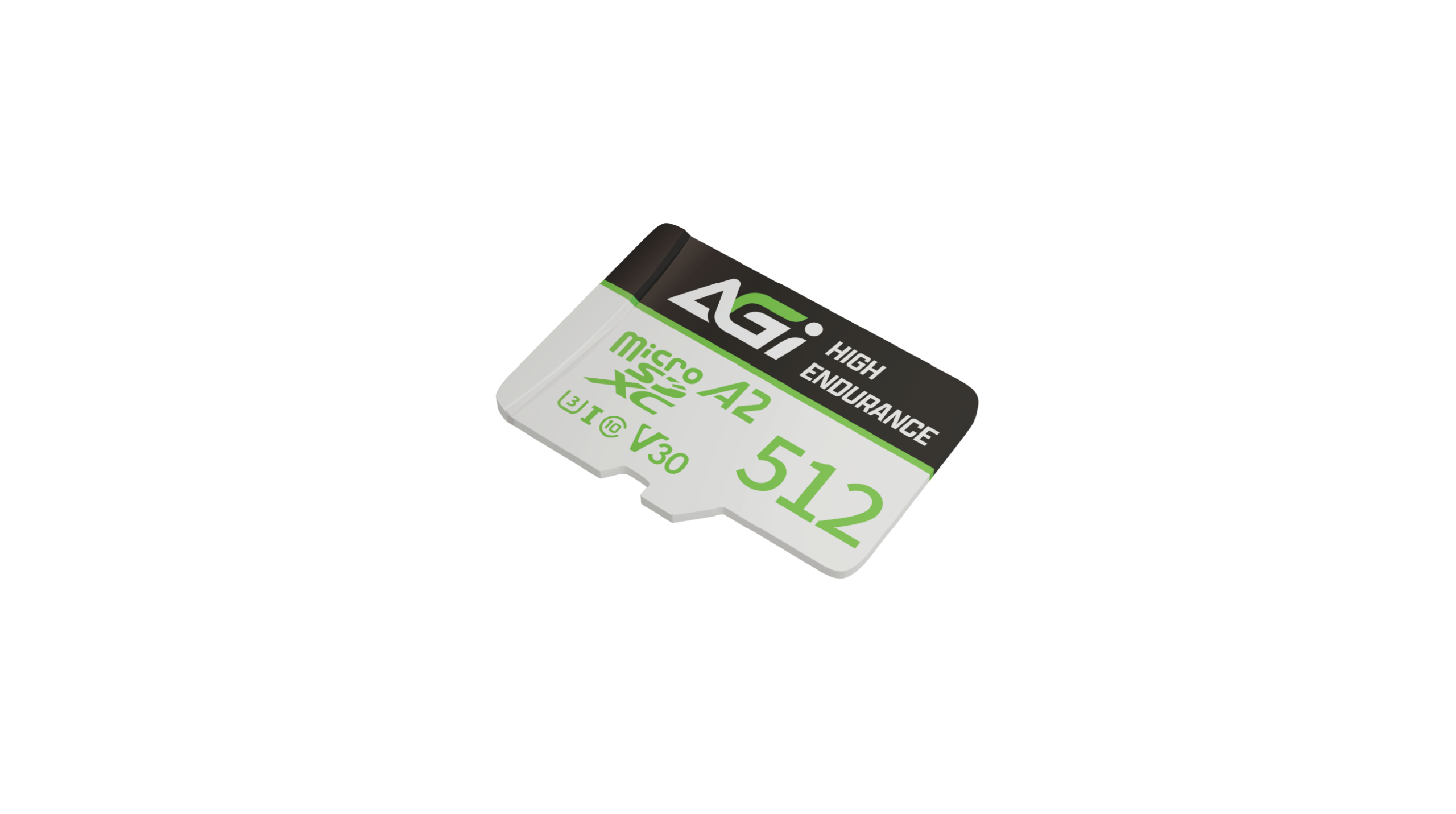
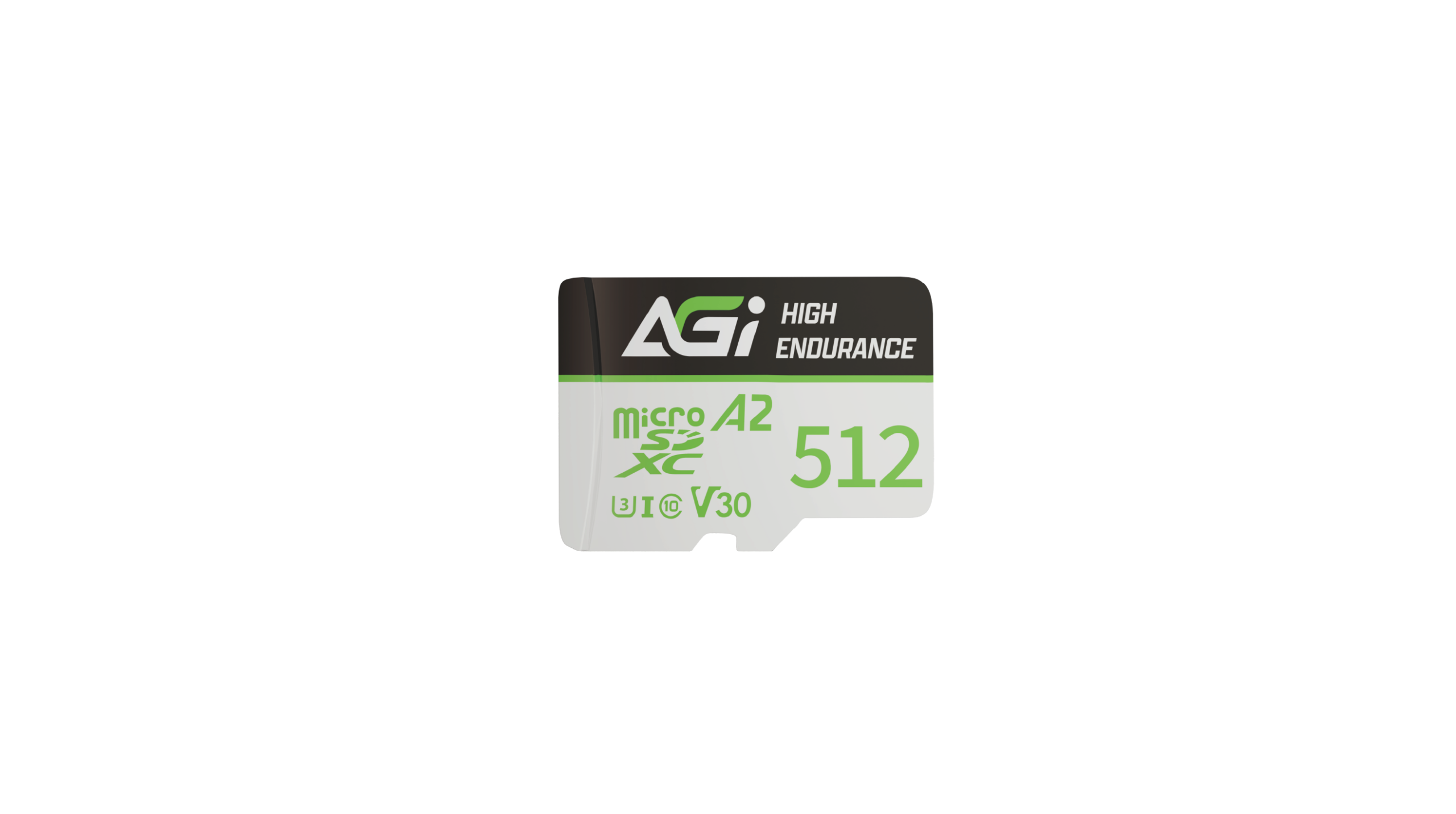
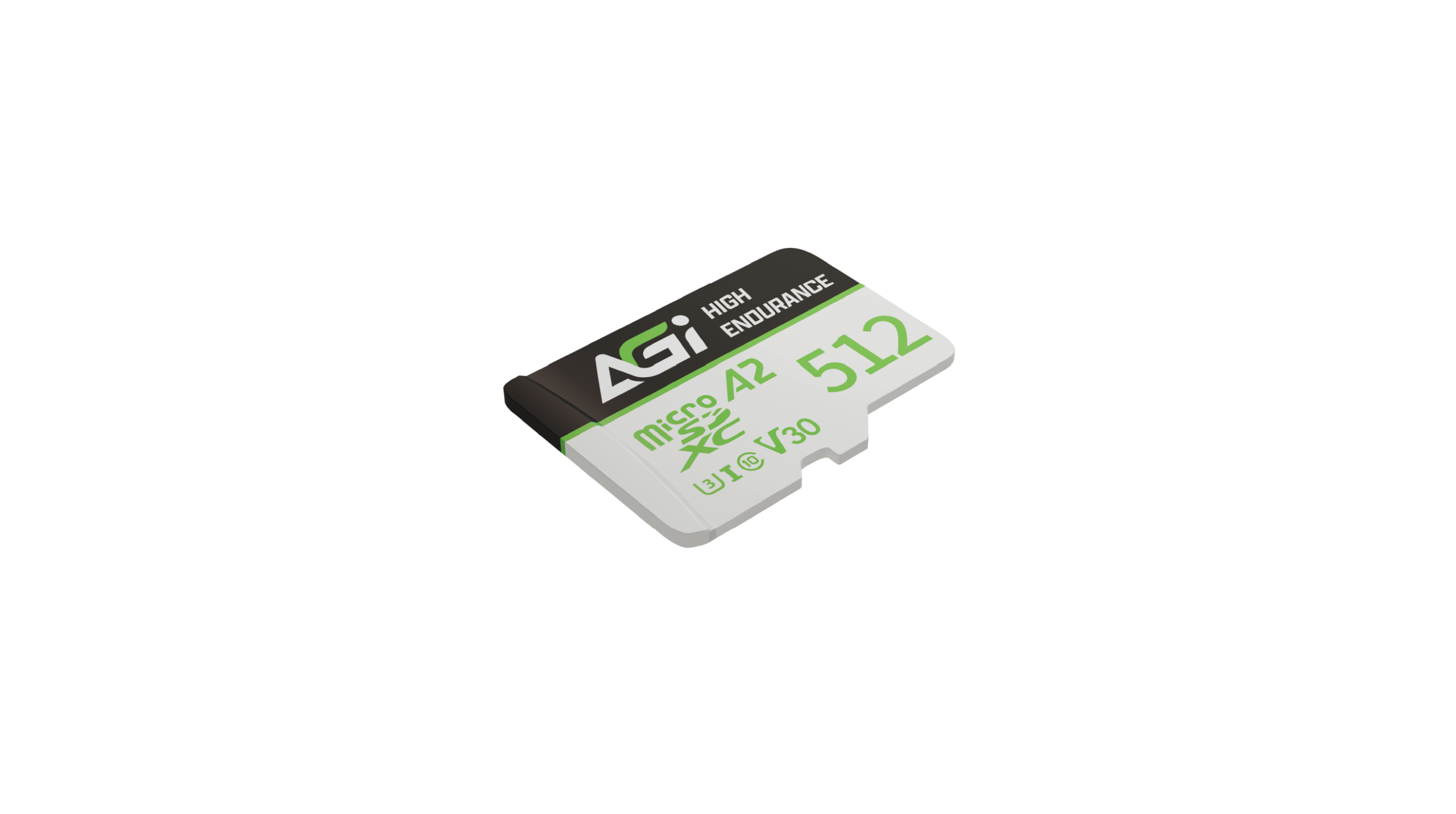
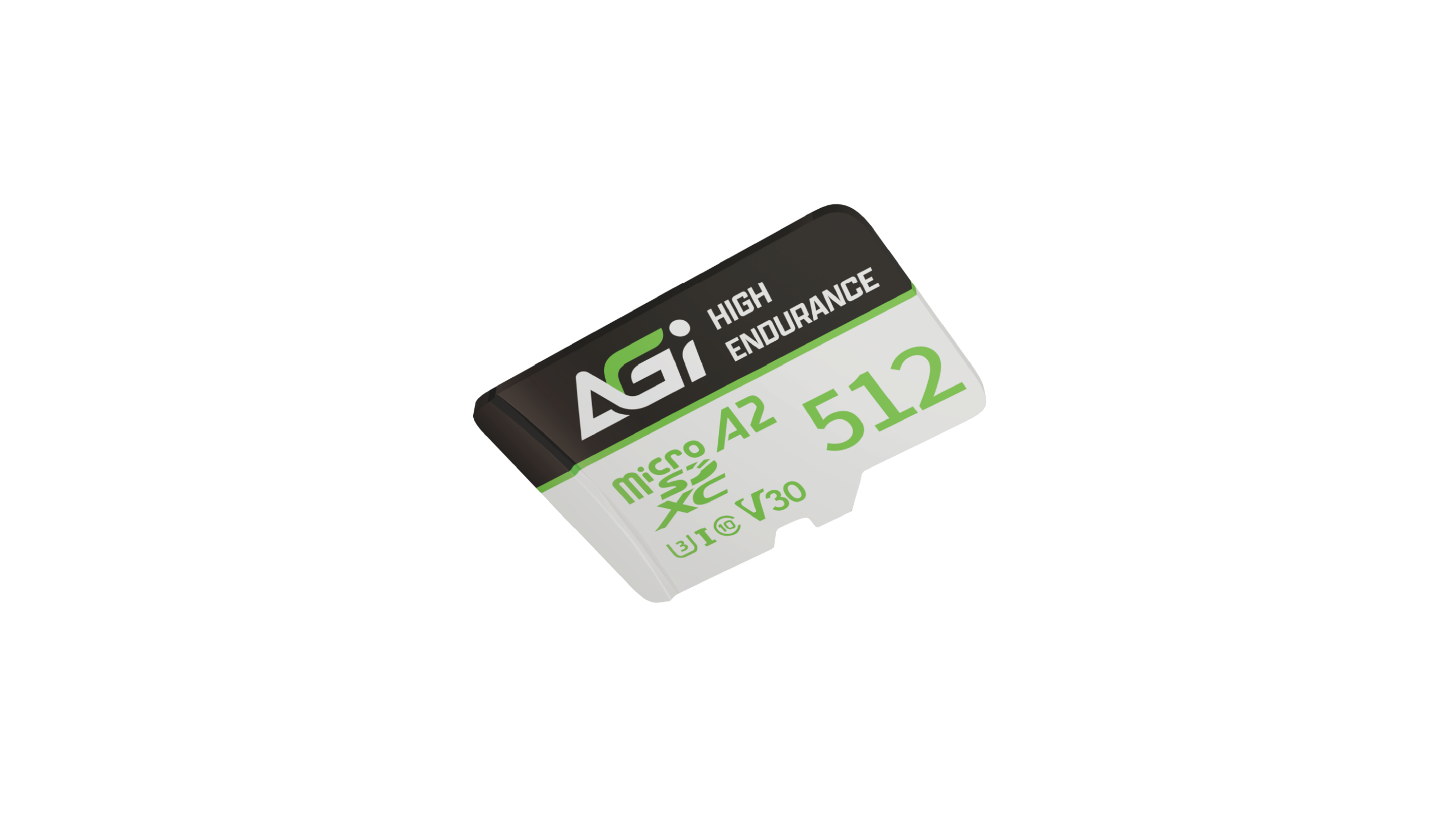
AT110E High Endurance microSD Card

AT110E High Endurance microSD Card

Absolute Endurance. Vigilant Capture.

The Premier Choice for Smart Surveillance

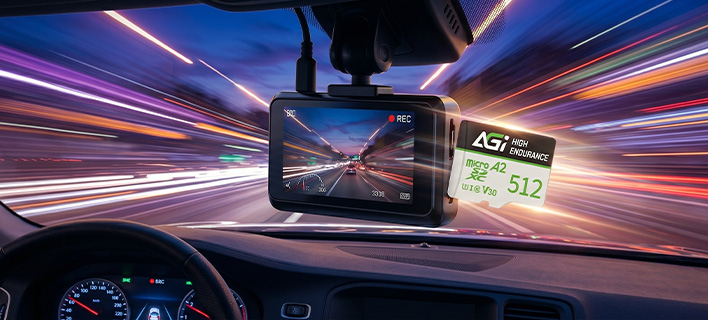
  • High-Capacity Storage for All-Scenario Safety
  • Optimized for continuous, heavy-duty writing. It is the perfect high-density storage solution for commercial surveillance, home security, dashcams, drones, and wearable action devices.

V30 Video Speed & A2 App Efficiency

  • Seamless 4K Ultra HD and Faster App Launching
  • V30 rating guarantees smooth 4K UHD and Full HD recording (write speeds up to 80MB/s). A2 qualification ensures faster mobile app loading and optimized power consumption.
Feature image

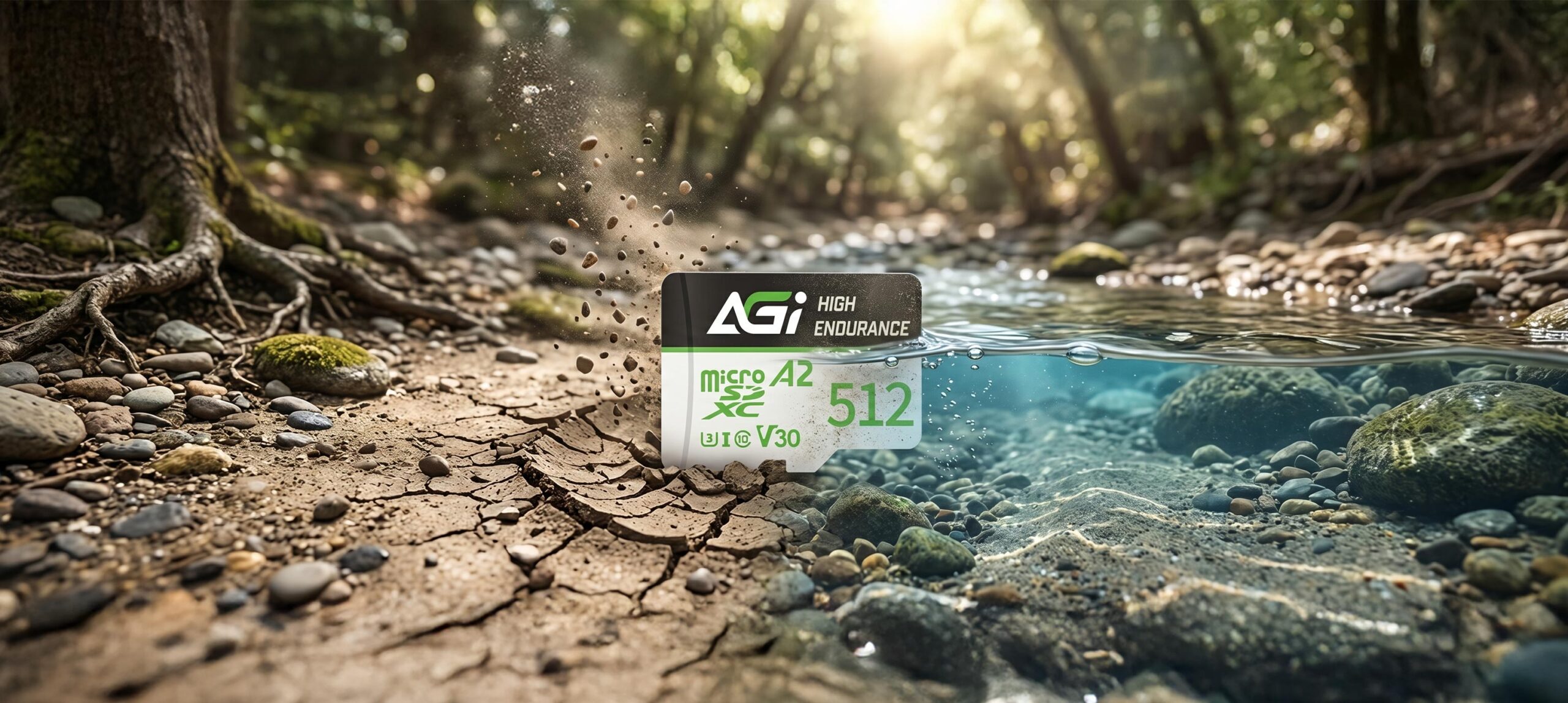
Fortress-Grade Protection with Built-in ECC

  • Rigid Multi-Proofing to Safeguard Your Data
  • Equipped with auto Error Correcting Code (ECC). Rigorously tested to be waterproof, shockproof, X-ray proof, anti-static, and weather-resistant from -25°C to 85°C.
Feature image
Feature image

Seamless Compatibility. Rapid Transfer.

  • Universal Integration Across Diverse Devices
  • Powered by the high-speed UHS-I interface, the AT110E delivers exceptional compatibility across smartphones, tablets, digital cameras, and professional recorders, ensuring smooth workflows and rapid data access wherever you go.

Specifications

Capacity

64GB / 128GB / 256GB / 512GB

Standard

SD 6.1

Read/Write speed

100 MB/s , 70 MB/s

Speed Class

UHS-I / U3 / C10 / A2

Product Dimensions(L x W x H)

15 x 11 x 1mm

Package Dimension (L x W)

129 x 85mm

Product Weight

0.25g

Warranty

Limited 2 years

Manual Download

AT110E DataSheet

Product FAQ

01
Why do I get a "Write Protected" error when transferring files to the memory card?

Please check the write-protection switch on the side of the SD adapter. If it is set to "Lock," simply slide it up to unlock it.

02
Why is my computer not detecting the card reader?

Please ensure the memory card is firmly inserted into the reader. Try plugging the card reader into a different USB port on your computer. If the issue persists, test the reader on another computer to see if it functions correctly.

03
Why is the file transfer speed to my computer inconsistent?

Transfer speeds depend on your device's hardware, including the card reader and USB port specifications. Additionally, the size and quantity of the files affect the speed; transferring a large number of small files is generally slower and more inconsistent than transferring a single large file.

04
What should I do if I am unable to format my memory card?

Please try formatting using a different reader or device. If the issue persists, use the SD Formatter tool available at:
https://www.sdcard.org/downloads/formatter_4/

05
What do the different speed and performance classes (e.g., C10, U3, V30, A2) on an SD card mean?

Speed classes (such as Class 10, U3, or V30) indicate the minimum sustained write speed of the memory card, which is crucial for video recording. For a complete breakdown of all standards, please refer to the official SD Association website: https://www.sdcard.org/developers/sd-standard-overview/speed-class/

This site is registered on wpml.org as a development site. Switch to a production site key to remove this banner.