SD238 DDR5 SO-DIMM Memory Module
Lightweight Upgrade. Heavyweight Performance
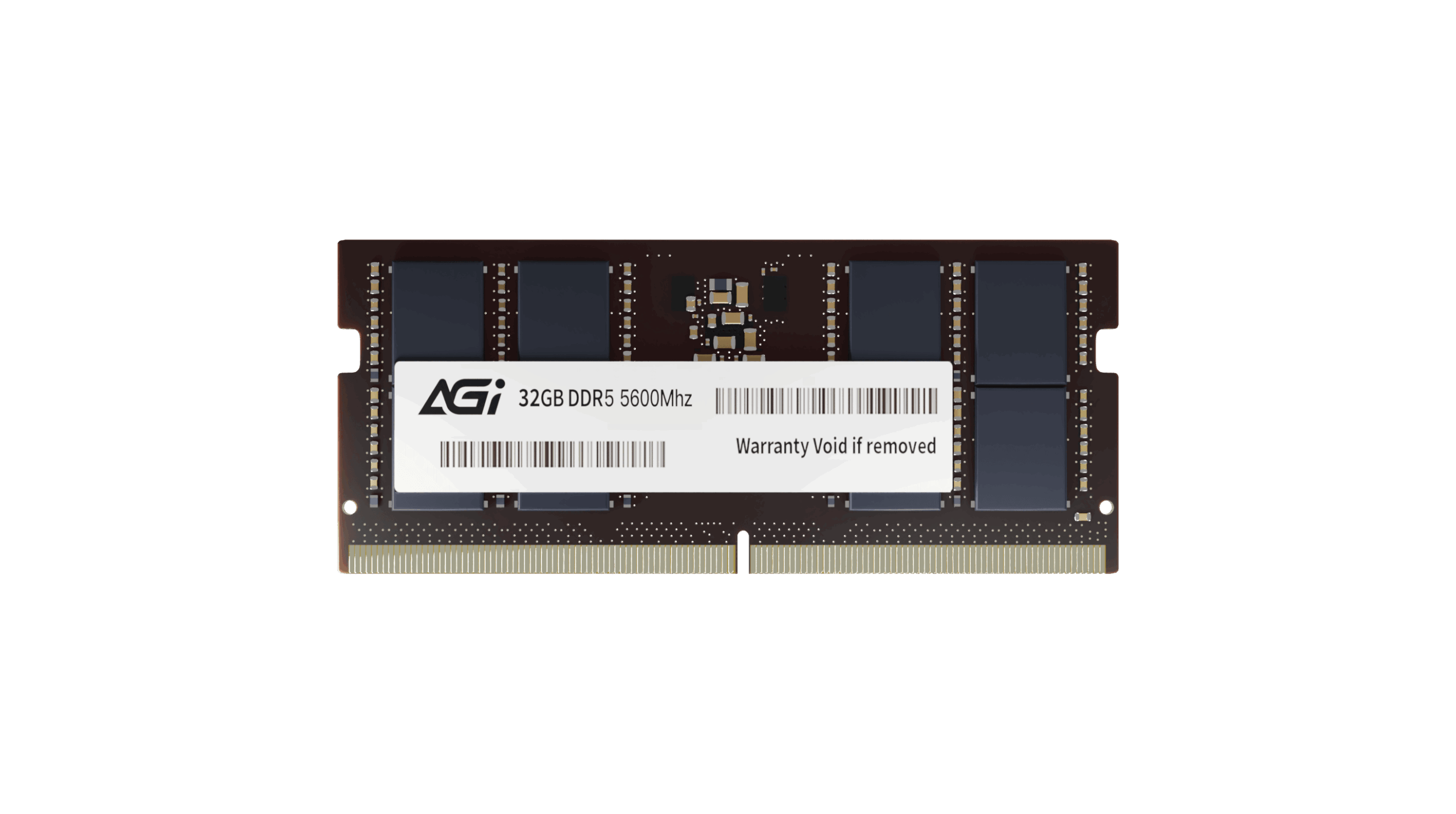
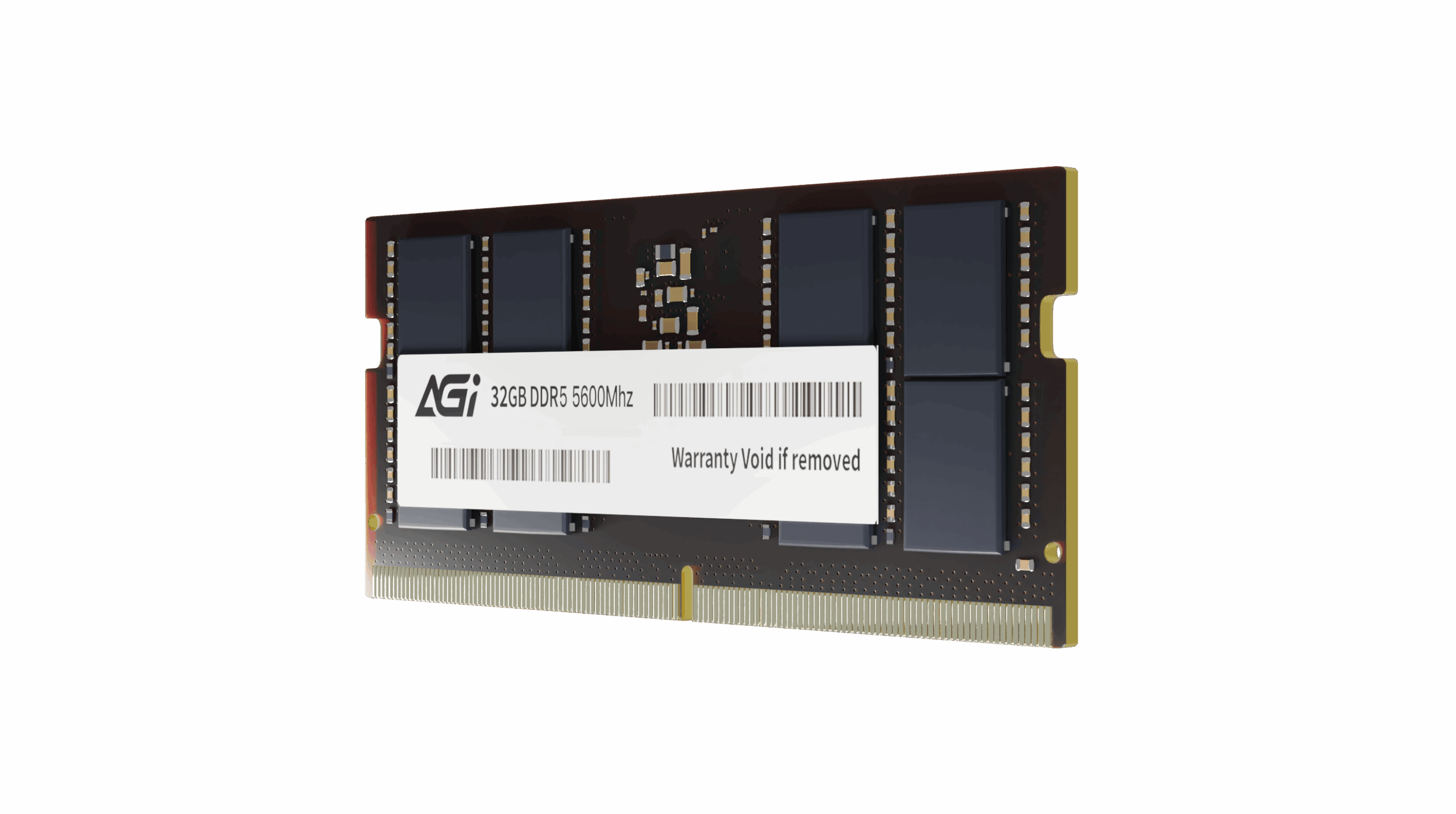
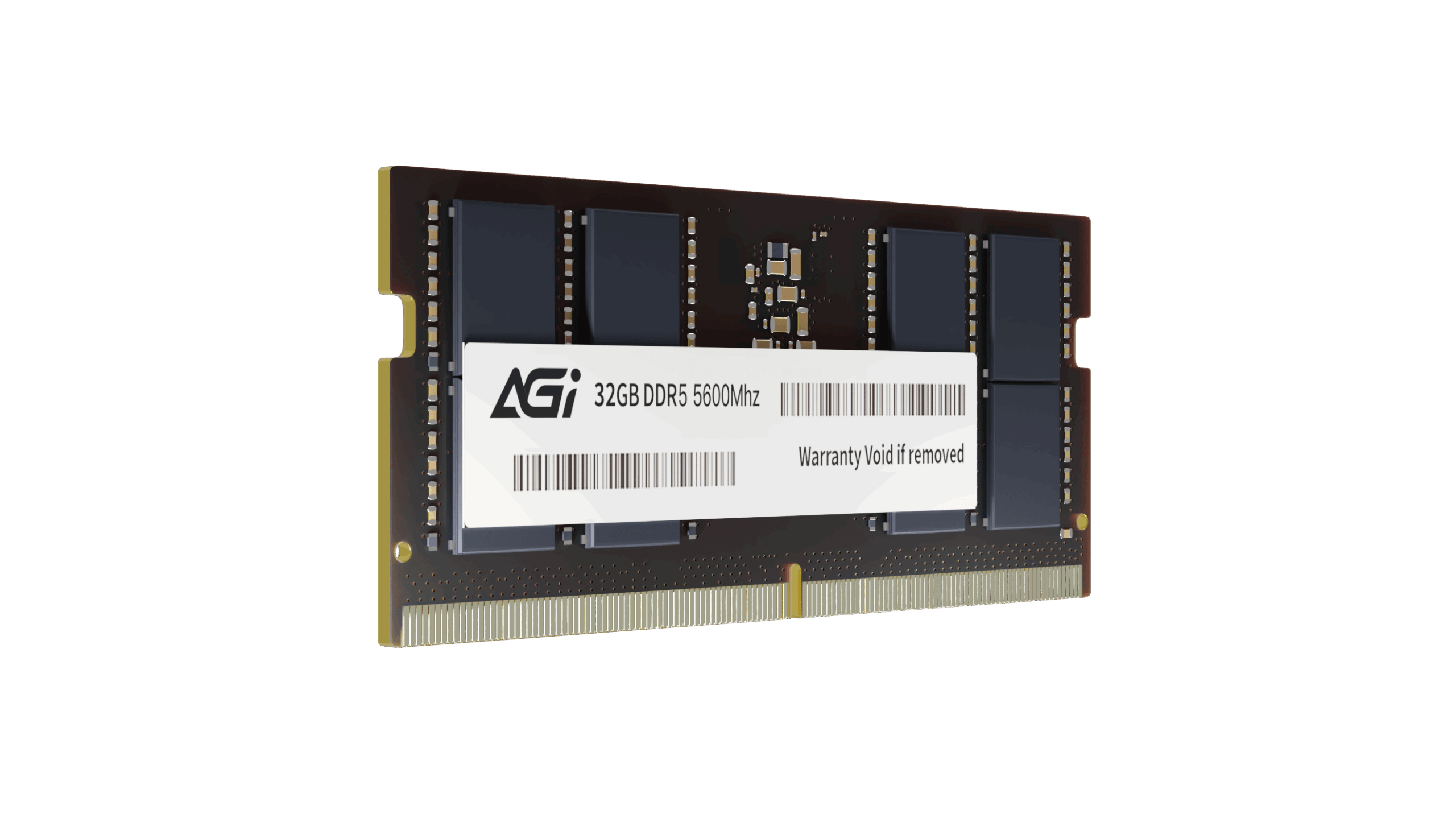
SD238 DDR5 SO-DIMM Memory Module
KEY FEATURES
- Up to 50% increase in bandwidth compared to DDR4.
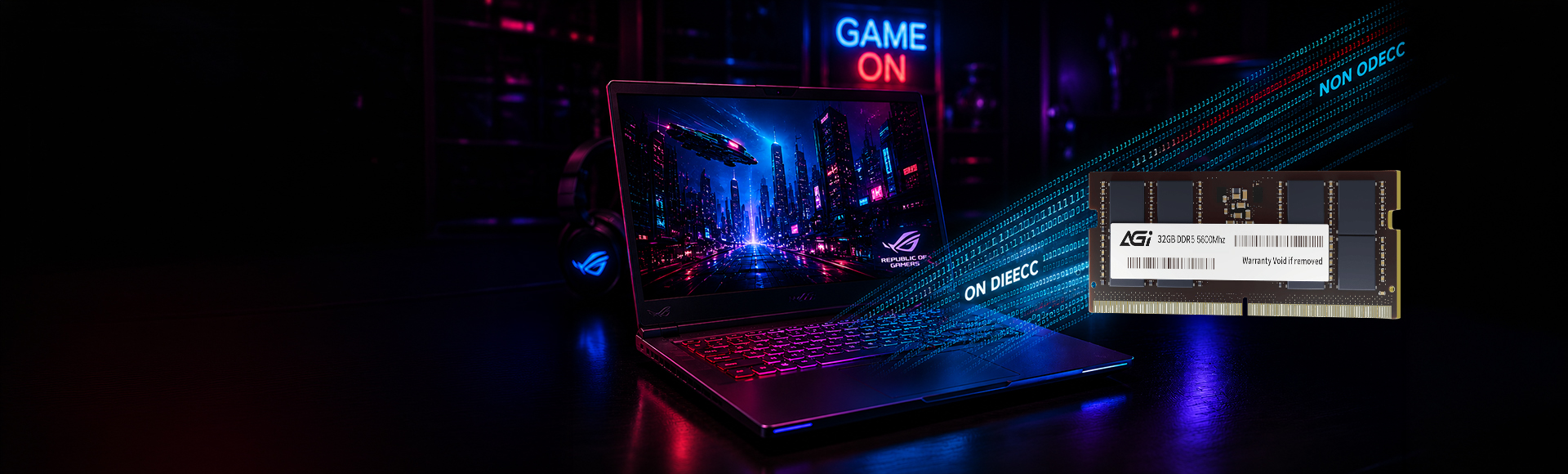
- On-die ECC (Error Correction Code) for enhanced stability.
- 1.1V low operating voltage reduces power consumption by 20% compared to DDR4.
- Doubled bank groups (from 16 to 32) for improved overall efficiency.

High Compatibility

Energy Efficient

High Performance
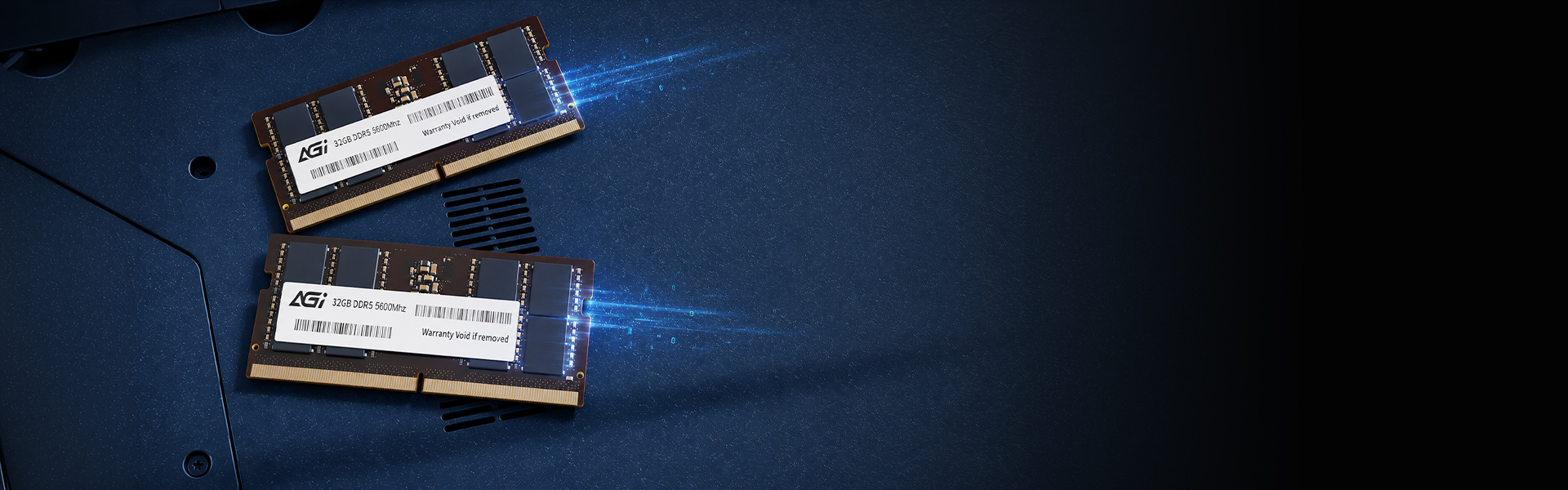
DDR5 Memory Modules
SD238 DDR5 SODIMM
- DDR5 is the most advanced technology available, offering a significant leap over the previous generation to deliver the fastest and most powerful performance.
SD238 DDR5 SODIMM
Where to Use
- SODIMM is specifically designed for laptops, allowing for easy installation in most models on the market to enhance work efficiency.
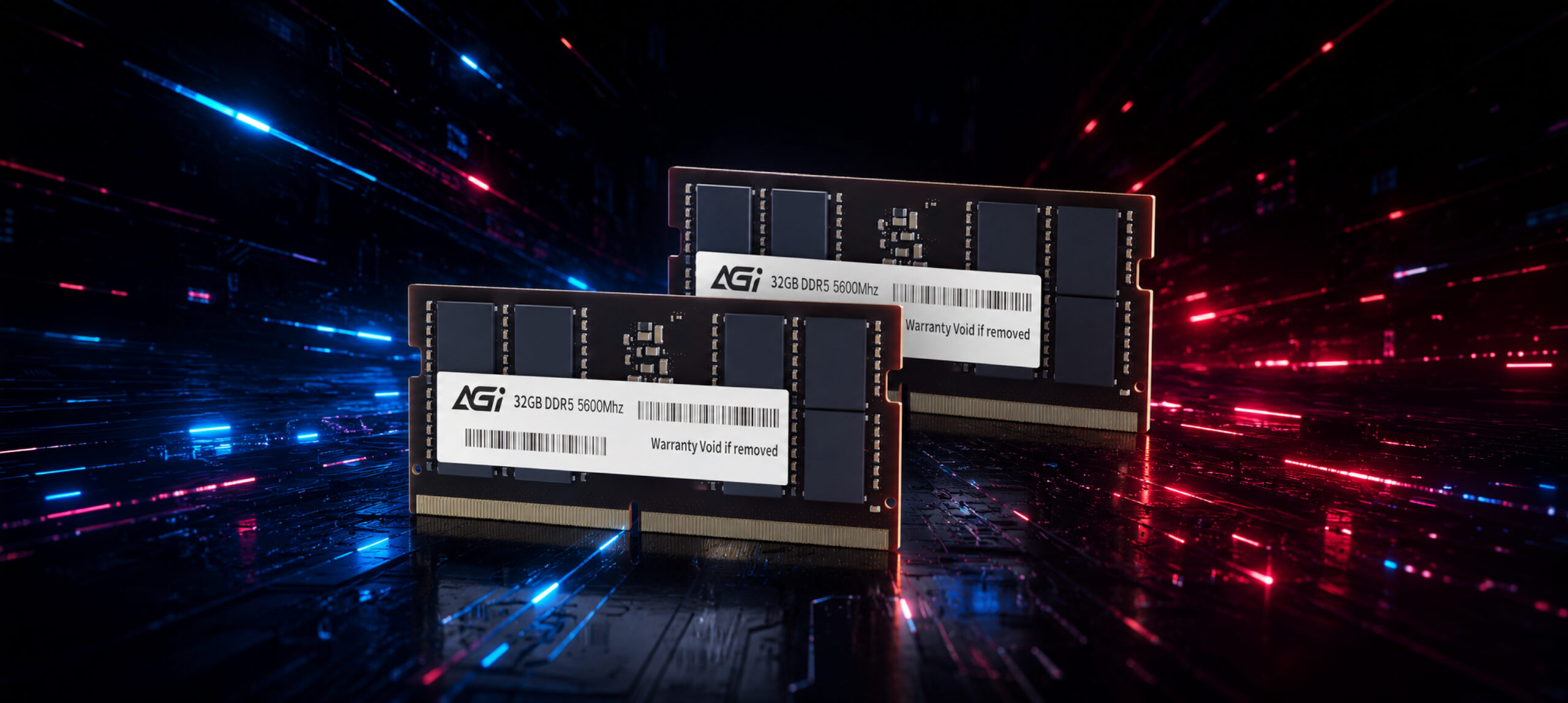
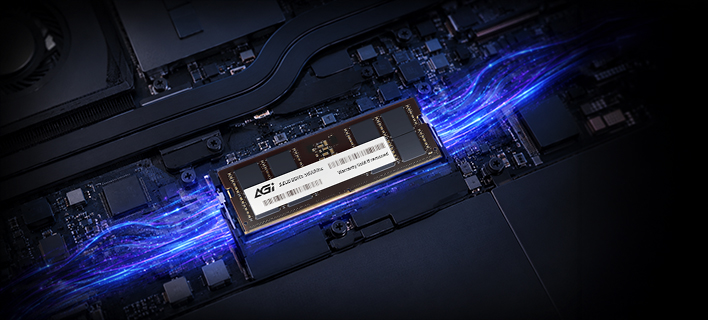
SD238 DDR5 SODIMM
Speed Specifications
- Next-generation DDR5 provides a 75% performance boost over DDR4.
Specifications
Capacity
8GB / 16GB / 32GB
Module
262-pin SO-DIMM
Frequency
4800/5600MHz
Dimensions
70 x 30 mm
Weight
70 x 30 mm
Warranty
Lifetime
Product FAQ
01
Why won’t my computer boot after installing new memory?
Please try the following troubleshooting steps:
Step 1. Ensure the memory module is compatible with your system. Please refer to the motherboard's compatibility list.
Step 2. Disconnect power, remove the memory, and check for dirt or oxidation on the gold connectors. Clean them gently with an eraser.
Step 3. Reinstall the memory and ensure it is firmly seated in accordance with your motherboard’s manual.
Step 4. Try installing only the suspected faulty module to isolate the issue.
Step 5. If possible, test the module in another system to determine whether the problem lies with the memory or the motherboard.
If the issue persists, please return the product for repair.
Explore Related Items
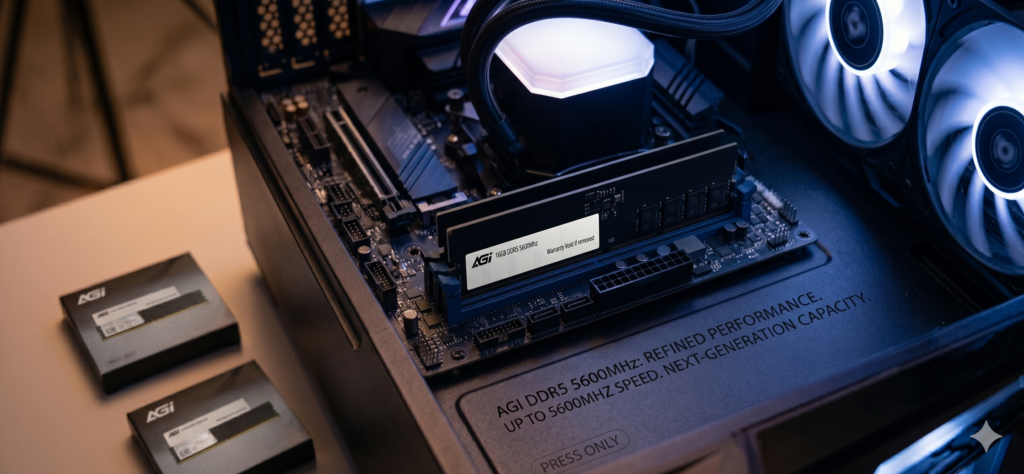
Computer Memory
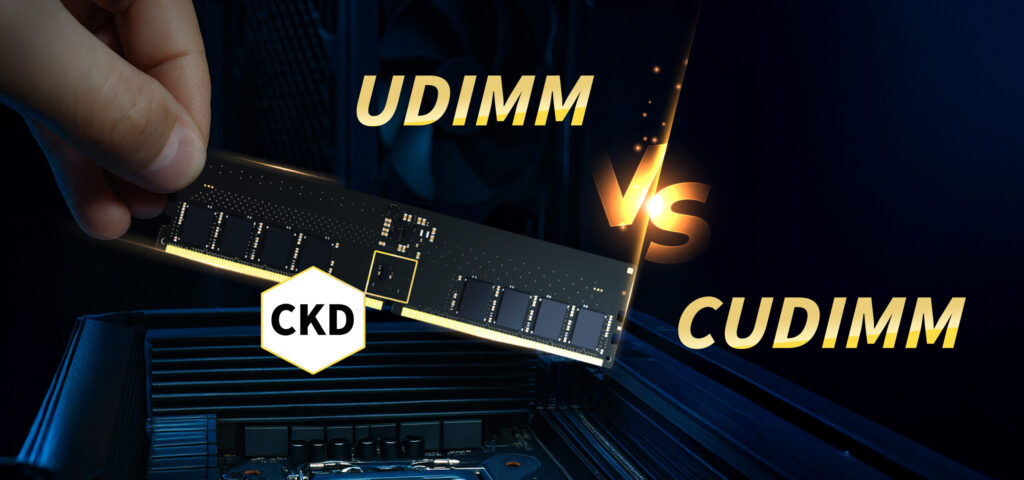
What are the differences between DDR4 and DDR5 memory modules? How much spec is enough?
2026-04-16