


S11 microSD U1 / C10 / V10 / A1
Compact Storage. Reliable Performance.
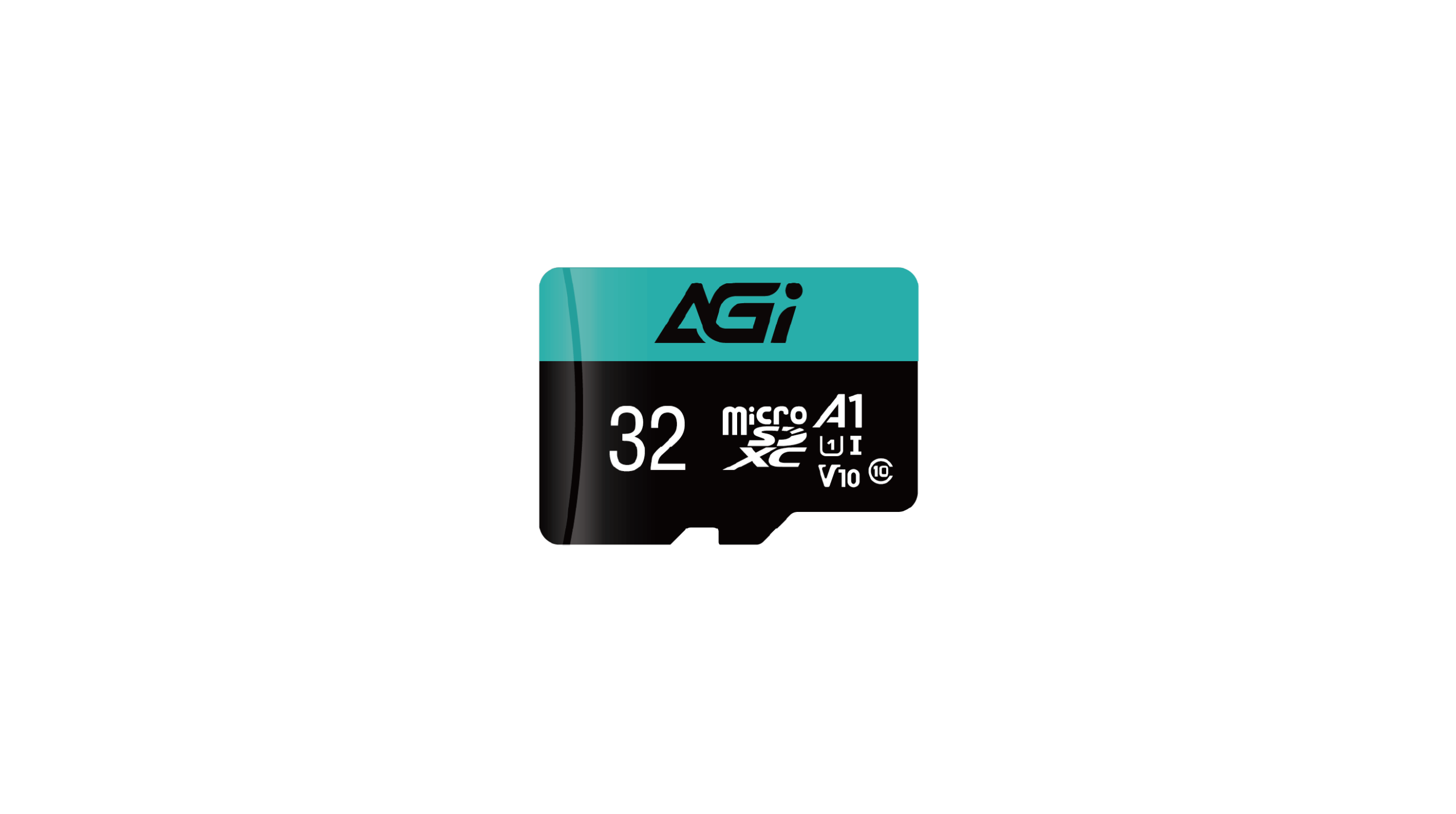
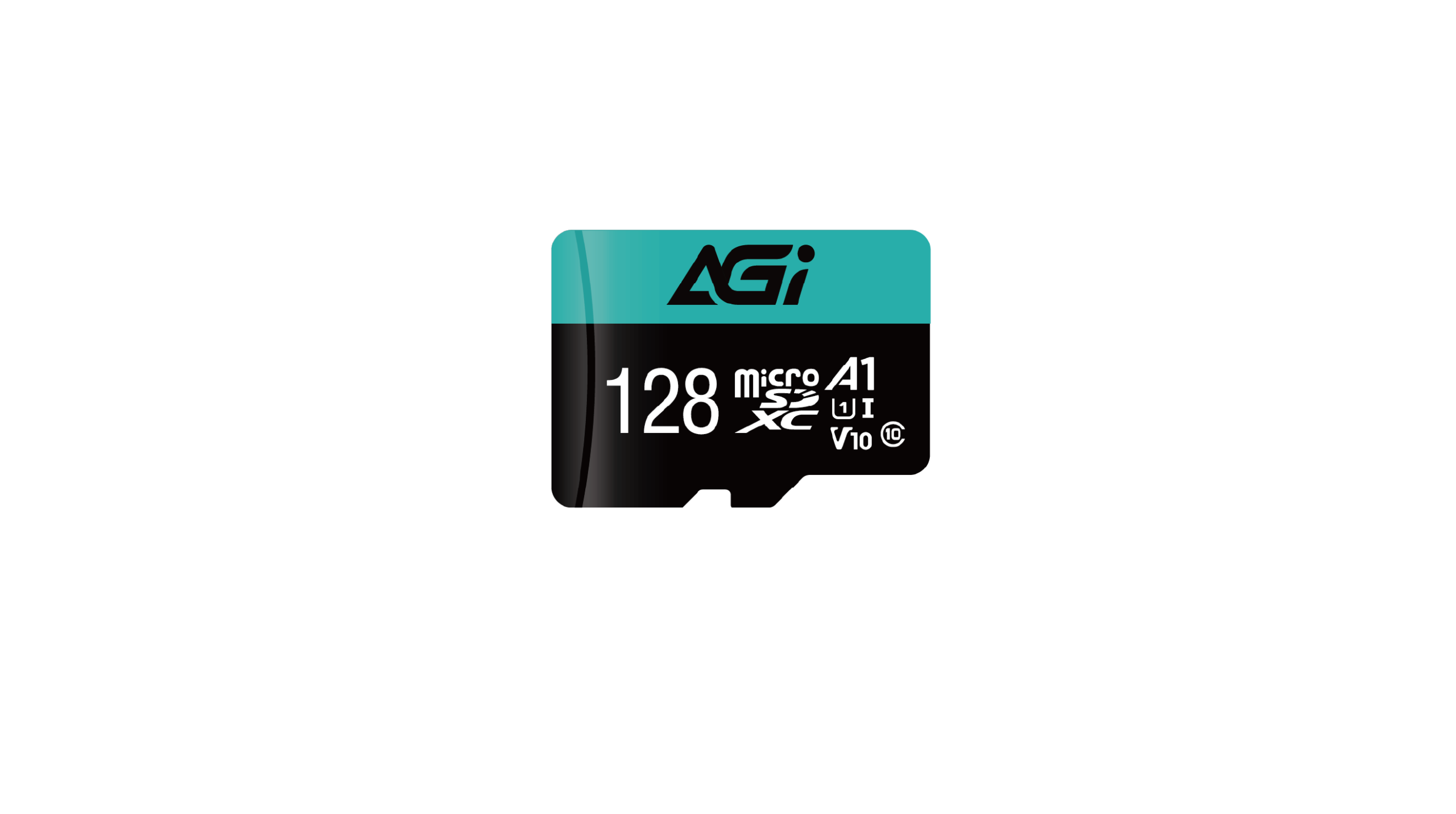
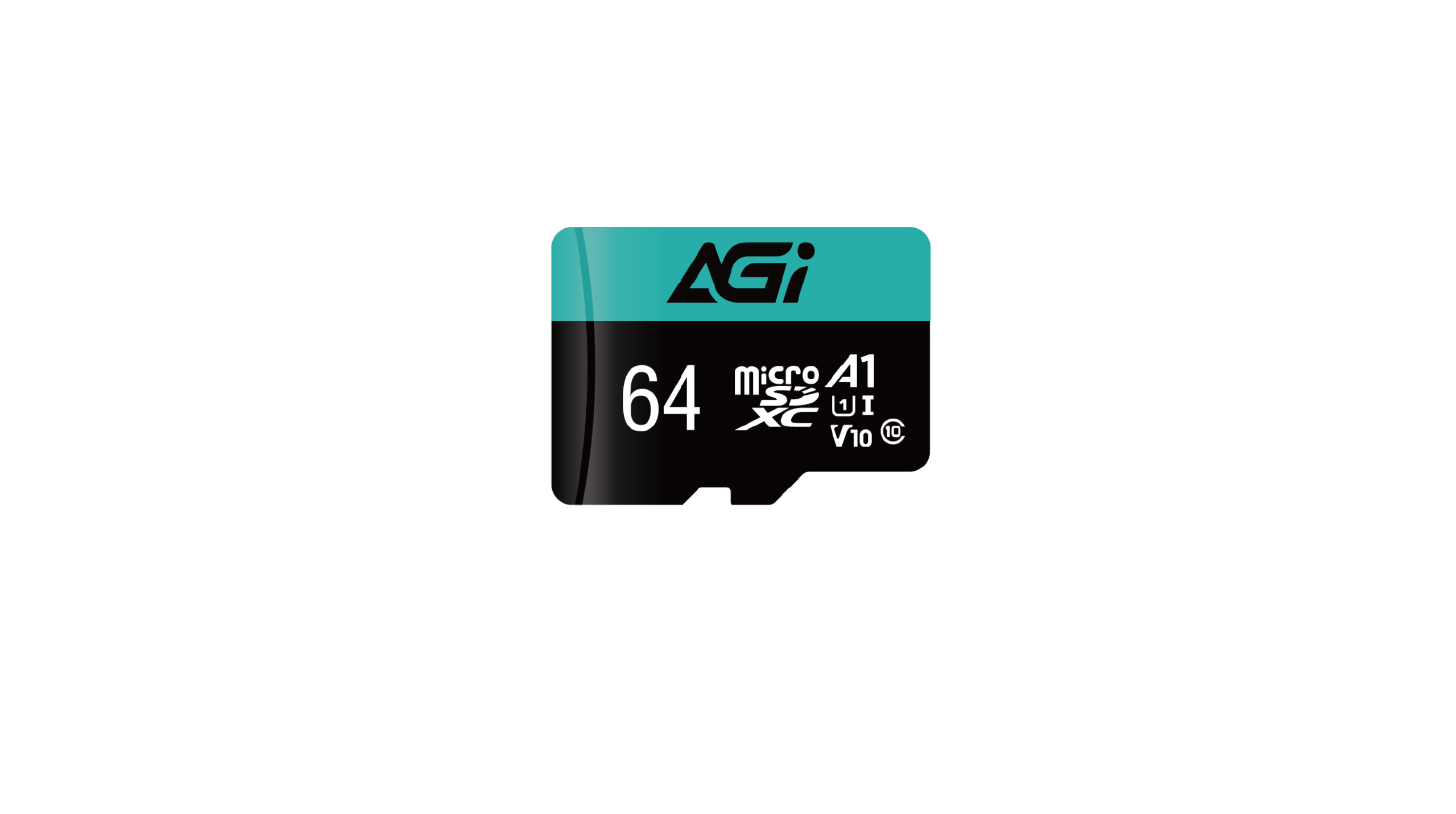
S11 microSD U1 / C10 / V10 / A1
KEY FEATURES
- Smooth Full HD Recording: Optimized for seamless Full HD 1080p video capture and playback without frame drops, making the S11 a reliable choice for everyday photography and video recording.
- A1-Rated App Performance: Meets A1 standards for faster app launches and smoother mobile performance on compatible devices.
- Broad Device Compatibility: Fully compatible with smartphones, tablets, digital cameras, and multimedia devices, providing convenient storage expansion across your everyday devices.
- Efficient Data Transfer: Improves file access efficiency and helps reduce multimedia backup times, making everyday file management more convenient.
- Compact & Reliable Storage: Available in 32GB, 64GB, and 128GB capacities, the S11 combines flexible storage options with a lightweight, compact form factor.

1080P HD

Smart Phone

Tablet

Capture More of Your Everyday Moments
Smooth Full HD Recording
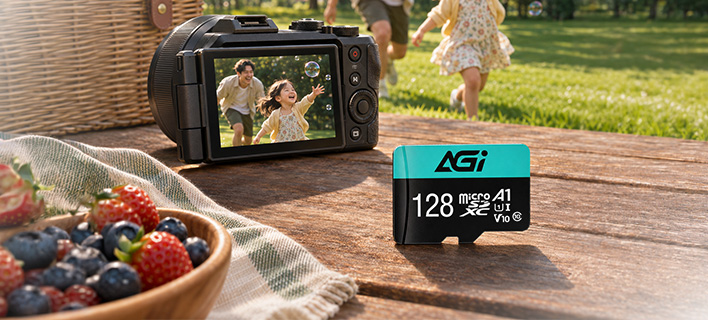
- The S11 is optimized for seamless Full HD 1080p video capture and playback without frame drops. From family moments and travel memories to everyday video recording, the S11 provides reliable storage for your photos and footage.
A1-Rated App Performance
Faster App Launches, Smoother Mobile Performance
- With A1-rated application performance, the S11 meets A1 standards for faster app launches and smoother mobile performance on compatible devices. Expand your storage while keeping apps and digital content readily accessible.
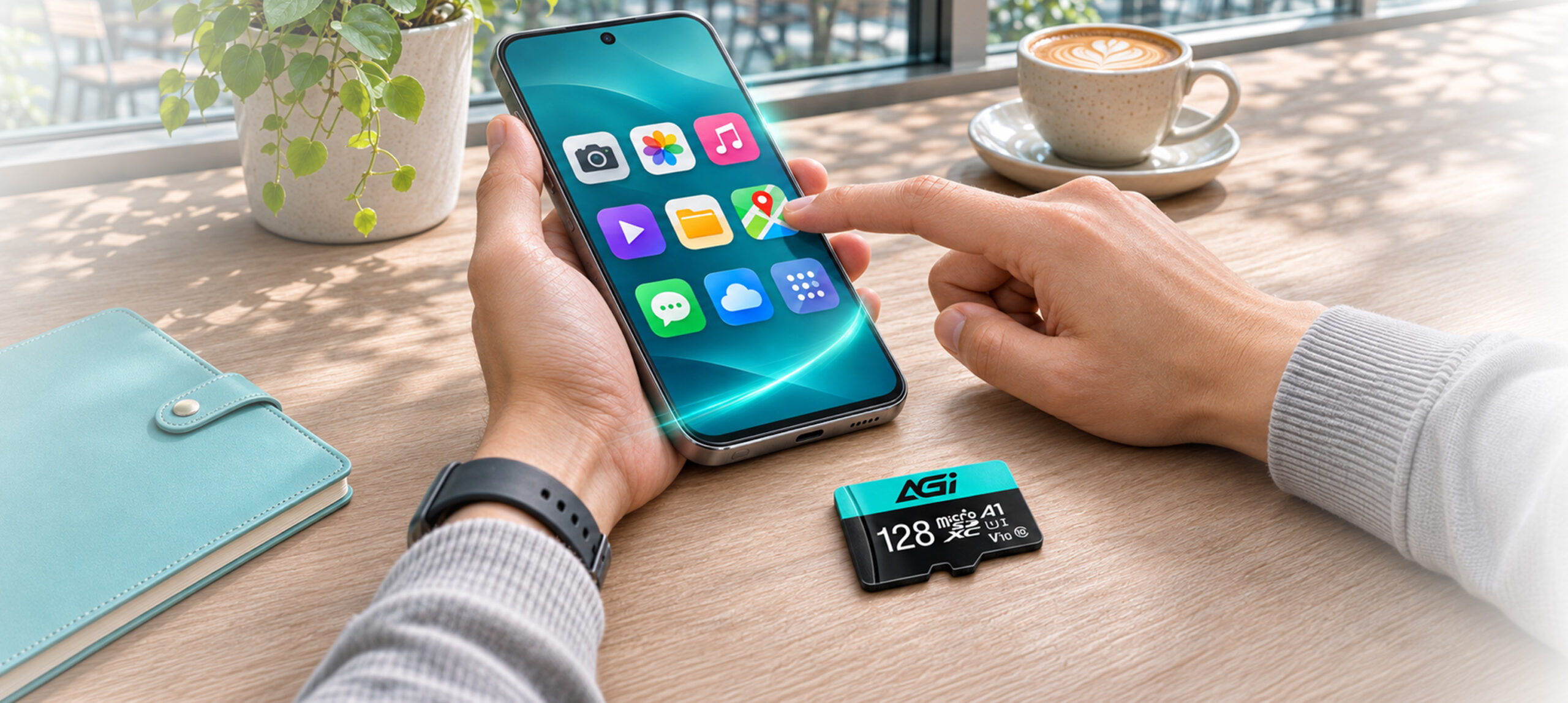
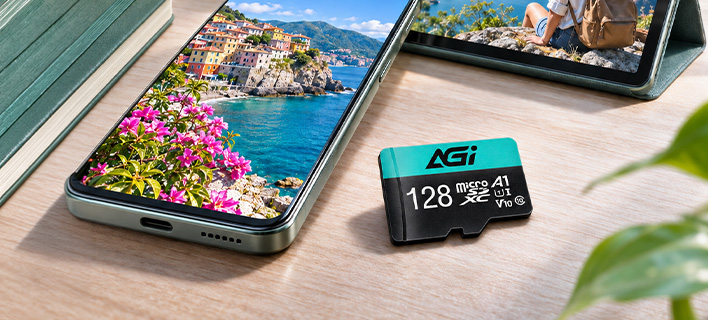
Broad Device Compatibility
One Card, More Ways to Store
- The S11 is fully compatible with smartphones, tablets, digital cameras, and multimedia devices. Its compact microSD format makes it easy to expand storage and manage digital content across compatible devices.
Compact & Reliable Storage
Flexible Capacity in a Lightweight Design
- The S11 is available in 32GB, 64GB, and 128GB capacities, giving you flexible options for storing photos, videos, personal files, and other digital content. Its lightweight microSD form factor provides convenient storage expansion without adding unnecessary bulk.
Specifications
Capacity
32GB / 64GB / 128GB
Standard
SD 3.0
Speed Class
UHS-I / U1 / C10 / V10 / A1
Read/Write(Max)*
90 MB/s , 30 MB/s
Certifications
CE, FCC, BSMI, RoHS
Input voltage
3.3V / 1.8V ( SDR104, DDR50 mode)
Dimensions (L x W x H)
15 x 11 x 1mm
Dimensions With Adapter (SD card)
32 x 24 x 2.1mm
Package Dimension (L x W)
129 x 85mm
Weight
0.25g
Warranty
Limited 5 years
Product FAQ
01
Why do I get a "Write Protected" error when transferring files to the memory card?
Please check the write-protection switch on the side of the SD adapter. If it is set to "Lock," simply slide it up to unlock it.
02
Why is my computer not detecting the card reader?
Please ensure the memory card is firmly inserted into the reader. Try plugging the card reader into a different USB port on your computer. If the issue persists, test the reader on another computer to see if it functions correctly.
03
Why is the file transfer speed to my computer inconsistent?
Transfer speeds depend on your device's hardware, including the card reader and USB port specifications. Additionally, the size and quantity of the files affect the speed; transferring a large number of small files is generally slower and more inconsistent than transferring a single large file.
04
What should I do if I am unable to format my memory card?
Please try formatting using a different reader or device. If the issue persists, use the SD Formatter tool available at:
https://www.sdcard.org/downloads/formatter_4/
05
What do the different speed and performance classes (e.g., C10, U3, V30, A2) on an SD card mean?
Speed classes (such as Class 10, U3, or V30) indicate the minimum sustained write speed of the memory card, which is crucial for video recording. For a complete breakdown of all standards, please refer to the official SD Association website: https://www.sdcard.org/developers/sd-standard-overview/speed-class/
Explore Related Knowledge

Memory Cards
Memory Card Buying Guide: Master Capacity, Speed, and Compatibility in 3 Minutes
2026-06-23