Memory Cards
Memory Card Buying Guide: Master Capacity, Speed, and Compatibility in 3 Minutes
2026-06-23
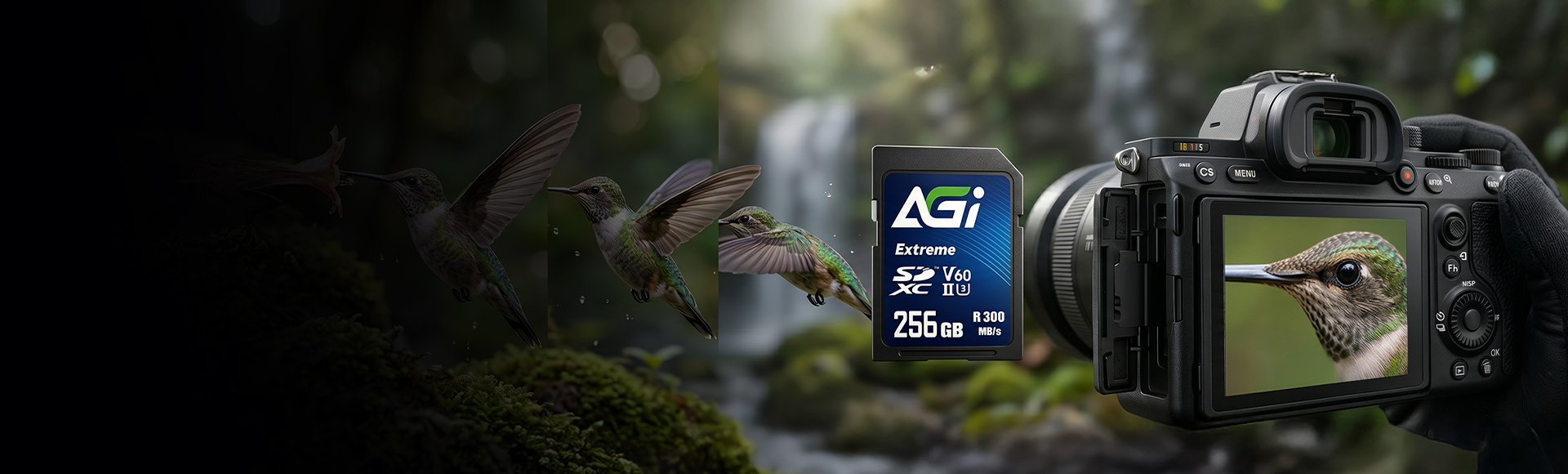
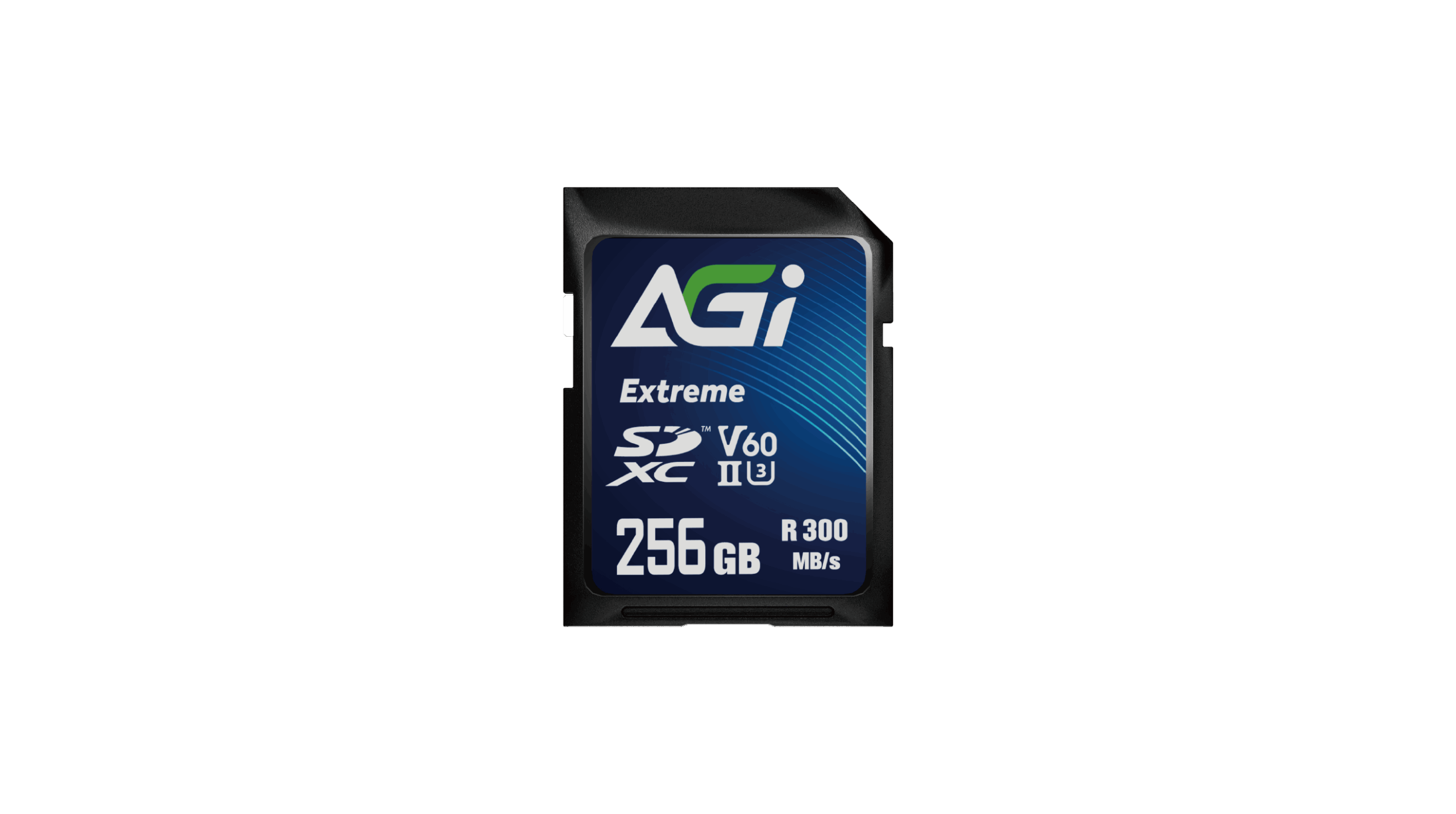
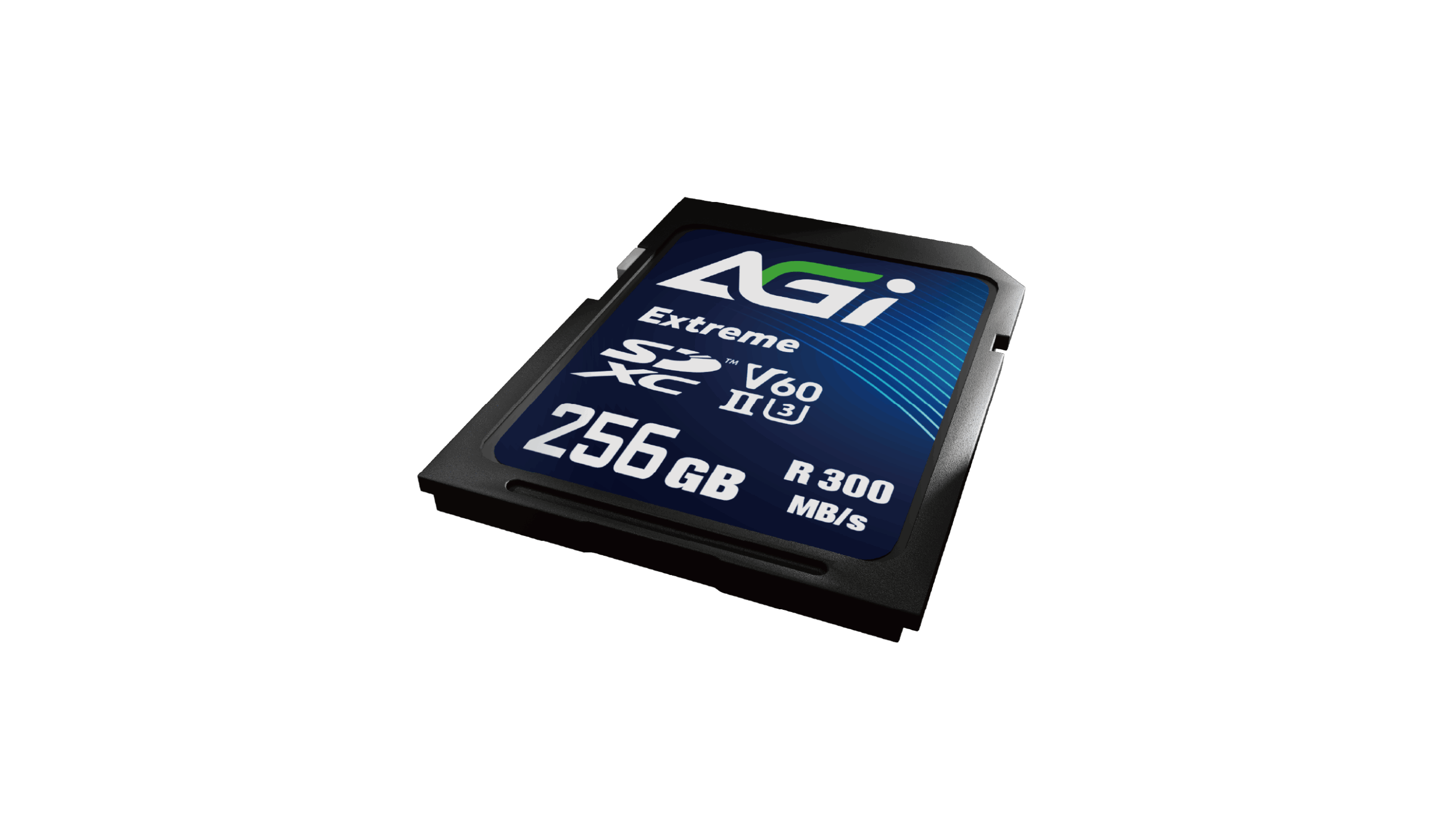
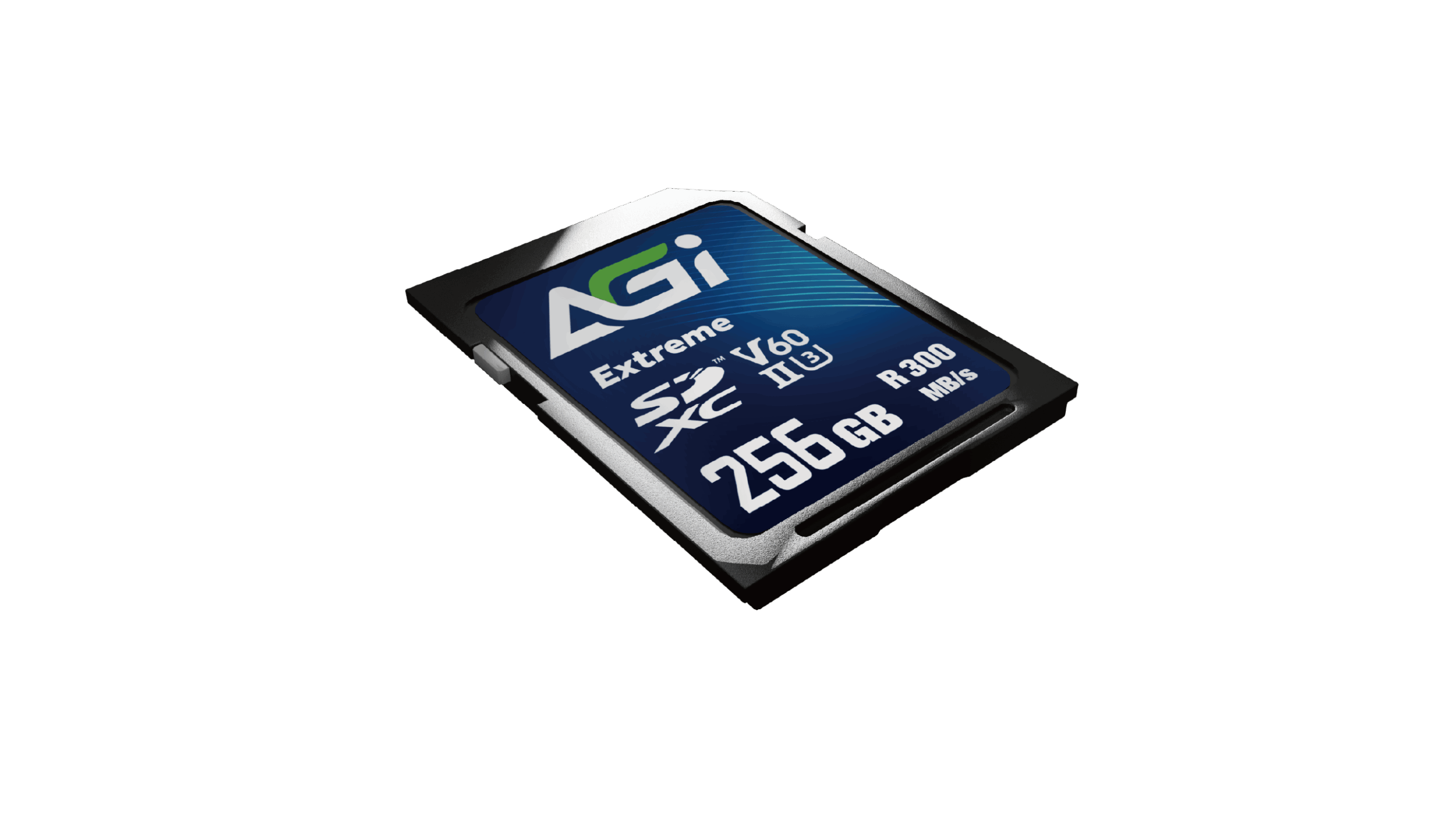
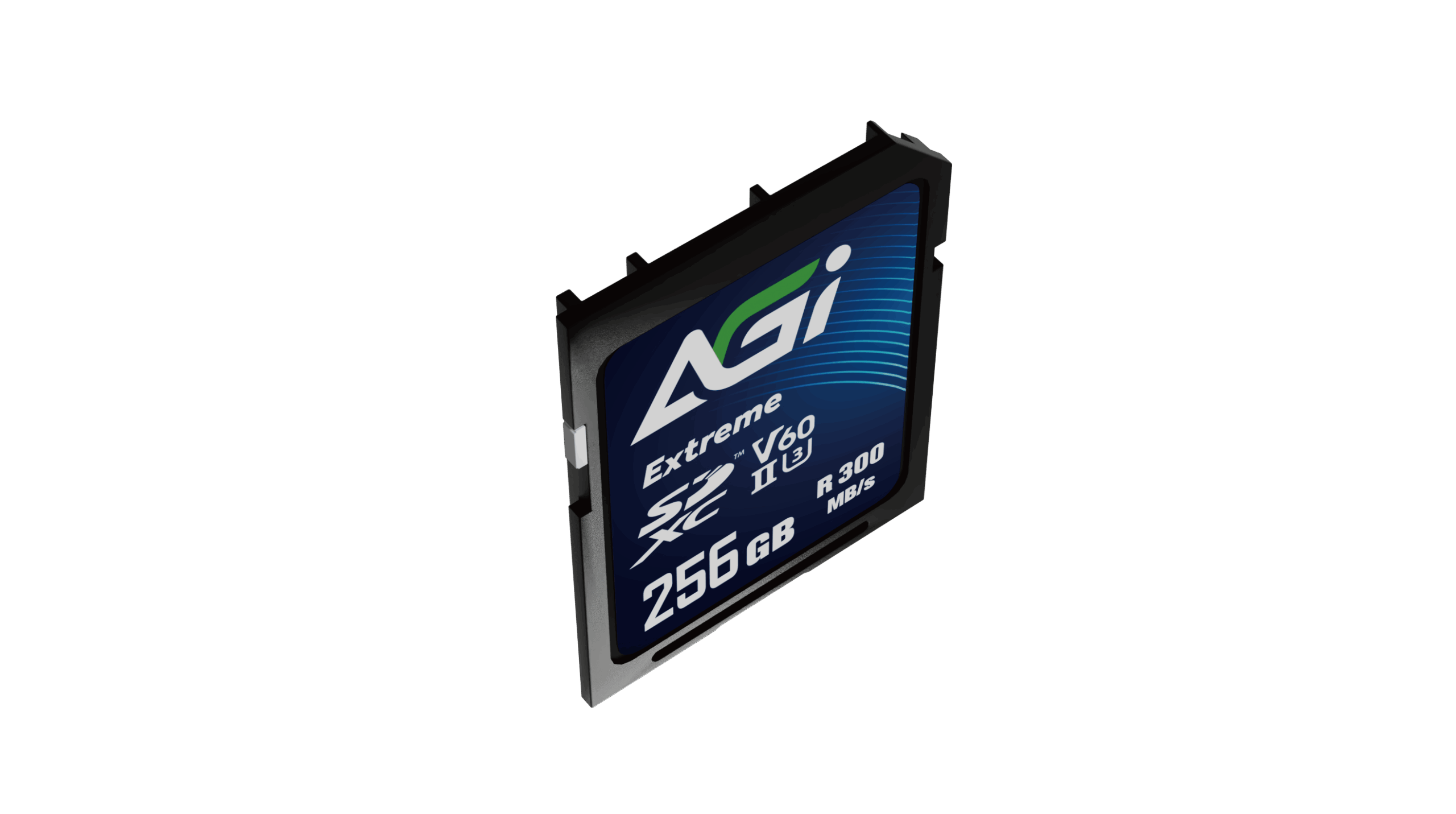
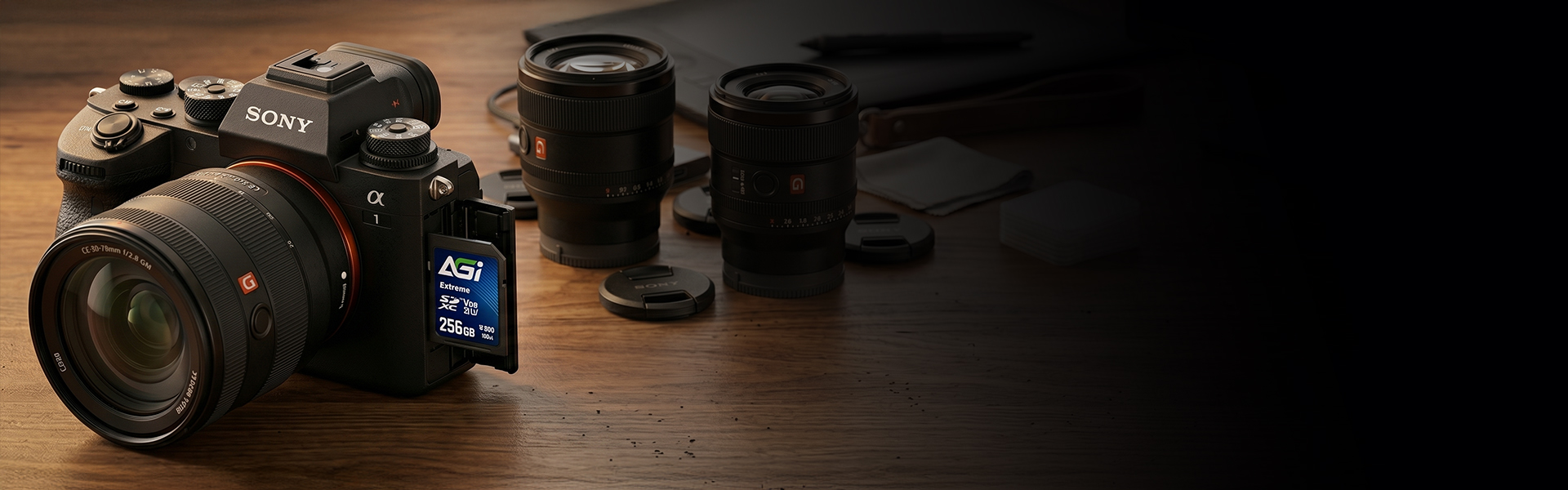
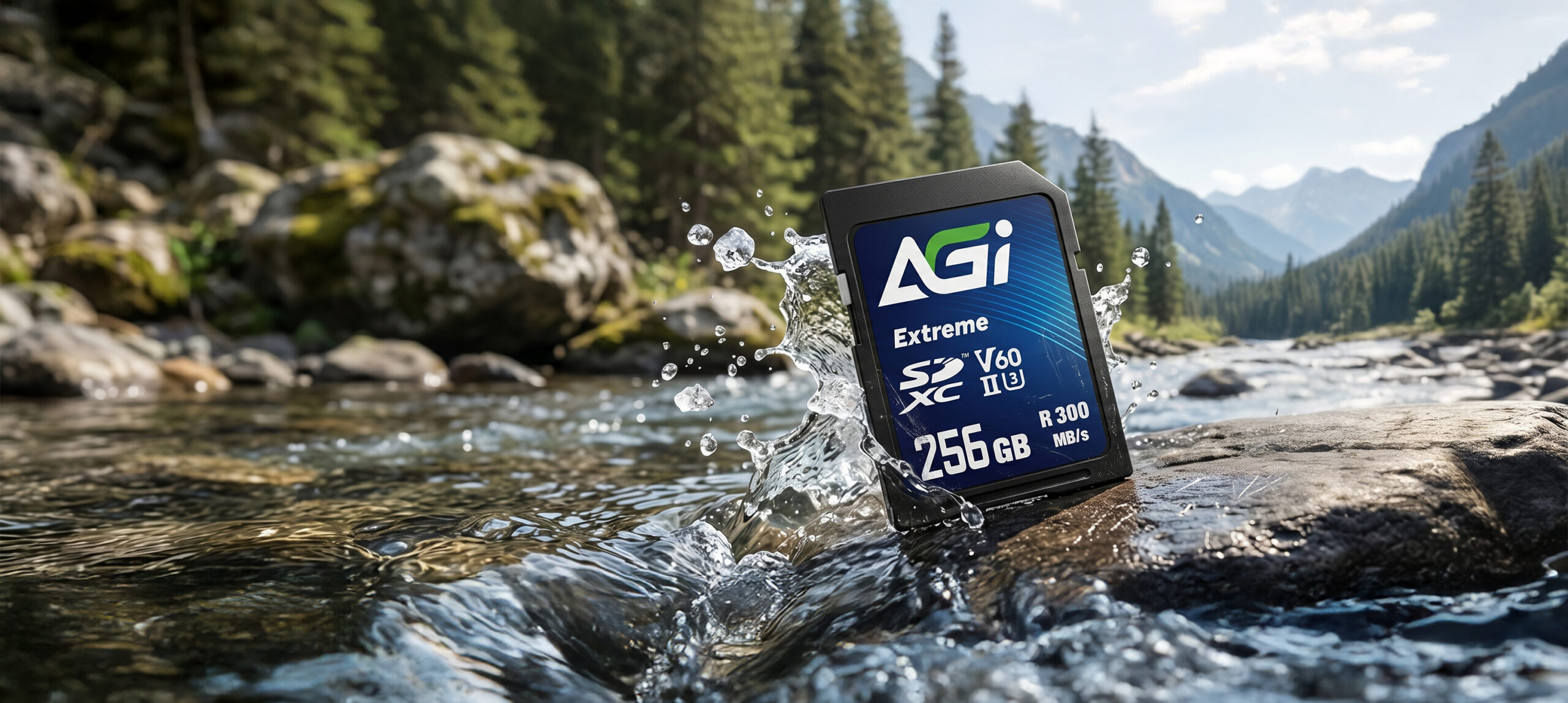
Extreme SE238 V60 SDXC Card
KEY FEATURES

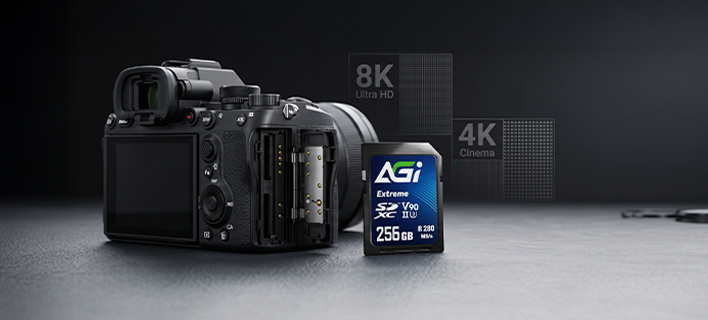
8K UHD

Camera

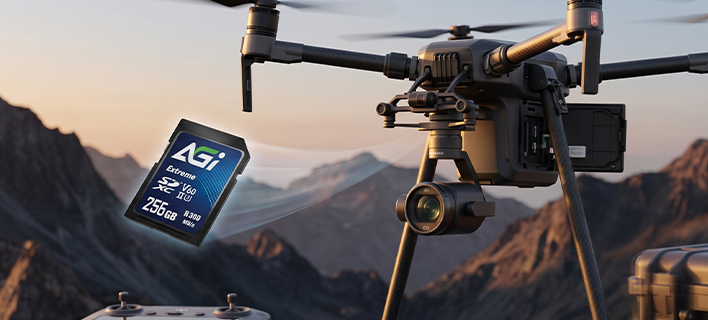
Drone
Capacity
128GB / 256GB
Standard
SD 6.1
Speed Class
UHS-II U3 / V60 / A1 **Maximum speeds are only achievable when paired with UHS-II compatible devices and card readers. Backward compatible with UHS-I
Dimensions (L x W x H)
32 x 24 x 2.1mm
Weight
2g
Read/Write(Max)*
300/200 MB/s **Some capacity is reserved for over-provisioning and wear leveling to ensure optimal performance, reliability, and longevity. Actual usable capacity may slightly vary
Warranty
5 years limited
Please check the write-protection switch on the side of the SD adapter. If it is set to "Lock," simply slide it up to unlock it.
Please ensure the memory card is firmly inserted into the reader. Try plugging the card reader into a different USB port on your computer. If the issue persists, test the reader on another computer to see if it functions correctly.
Transfer speeds depend on your device's hardware, including the card reader and USB port specifications. Additionally, the size and quantity of the files affect the speed; transferring a large number of small files is generally slower and more inconsistent than transferring a single large file.
Please try formatting using a different reader or device. If the issue persists, use the SD Formatter tool available at:
https://www.sdcard.org/downloads/formatter_4/
Speed classes (such as Class 10, U3, or V30) indicate the minimum sustained write speed of the memory card, which is crucial for video recording. For a complete breakdown of all standards, please refer to the official SD Association website: https://www.sdcard.org/developers/sd-standard-overview/speed-class/
2026-06-23