
Memory Cards
Memory Card Buying Guide: Master Capacity, Speed, and Compatibility in 3 Minutes
2026-06-23

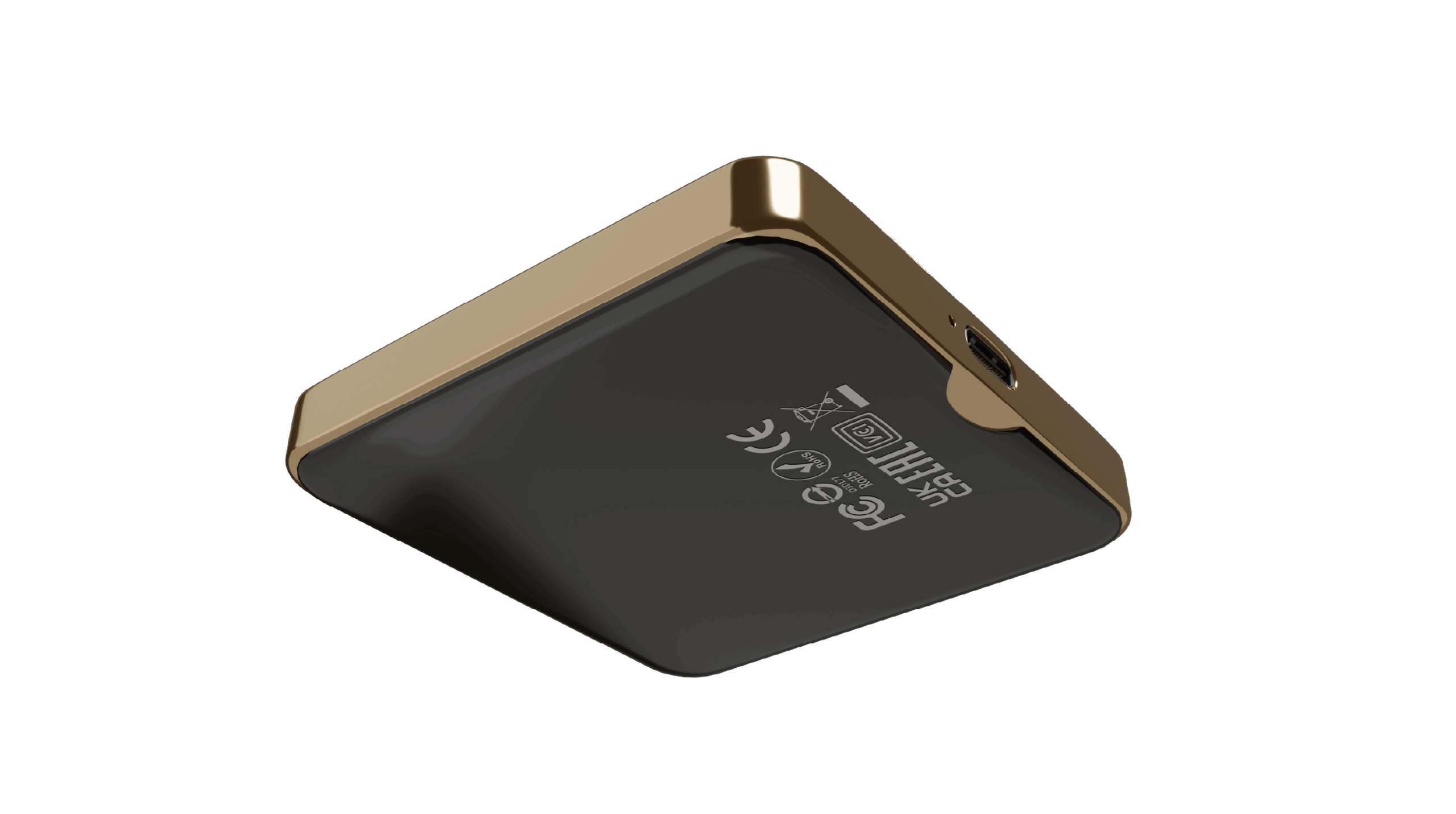
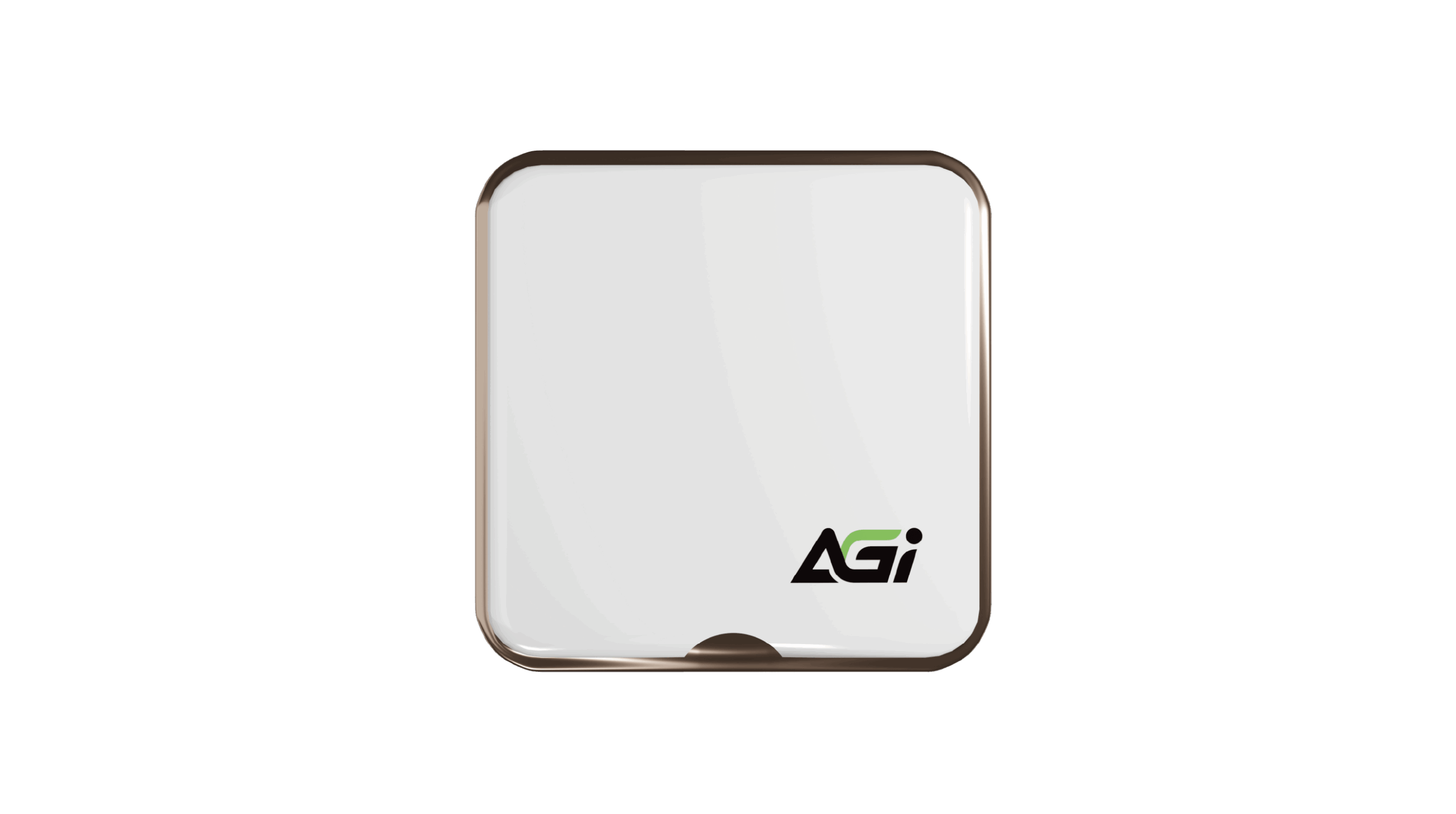
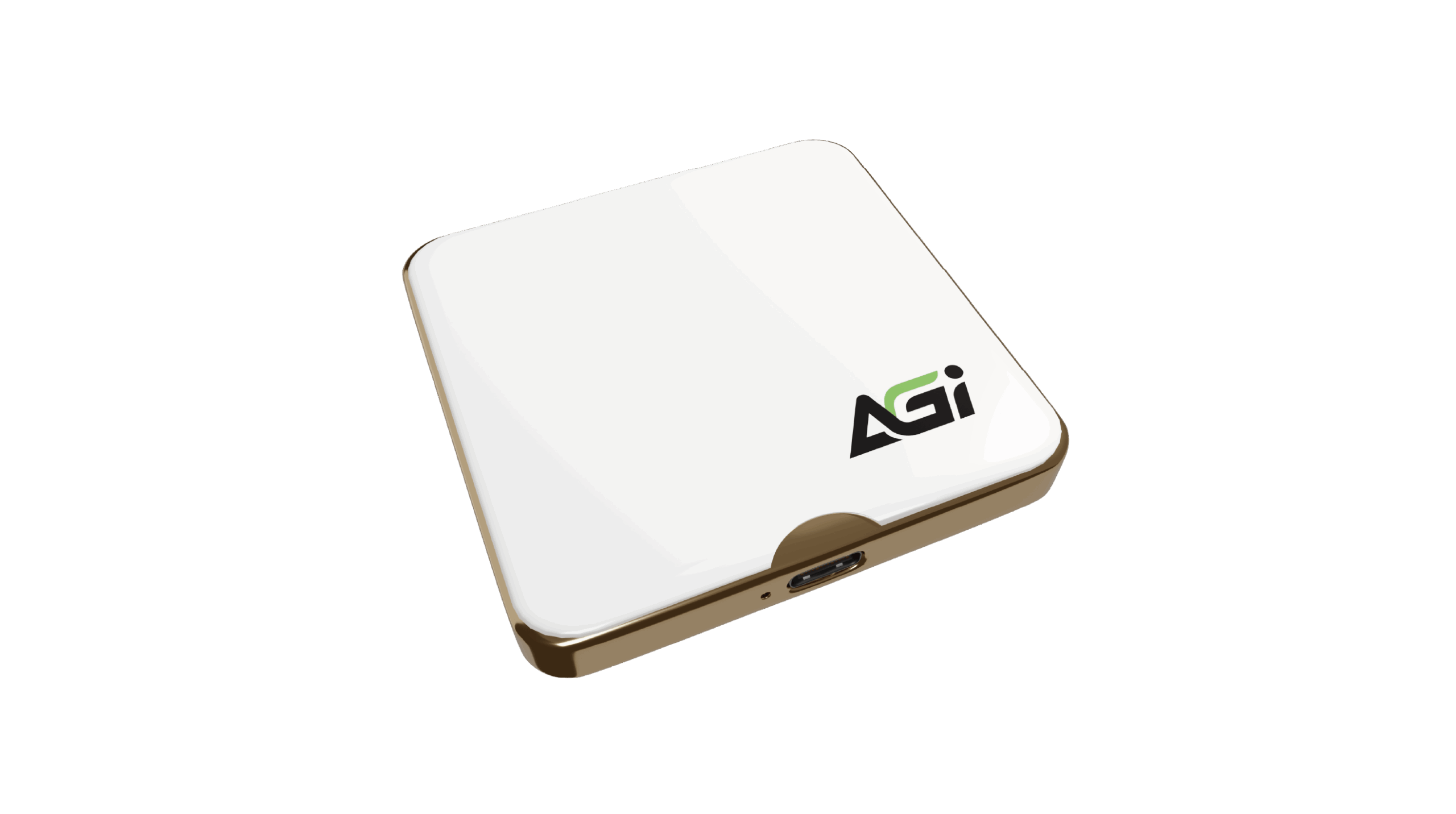
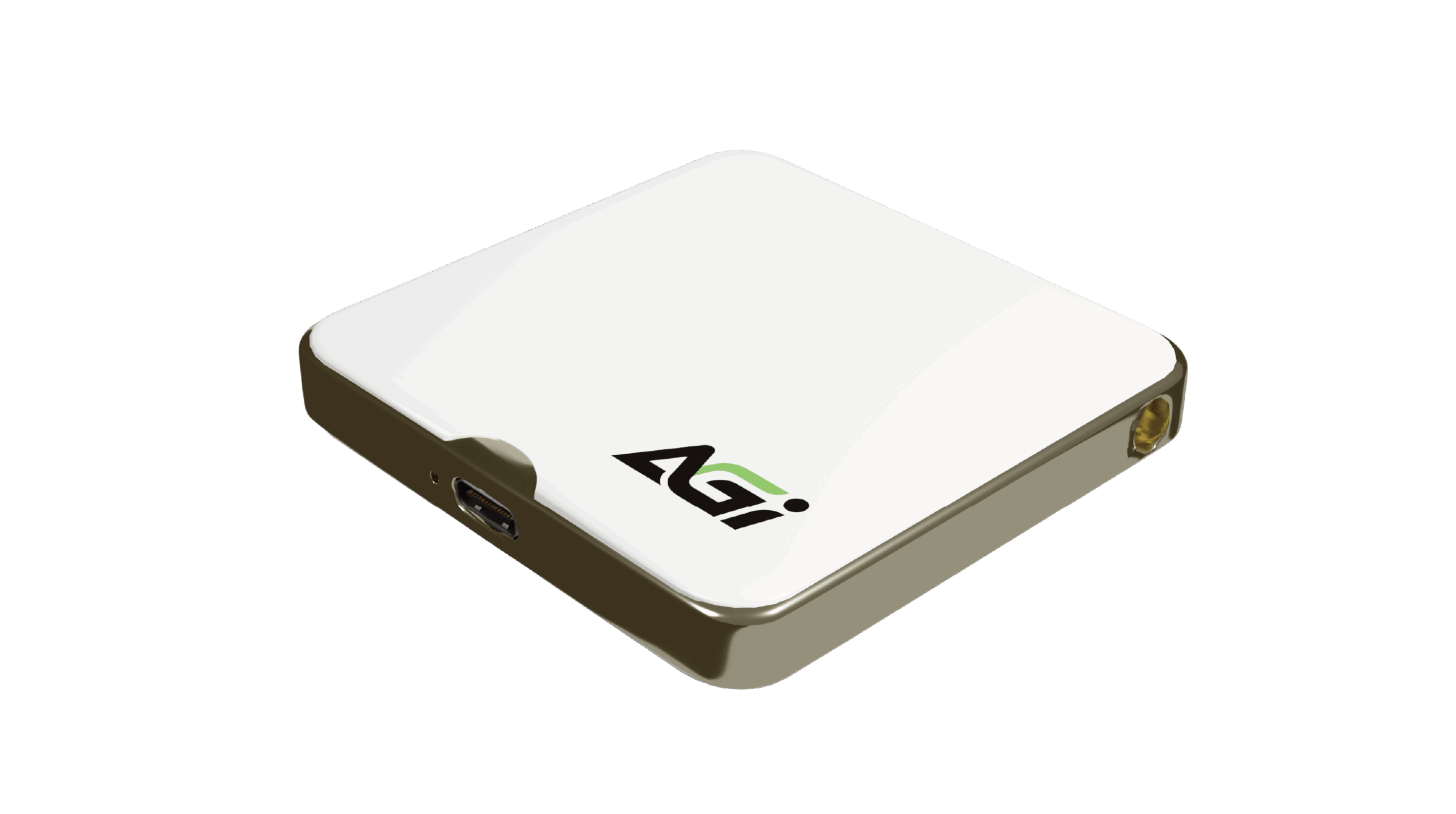
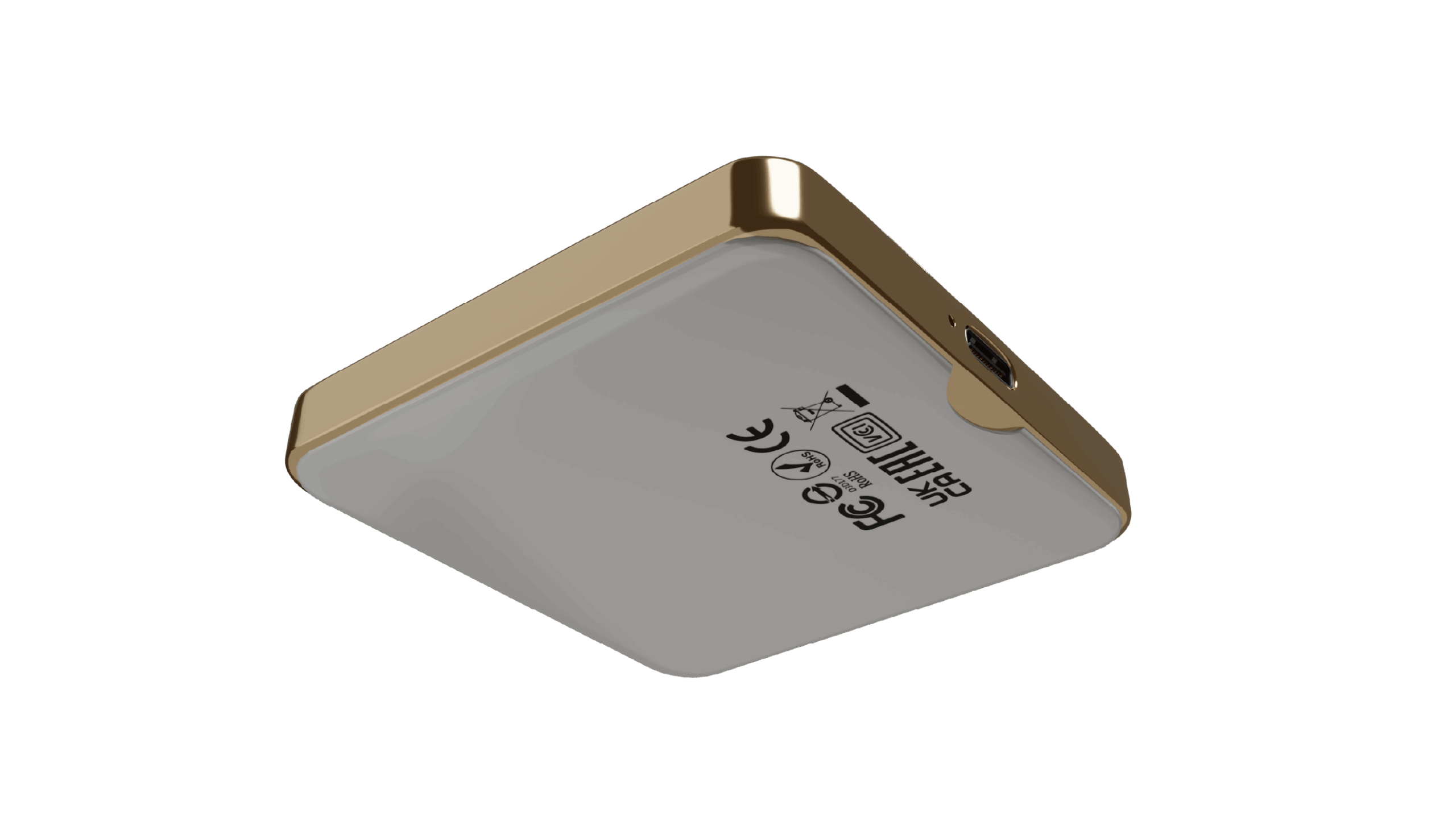
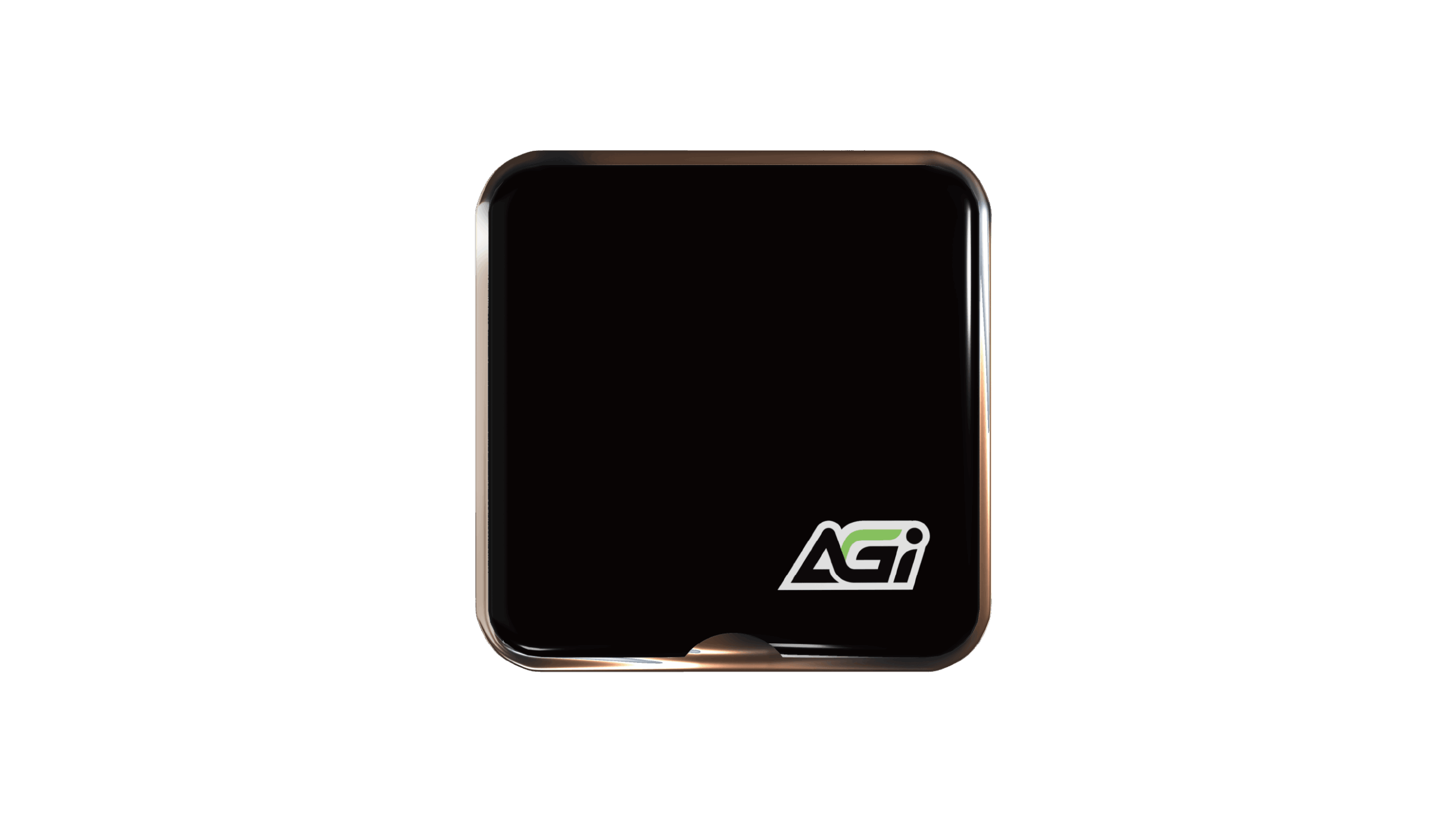
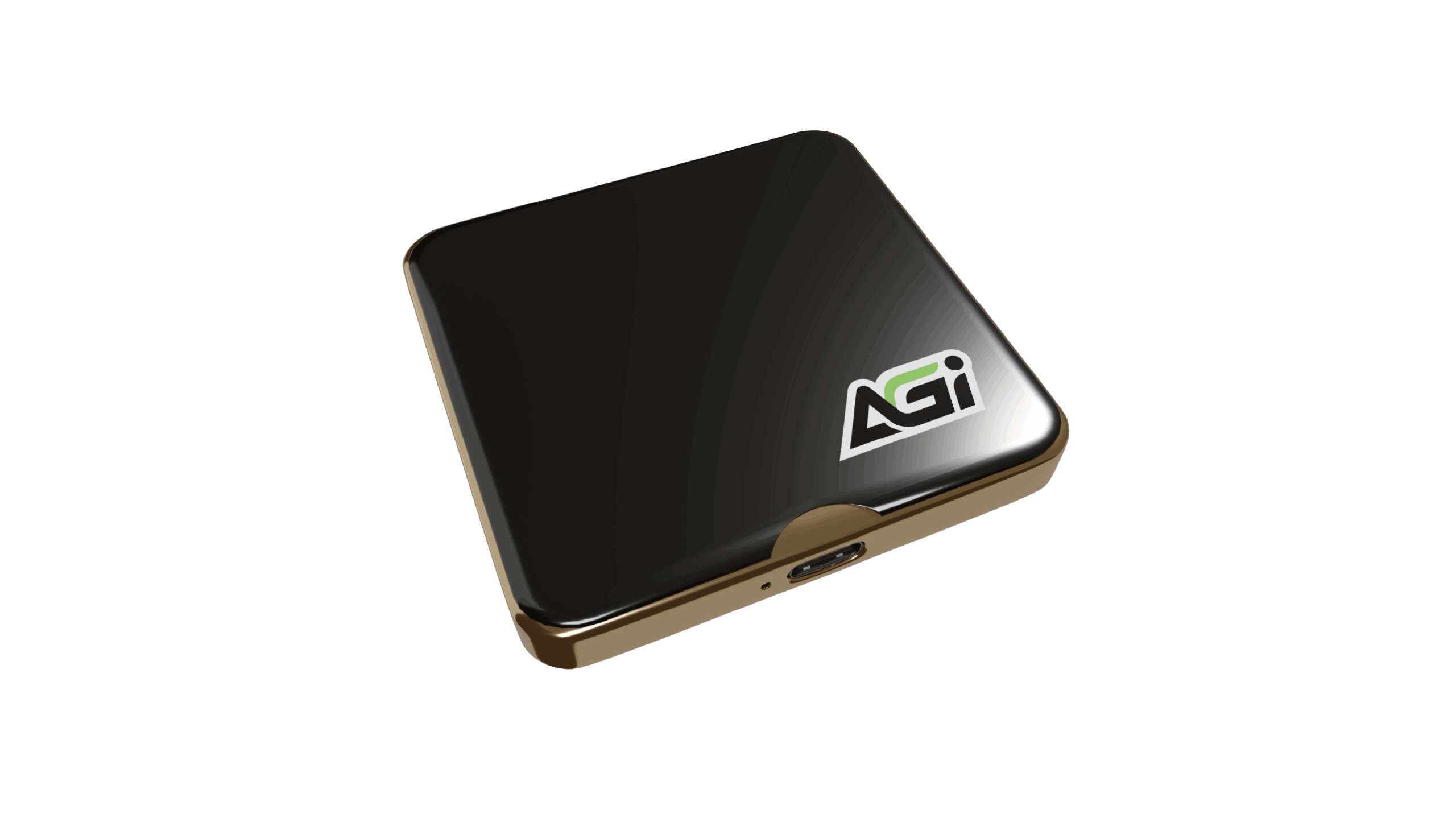
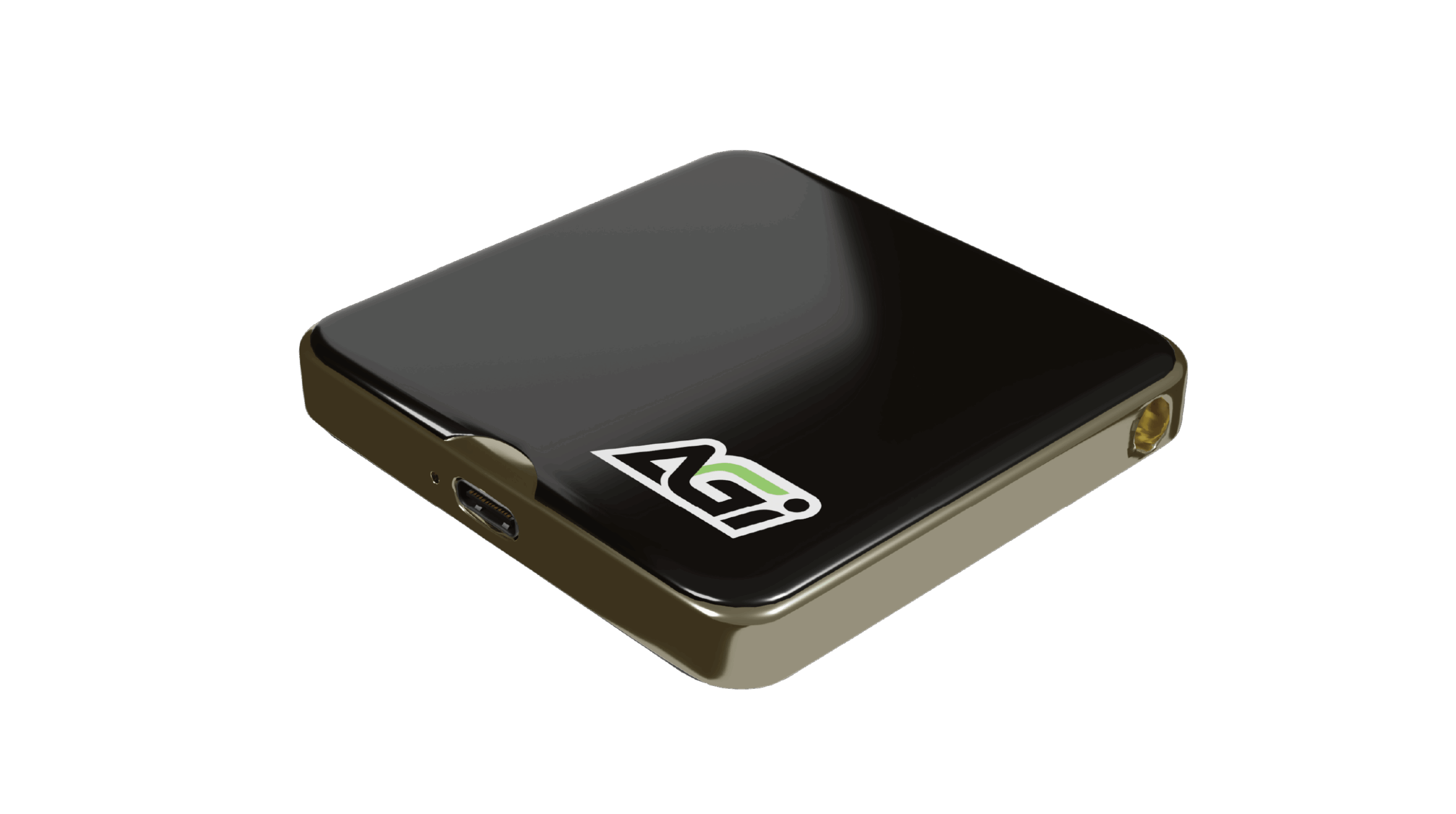
EDM38 Magnetic Portable SSD
KEY FEATURES

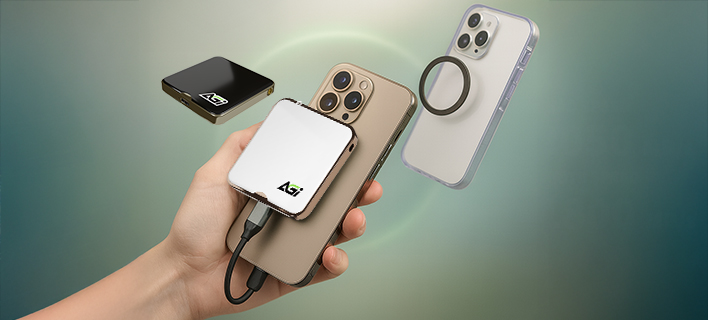
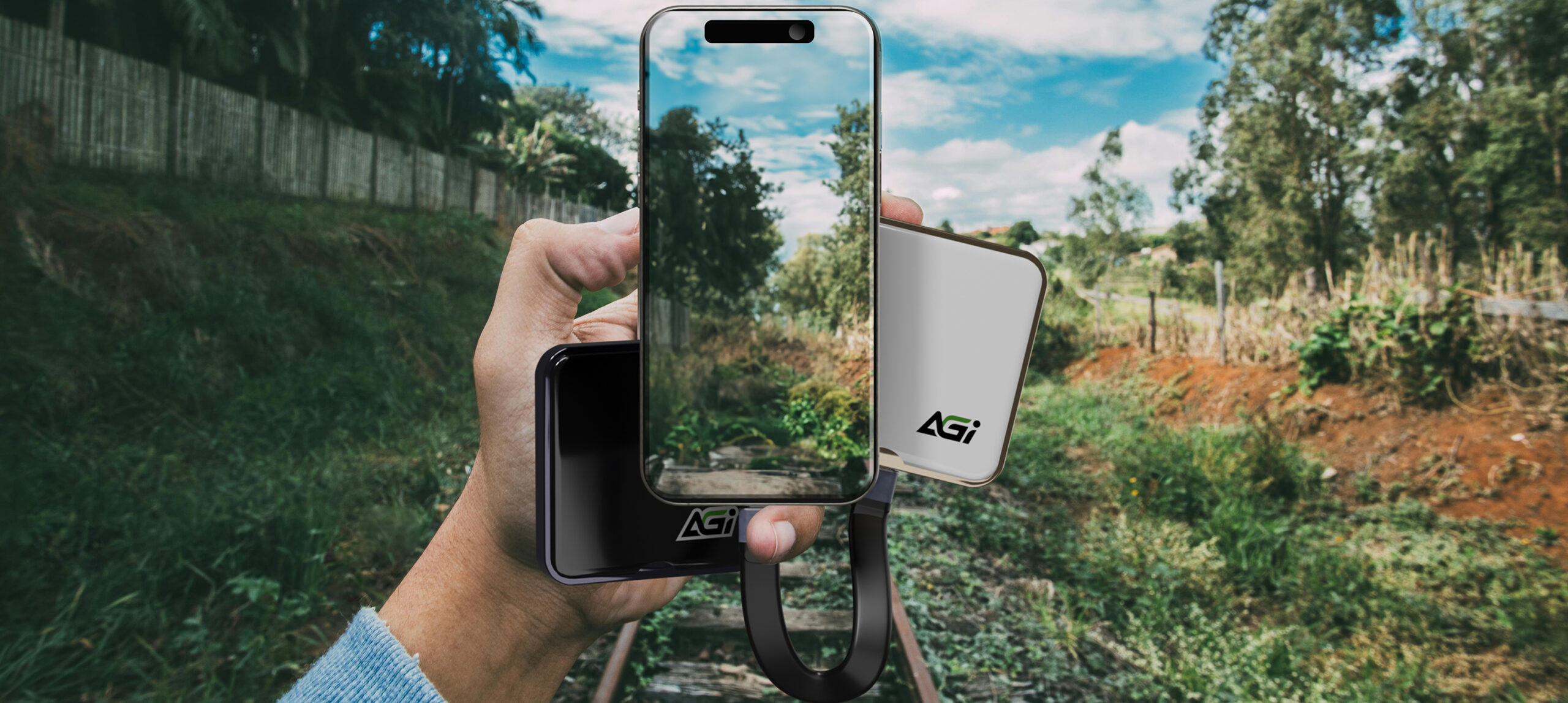
Mobile Devices Support

Built-in Magnet

Compact Size

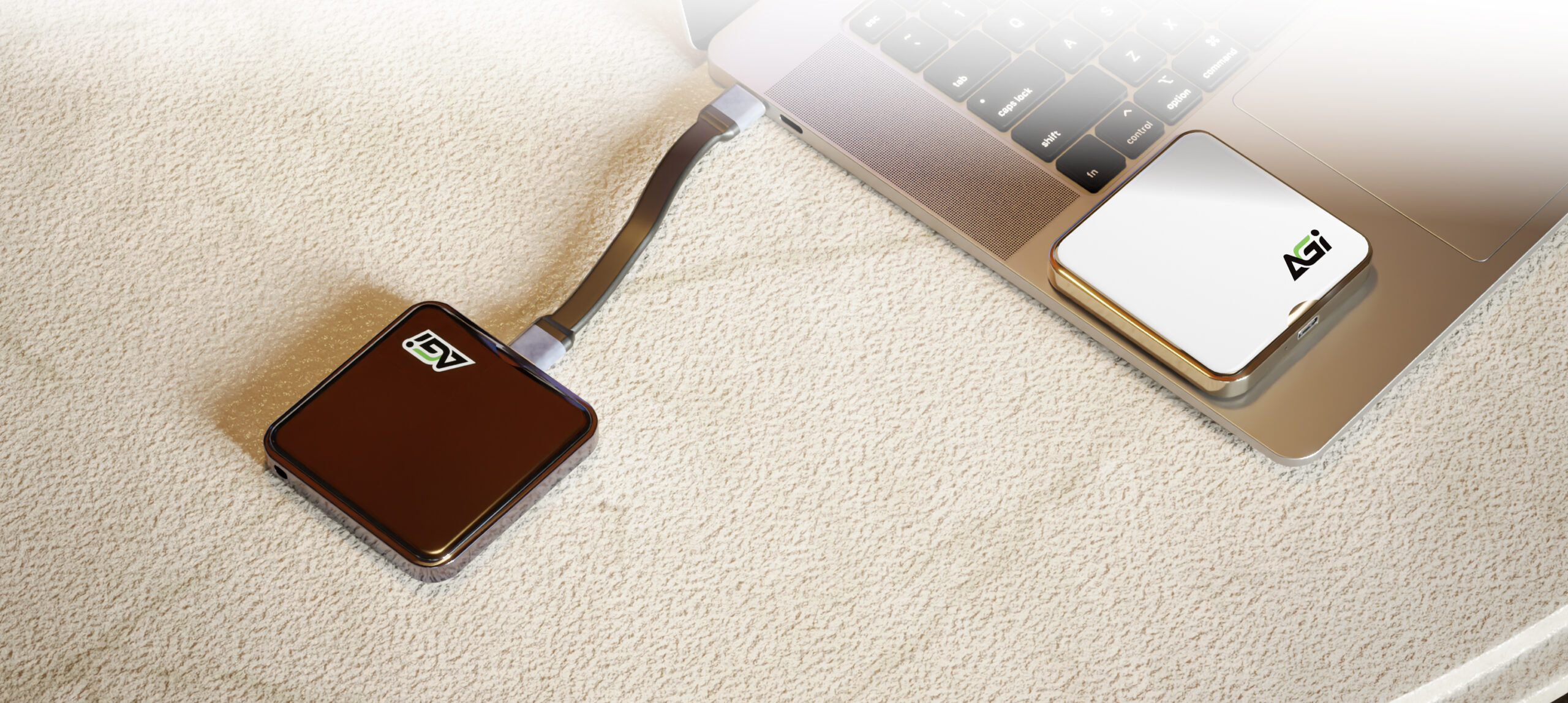
Capacity
1TB / 2TB / 4TB
Color
Black、White
Dimensions(L x W x H)
62 x 62 x11.5mm
Interface
USB 3.2 Gen 2x2 Type-C
Operation Voltage
DC 5V
Weight
56g
Application
Magnetic Suction Storage patent (Taiwan utility patent No.: M671395)
Warranty
3 years
We recommend formatting the drive before its first use to avoid any potential compatibility issues and ensure it functions properly with your system.
Data transfer speeds can be limited by the port you are using. To achieve optimal performance, please ensure the device is connected directly to a high-speed port (such as USB 3.2, USB4, or Thunderbolt). Additionally, using USB hubs, extension cables, or older adapters may significantly reduce transfer speeds.
When using the drive with a PS5 for the first time, formatting is required. Please go to: "Setting" > "Storage" > "USB Extended Storage" > "Format as USB Extended Storage" > click "..." and select "Format as exFAT"
Please follow these steps:
1. Right-click the Start icon (or press Windows + X) → Select Disk Management
2. Plug in the ED238 and make sure it appears in the list
3. Right-click the ED238 drive → Select Format → Choose exFAT → Click OK
4. Done!
Peel off the adhesive included in the package and stick it to the center of your phone or case for magnetic mounting.
The main difference lies in the hardware architecture. External SSDs are built with advanced multi-channel controllers and high-performance NAND flash memory, similar to internal computer drives. In contrast, standard USB flash drives use simpler, single-channel controllers designed primarily for cost-effectiveness and portability, resulting in slower overall read and write speeds.
2026-06-23