A838 PCIe Gen4 x4 M.2 2280 Solid State Drive
Time-Limited Speed— AI838 PCIe Gen4 Flagship Performance SSD
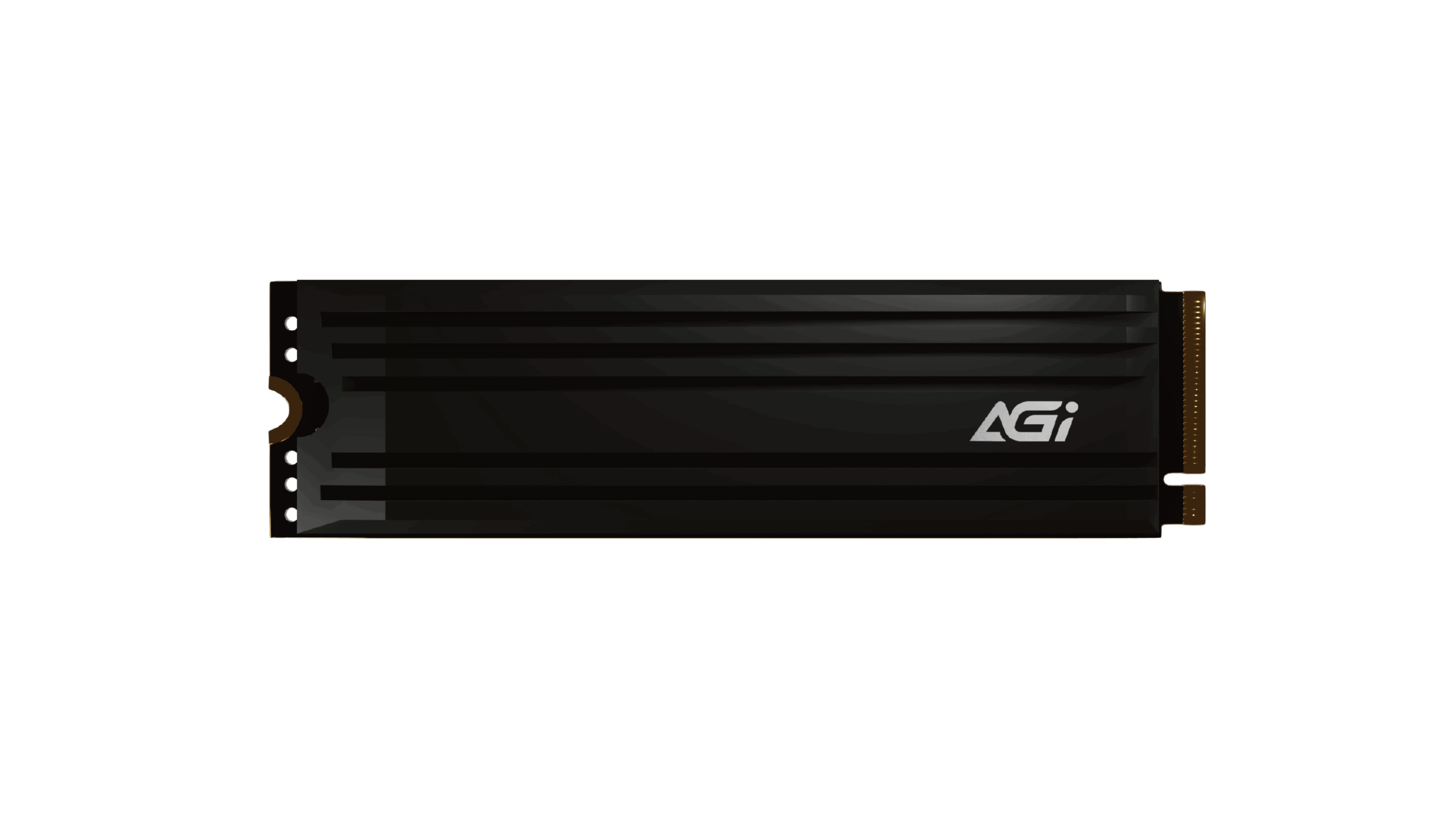
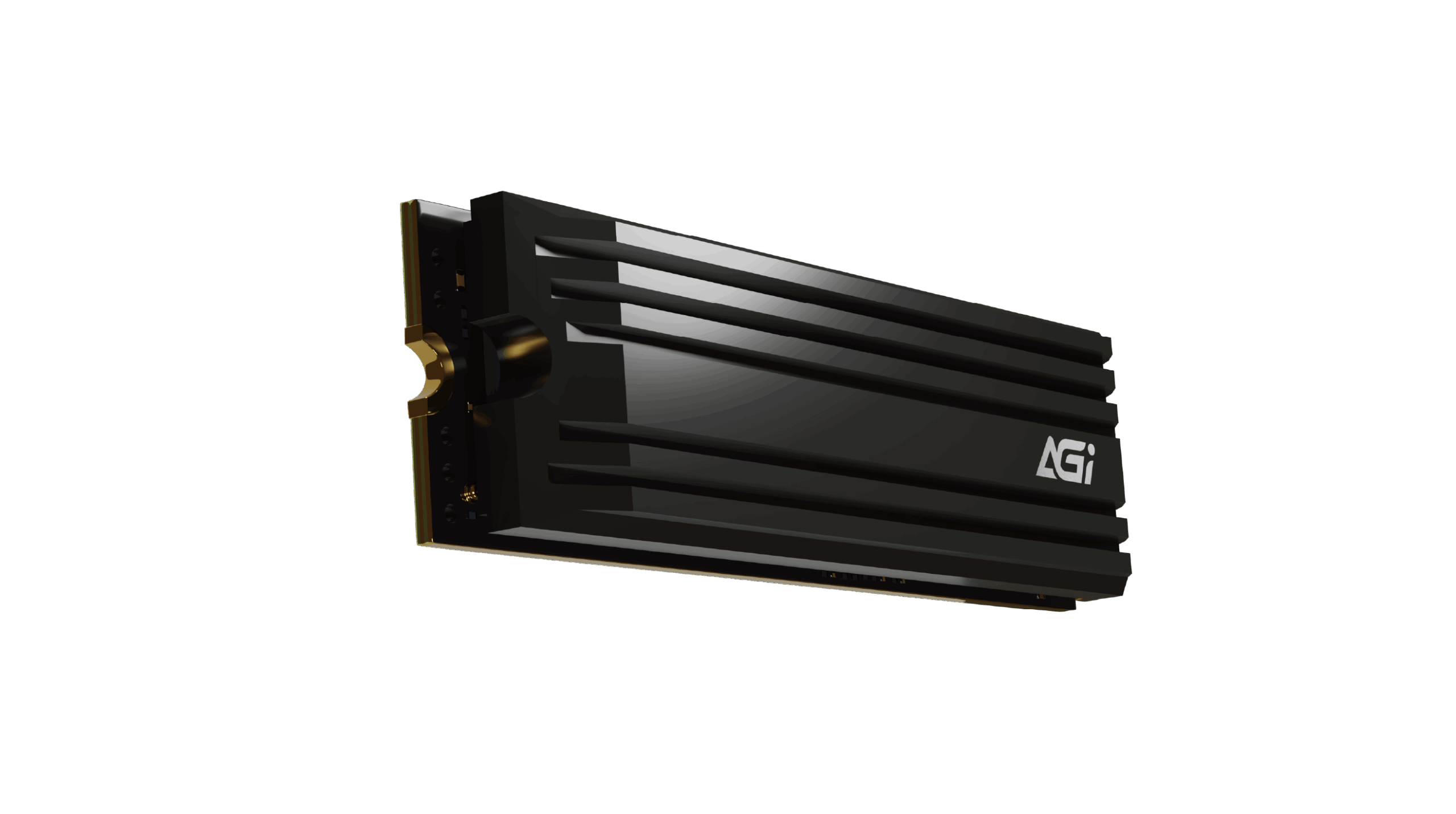
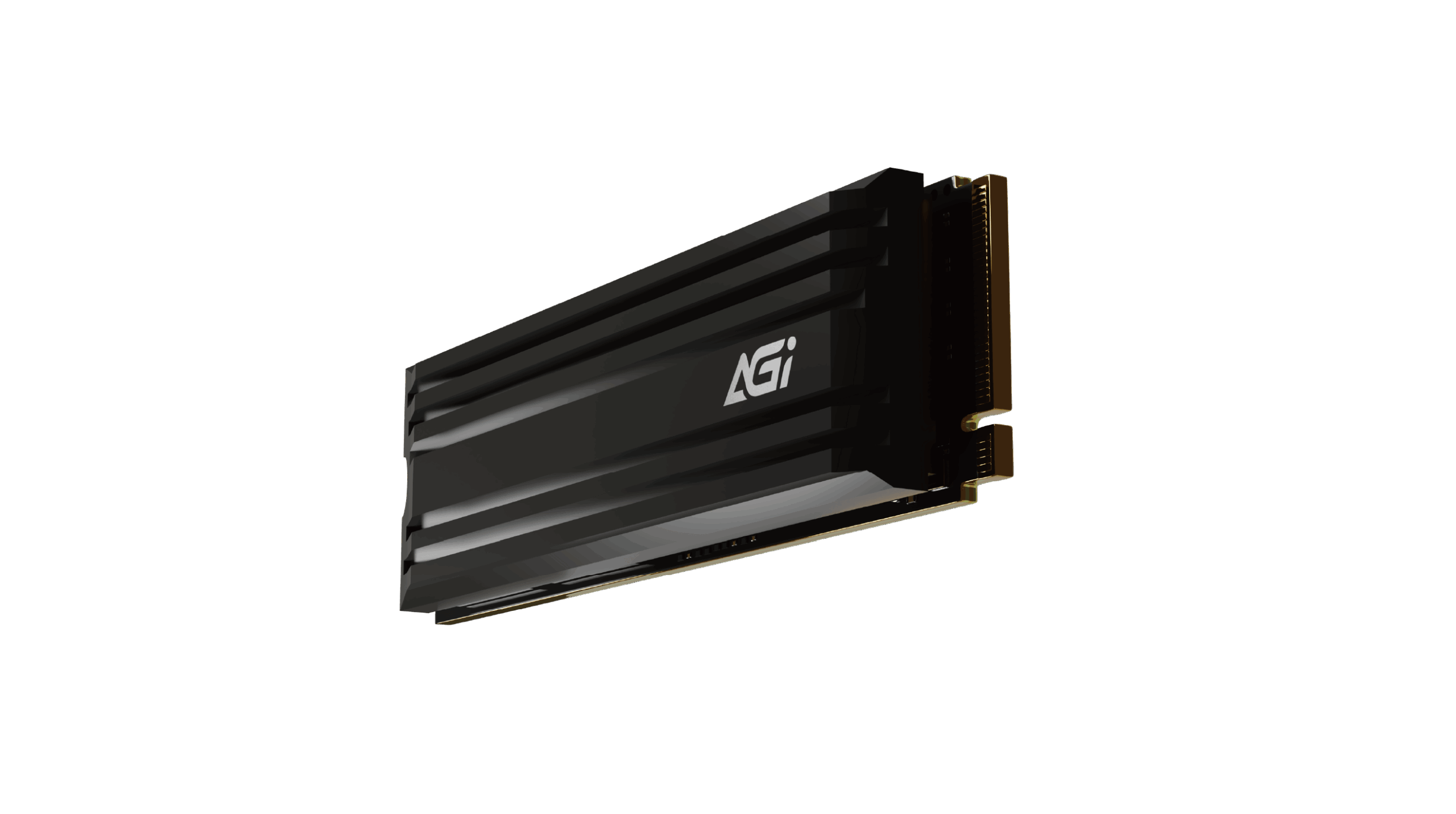
A838 PCIe Gen4 x4 M.2 2280 Solid State Drive
KEY FEATURES
- Built-in DRAM Cache for enhanced responsiveness.
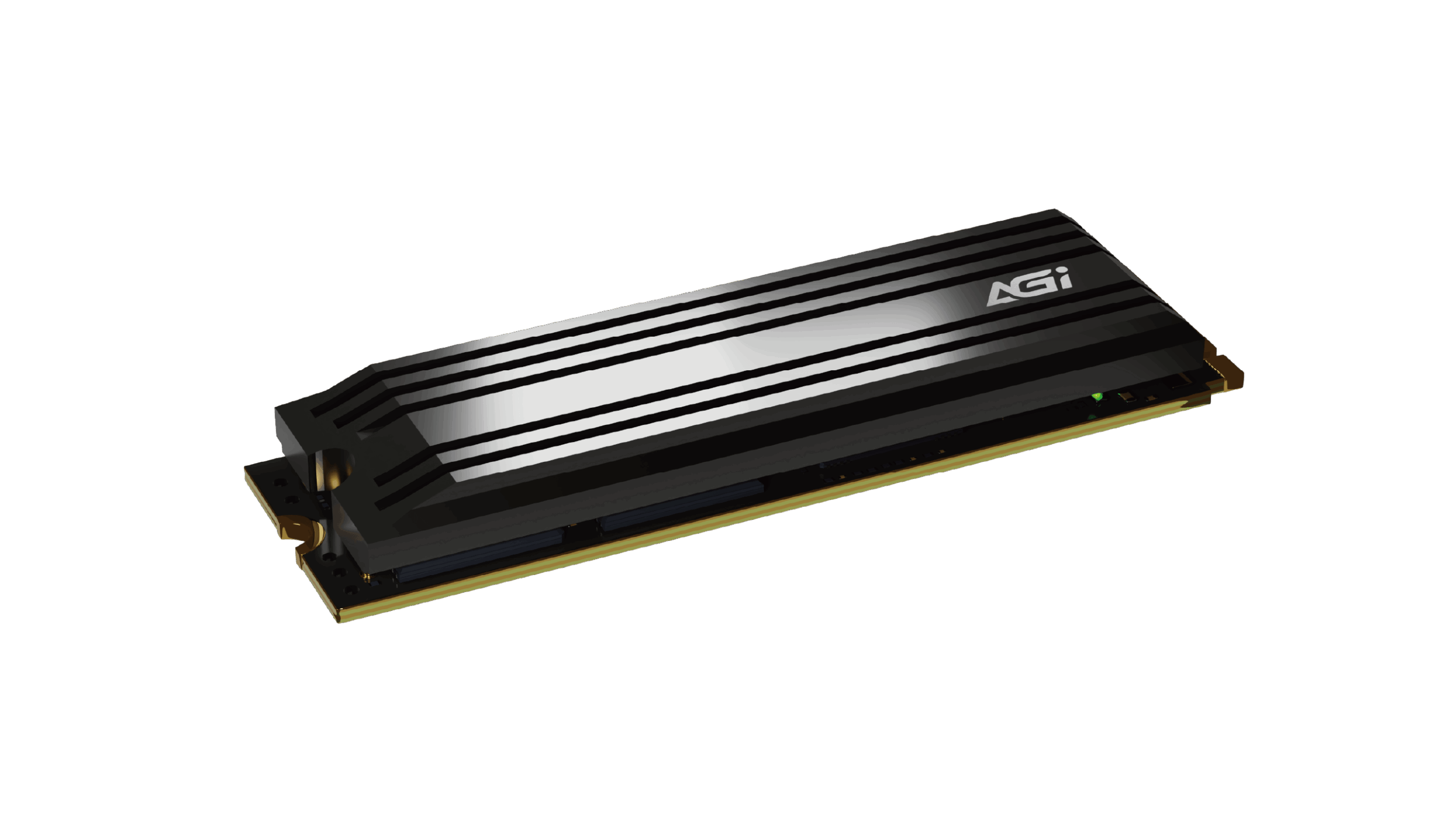
- Included high-conductivity thermal fins for superior cooling.
- Supports NVMe 1.4 protocol.
- Transfer speeds up to 7,400MB/s.

DRAM Cache

3D NAND

Heatsink For Cooling
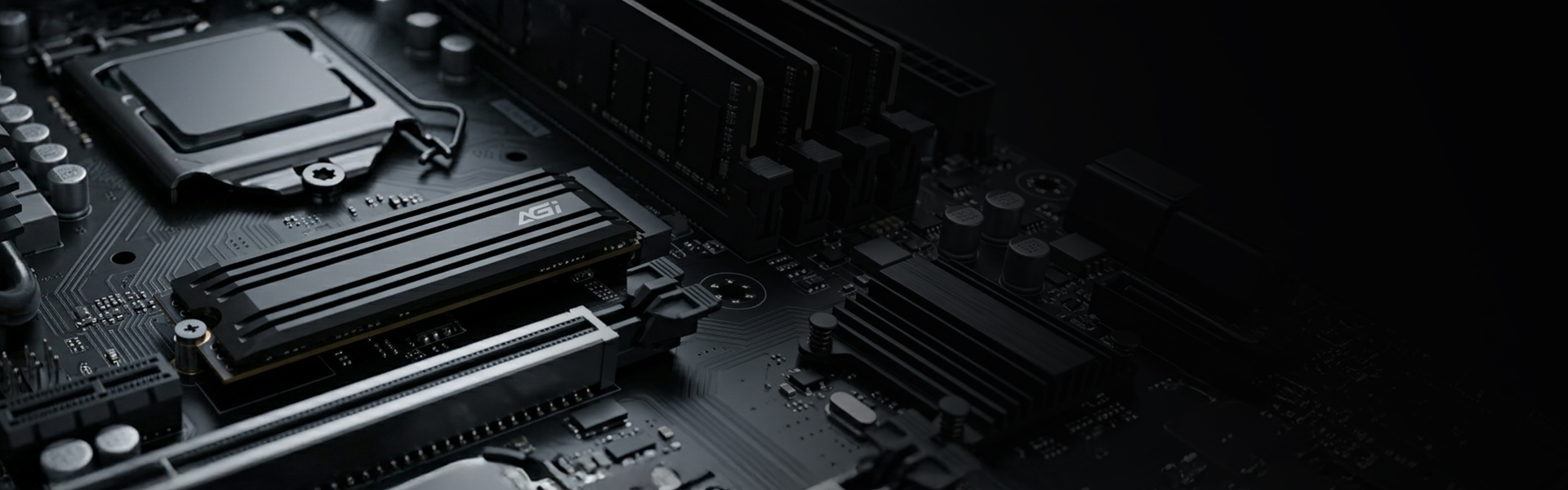
Top-Tier Transmission Performance
AI838 M.2 PCIe Gen4 SSD
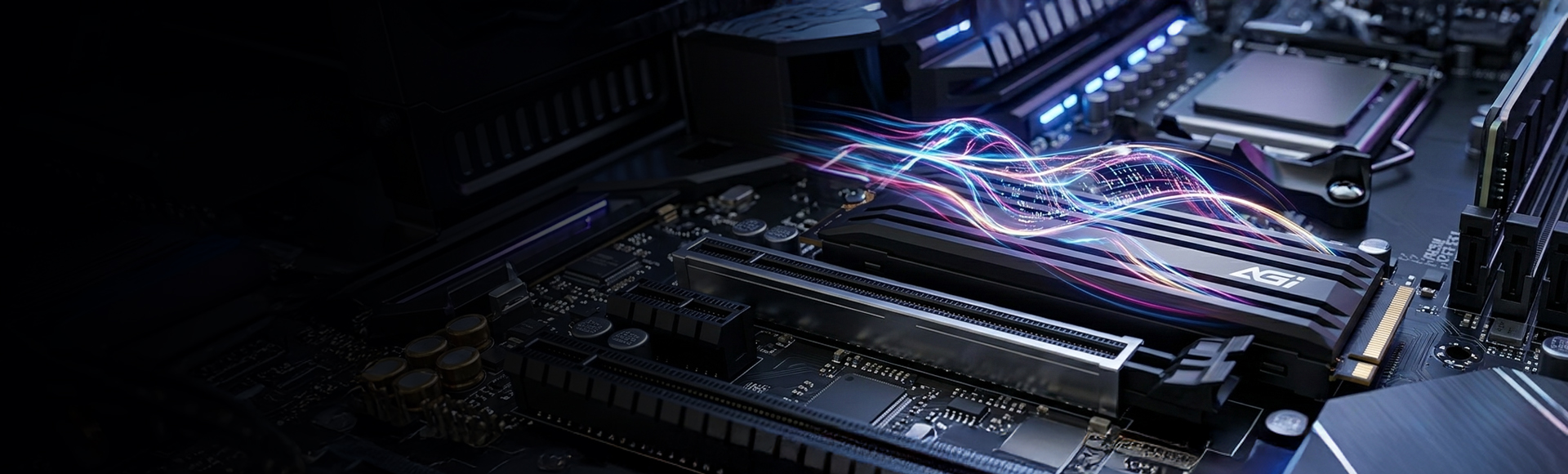
- The AI838 unleashes the full potential of PCIe Gen4 bandwidth, pushing read speeds to a staggering 7,400MB/s. Whether processing massive datasets or loading high-fidelity AAA titles, you will experience top-tier fluidity with near-instantaneous response and zero lag.
AI838 M.2 PCIe Gen4 SSD
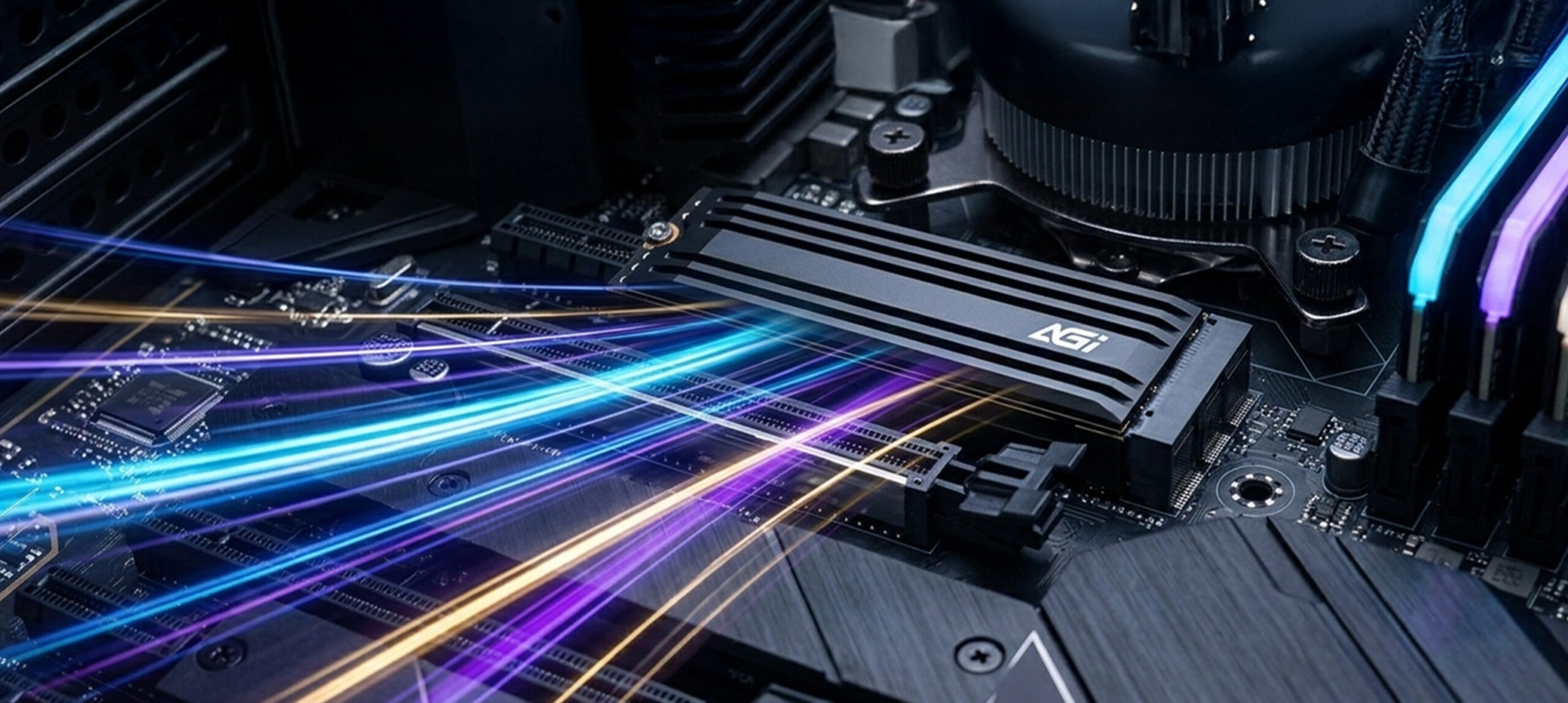
High-Performance Thermal Fins
- Equipped with high-conductivity thermal fins specifically engineered for intensive workloads. By increasing the surface area for air contact and leveraging superior material conductivity, it effectively suppresses operating heat—ensuring the SSD remains stable without thermal throttling during sustained high-performance computing.
AI838 M.2 PCIe Gen4 SSD
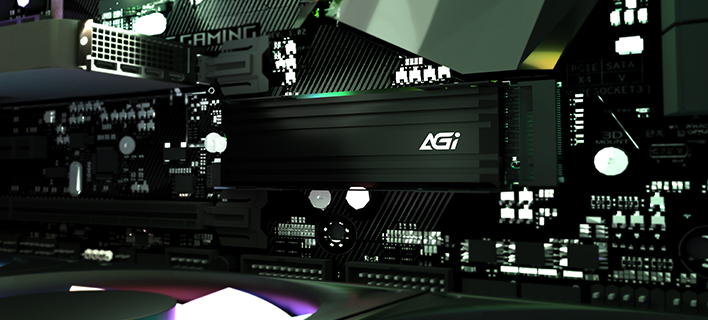
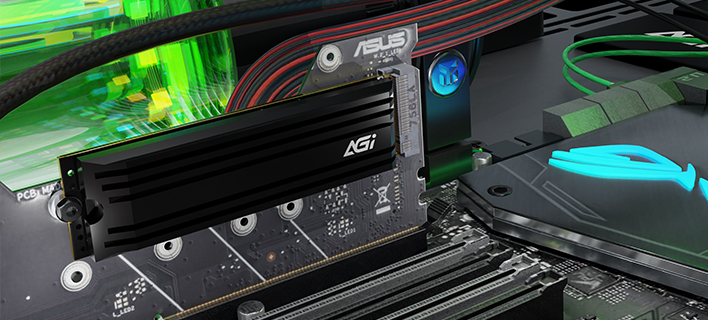
NVMe 1.4 Technical Standard
- Fully adopting the NVMe 1.4 protocol, this drive features precision-tuned data access paths. By significantly reducing system latency and optimizing multitasking capabilities, it allows for seamless switching between creative workflows and gaming—ensuring your PC maintains its most agile response speeds at all times.
AI838 M.2 PCIe Gen4 SSD
The Premier Choice for Flagship Performance
- Combining top-tier industry specifications with a highly competitive price point, there has never been a better time to upgrade to a high-performance system. The AI838 satisfies both the thirst for speed and the commitment to quality, delivering a transformative hardware evolution for enthusiasts seeking the ultimate experience.
Specifications
Capacity
1TB / 2TB / 4TB
NAND Flash
3D NAND
Form factor
PCIe Gen4 x4
Interface
M.2 2280
Dimensions(L x W x H)
80 x 22 x 3.5mm
Read/Write(Max)*
7400 / 6700 MB/s *Performance may vary by SSD capacity, hardware, and system configuration.
Shock resistance
1500G/0.5ms
Operating Temperature
0°C-70°C
Storage Temperature
-40°C-85°C
TBW
3000TB(4TB)
MTBF
2,000,000 hours
Certifications
CE, FCC, BSMI, RoHS
Warranty
5 years
Product FAQ
Please try the following steps to resolve the issue:
Step 1. Turn off your computer and disconnect all other storage drives, leaving only the target SSD connected.
Step 2. Enter your motherboard's BIOS, restore the default settings, and ensure that both AHCI and UEFI modes are enabled. Save the configuration and exit.
Step 3. Boot into the OS installer. When you reach the drive selection screen, delete all existing partitions on the target SSD, and then proceed with the installation.
Windows 11, Windows 10, and modern Linux distributions include native support for PCIe NVMe drives and can be installed directly. Please ensure your motherboard's BIOS is updated to the latest version and configured to UEFI mode. If the SSD is not detected during the Windows installation process, you may need to download and load the specific storage controller drivers (such as Intel VMD/RST) provided by your motherboard or laptop manufacturer. For further assistance, please refer to the following link or contact Microsoft: https://support.microsoft.com/
This is normal. The discrepancy is due to system calculations and allocation of space for firmware, software, and data management, which help enhance performance and prolong lifespan.
Please check the following:
1. Hardware Connection: Ensure that the data cable, power cable, and motherboard slot are properly and securely connected.
2. System Initialization: Right-click the Start menu > select “Disk Management” > locate the unallocated SSD > right-click it and select “New Simple Volume” to initialize the drive.
Please refer to the installation guide provided. If product damage, installation errors (e.g., misalignment or poor adhesion), or other issues occur, do not forcibly disassemble the unit. Doing so may cause physical damage. Contact customer service and return the product for proper handling.
Yes, but the data transfer speed will be limited by the motherboard and will not reach SATA 6 Gb/s performance.
This is normal. The difference in capacity is due to the different calculation methods used by computer operating systems, along with a portion of the space being reserved for firmware, software, and data management. This reserved space helps enhance the solid-state drive's performance and extend its lifespan.
Actual performance may vary depending on your system hardware, software environment, and whether the SSD is used as a boot drive (with an OS installed). These variations are completely normal.