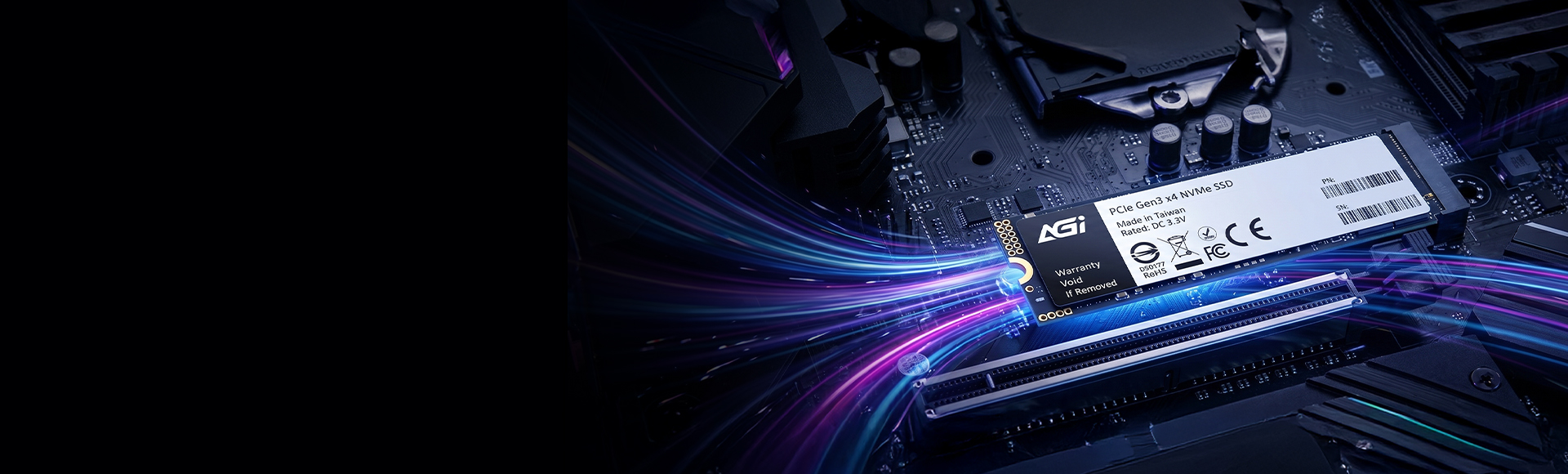
AI298 PCIe Gen3 x4 M.2 2280 Solid State Drive
Break Limits, Unleash Speed: M.2 PCIe Unlocks Your PC’s Hidden Potential.
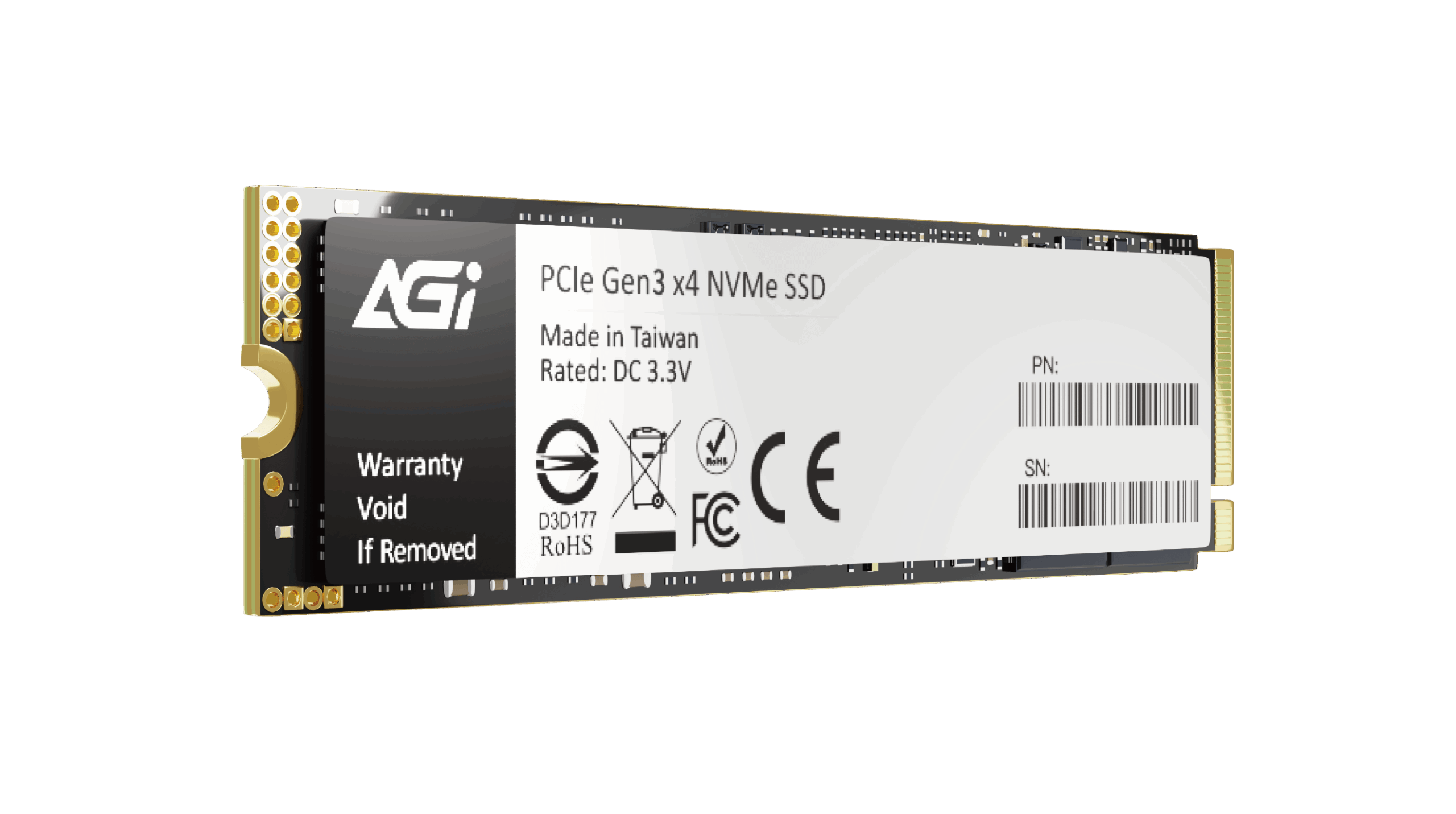
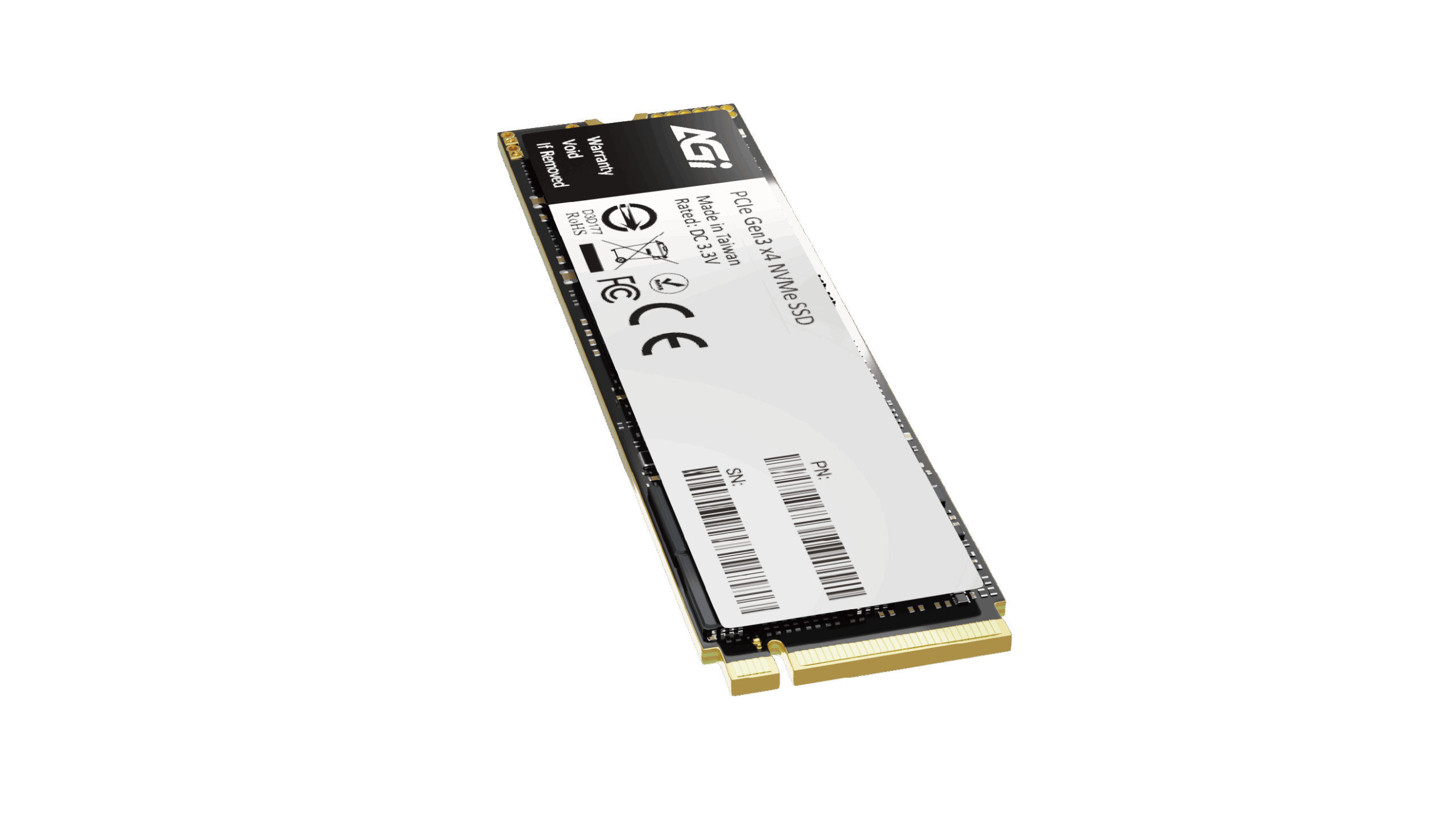
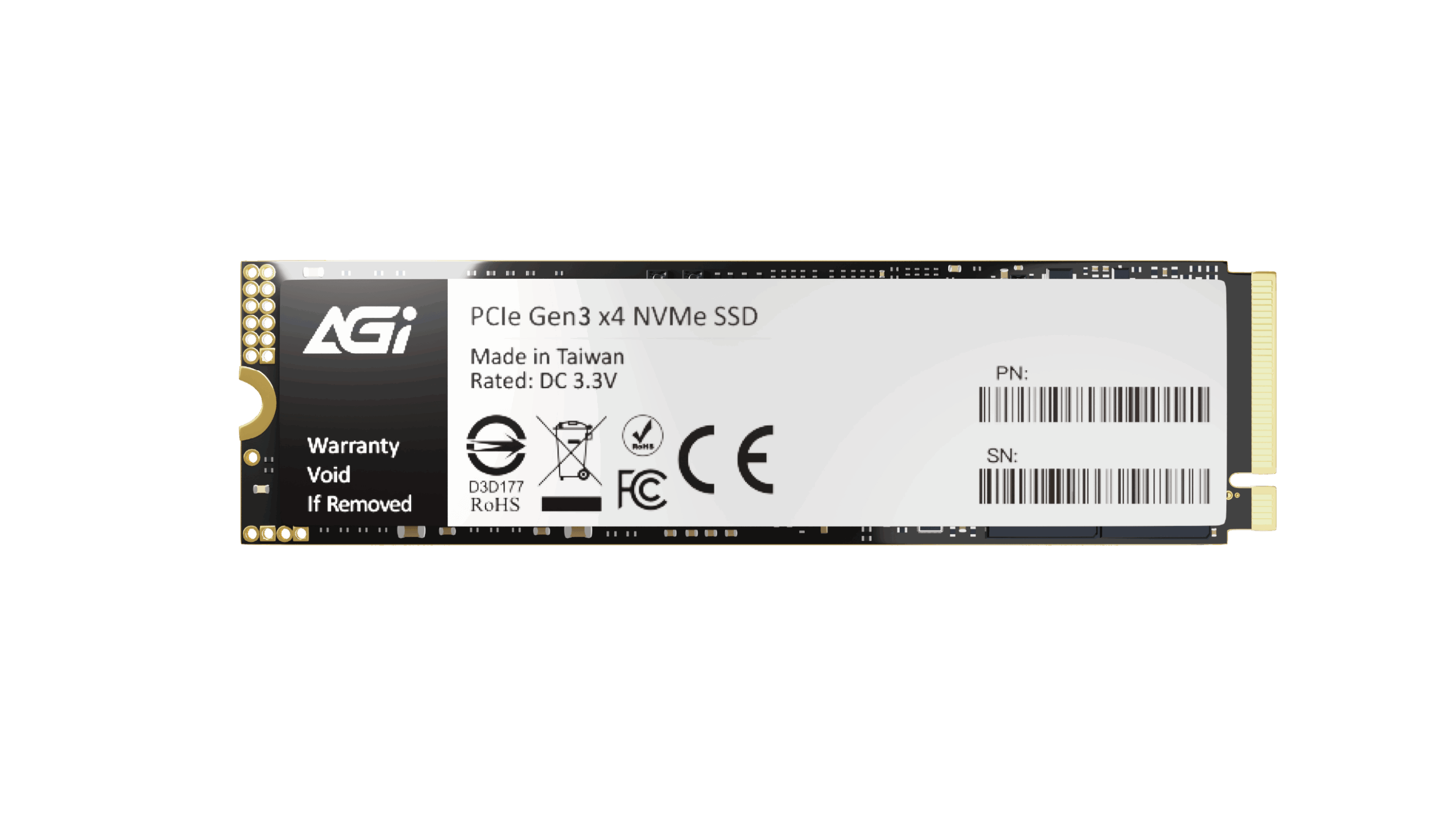
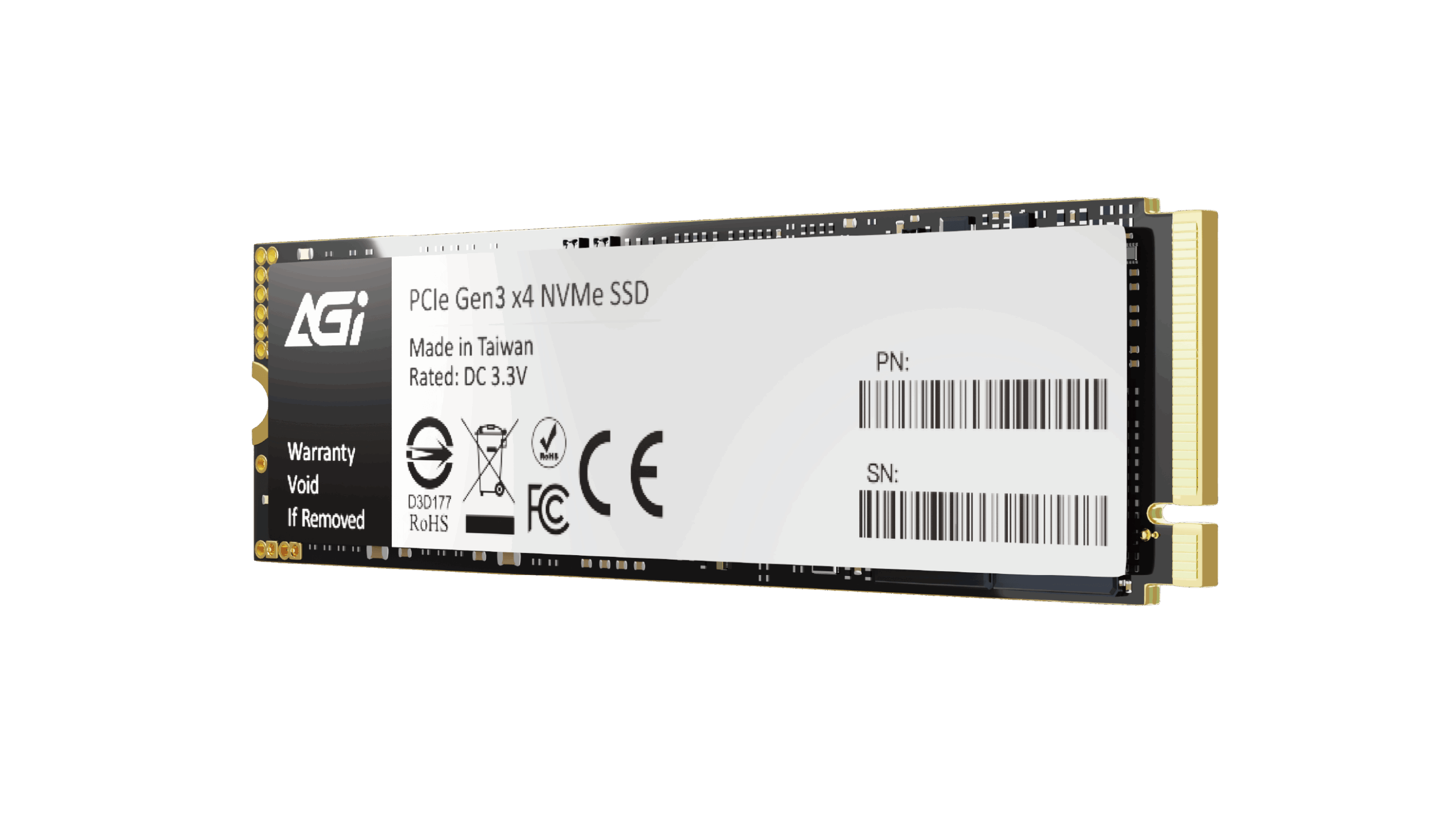
AI298 PCIe Gen3 x4 M.2 2280 Solid State Drive
KEY FEATURES
- 3D NAND Flash technology delivers enhanced durability and capacity.
- SLC Caching significantly boosts transfer speeds.
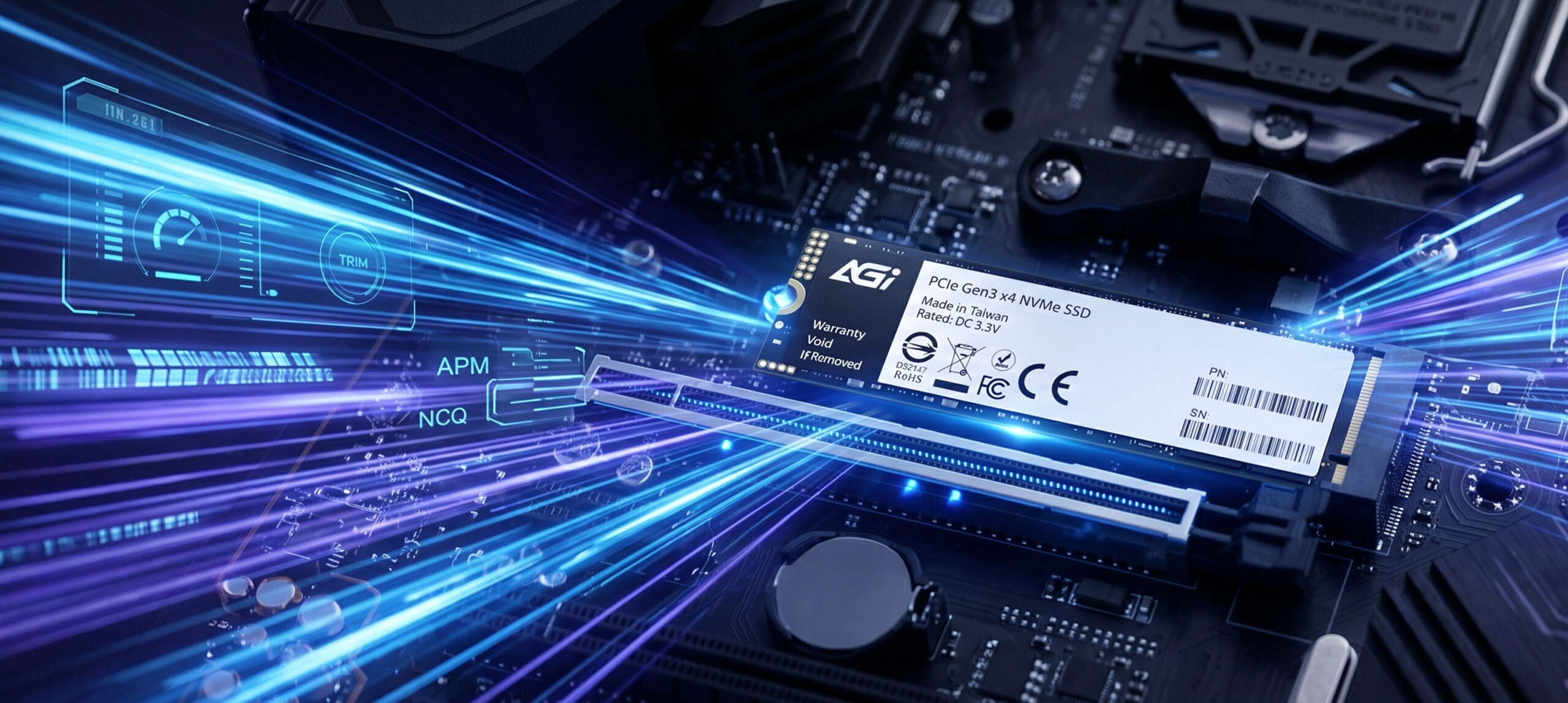
- Supports S.M.A.R.T., TRIM, APM, and NCQ commands.

HMB Support

3D NAND

High Capacity
3D NAND Stacking: The Perfect Balance of High Capacity and Durability.
AI298 M.2 PCIe SSD
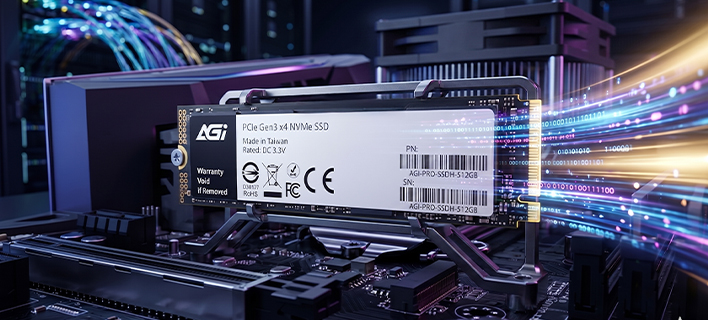
- Equipped with 3D NAND Flash to deliver massive storage in a compact form factor. The vertical stacking architecture significantly extends lifespan, making it the most reliable data vault for professional workflows and video editing.
AI298 M.2 PCIe SSD
3D NAND Stacking: The Perfect Balance of High Capacity and Durability.
- Equipped with 3D NAND Flash to deliver massive storage in a compact form factor. The vertical stacking architecture significantly extends lifespan, making it the most reliable data vault for professional workflows and video editing.
AI298 M.2 PCIe SSD
SLC Caching Technology: Instantly Ignite Transfer Performance.
- Utilizing SLC Caching algorithms to maximize the potential of PCIe bandwidth. Enjoy near-zero latency and blazing-fast read/write speeds, whether loading massive games or transcoding high-definition assets.
AI298 M.2 PCIe SSD
Smart Command Support: Real-Time Guard for Performance and Health.
- Supports S.M.A.R.T. monitoring and TRIM optimization to maintain peak SSD performance. Built-in APM and NCQ technologies intelligently manage command queuing and reduce power consumption.
AI298 M.2 PCIe SSD
Slim M.2 Design: The Premier Upgrade Choice for Mobile Devices.
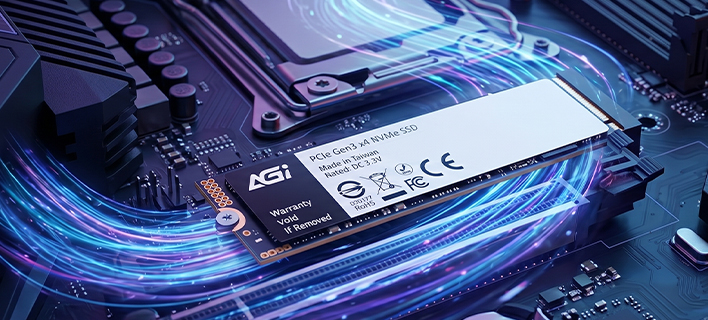
- Tailor-made for ultrabooks and high-end desktops, eliminating cluttered cables and saving chassis space. Its high compatibility makes system upgrades effortless, providing the ultimate solution for high-efficiency computing environments.
Specifications
Capacity
256GB / 512GB / 1TB / 2TB / 4TB
NAND Flash
3D NAND
Form factor
PCIe Gen 3 x 4
Interface
M.2 2280
Dimensions(L x W x H)
80 x 22mm
Read/Write(Max)*
3200 / 1700 MB/s (2TB) *Performance may vary by SSD capacity, hardware, and system configuration.
Shock resistance
1500G/0.5ms
Operating Temperature
0°C-70°C
Storage Temperature
-40°C-85°C
TBW
1200TB(2TB)
MTBF
1,600,000 hours
Certifications
CE, FCC, BSMI, VCCI, RoHS
Warranty
3 years
Product FAQ
Please try the following steps to resolve the issue:
Step 1. Turn off your computer and disconnect all other storage drives, leaving only the target SSD connected.
Step 2. Enter your motherboard's BIOS, restore the default settings, and ensure that both AHCI and UEFI modes are enabled. Save the configuration and exit.
Step 3. Boot into the OS installer. When you reach the drive selection screen, delete all existing partitions on the target SSD, and then proceed with the installation.
Windows 11, Windows 10, and modern Linux distributions include native support for PCIe NVMe drives and can be installed directly. Please ensure your motherboard's BIOS is updated to the latest version and configured to UEFI mode. If the SSD is not detected during the Windows installation process, you may need to download and load the specific storage controller drivers (such as Intel VMD/RST) provided by your motherboard or laptop manufacturer. For further assistance, please refer to the following link or contact Microsoft: https://support.microsoft.com/
This is normal. The discrepancy is due to system calculations and allocation of space for firmware, software, and data management, which help enhance performance and prolong lifespan.
Please check the following:
1. Hardware Connection: Ensure that the data cable, power cable, and motherboard slot are properly and securely connected.
2. System Initialization: Right-click the Start menu > select “Disk Management” > locate the unallocated SSD > right-click it and select “New Simple Volume” to initialize the drive.
Please refer to the installation guide provided. If product damage, installation errors (e.g., misalignment or poor adhesion), or other issues occur, do not forcibly disassemble the unit. Doing so may cause physical damage. Contact customer service and return the product for proper handling.
Yes, but the data transfer speed will be limited by the motherboard and will not reach SATA 6 Gb/s performance.
This is normal. The difference in capacity is due to the different calculation methods used by computer operating systems, along with a portion of the space being reserved for firmware, software, and data management. This reserved space helps enhance the solid-state drive's performance and extend its lifespan.
Actual performance may vary depending on your system hardware, software environment, and whether the SSD is used as a boot drive (with an OS installed). These variations are completely normal.