Share
DRAM Buying Guide: Single-Channel vs. Dual-Channel Memory Explained
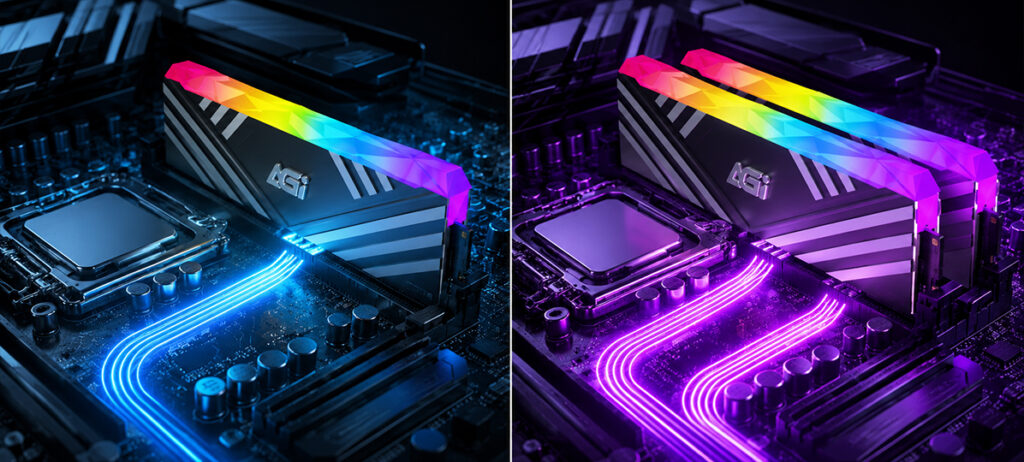
When selecting or upgrading your system memory (DRAM), you will frequently encounter the terms “single-channel” and “dual-channel.” What exactly are the fundamental architectural differences between the two, and how do they impact real-world performance? Below, we break down the core metrics and specifications to help you make an informed decision.
1. Architecture and Performance: The Bandwidth Advantage
The fundamental distinction between single-channel and dual-channel memory lies in the data bus width and overall memory bandwidth. Dual-channel architecture leverages two independent 64-bit channels for parallel data transmission. By effectively doubling the data pathways, this configuration significantly mitigates bandwidth bottlenecks, maximizing data throughput between the DRAM and the CPU.
| Comparison Metric | Single-Channel Configuration | Dual-Channel Configuration |
| Operation Mode | Transmits data via a single memory channel. | Simultaneous data transmission across two independent channels. |
| Theoretical Bandwidth | Baseline bandwidth. | Up to 2x theoretical bandwidth increase. |
| Gaming Performance | Standard frame rates. | 5–20% improvement (varies by game title). |
| Integrated Graphics (iGPU) Performance | Prone to bottlenecks; lower frame rates. | 20–40% performance boost (highly dependent on memory bandwidth). |
| Multitasking & Intensive Applications | Slower processing times under heavy loads. | Significantly smoother and more responsive. |
| Hardware Configuration | Single memory module (DIMM/SO-DIMM). | Two matched memory modules (identical capacity, speed, and specs). |
2. Use Cases and Real-World Impact
While doubling memory bandwidth is a significant architectural advantage, it does not automatically translate to a twofold increase in speed across all software. The actual performance gains you experience will depend heavily on your specific computing environment and workloads:
| Use Case / Workload | Performance Impact & User Experience |
| Productivity / Web Browsing | Marginal / Negligible Difference: Standard office applications (Word, Excel) and web browsing are not bandwidth-starved; a single-channel setup is generally sufficient. |
| AAA / Mainstream Gaming | Noticeable Improvement: Delivers higher and more stable frame rates (FPS), while significantly reducing micro-stuttering in hardware-intensive titles. |
| Integrated Graphics (iGPU) | Critical / Massive Boost: Since integrated GPUs rely entirely on system RAM for video memory (VRAM), a dual-channel configuration dramatically eliminates bottlenecks, unlocking full graphical potential. |
| Content Creation & Multitasking | Highly Beneficial: Accelerates rendering times, video editing workflows (4K/8K), 3D modeling, and provides seamless responsiveness during heavy multitasking. |
3. Advanced Specifications: Understanding CL (CAS Latency)
Beyond channel configurations and clock speeds (e.g., 3200MHz, 6000MHz), the CL (Column Address Strobe Latency) value found on your memory module’s label is another critical metric for evaluating overall RAM performance:
| Technical Metric | Definition & Performance Implications |
| CL (CAS Latency) | Column Address Strobe Latency: A primary benchmark of memory responsiveness. It specifies the exact number of clock cycles that elapse between the memory controller issuing a read command and the RAM module beginning to output the requested data. |
| Significance of the Value | Lower is Faster: A lower CL rating indicates fewer clock cycles are required to initiate data transmission. In configurations with identical frequencies, a lower CL translates to decreased memory latency, faster system response times, and superior tight-timing performance. |