

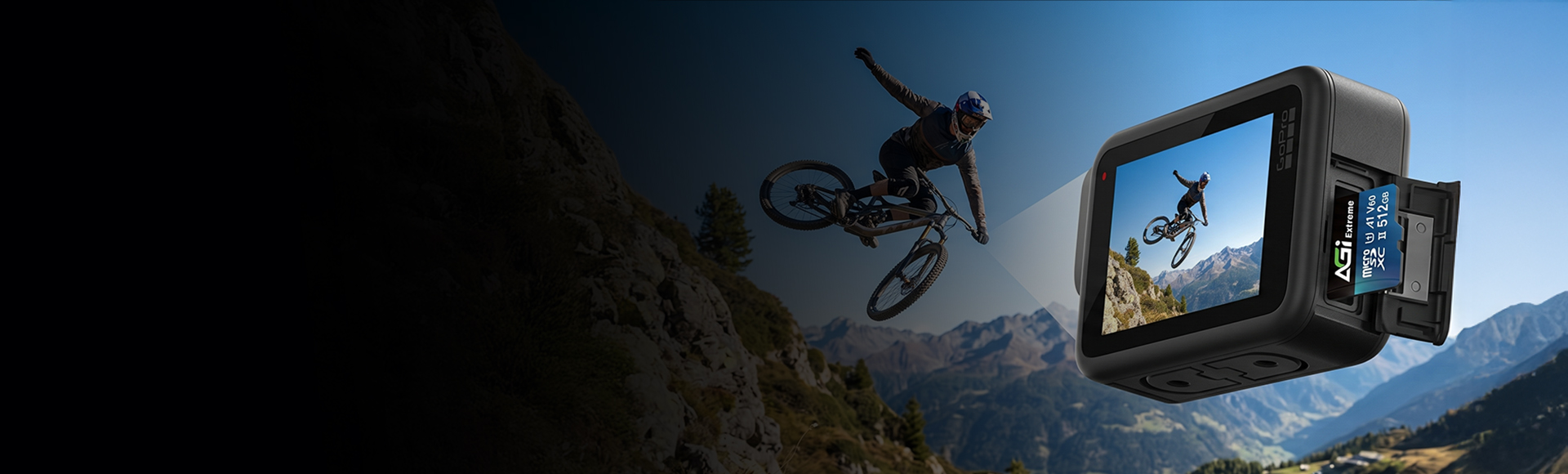
Extreme TF238 V60 microSD Card
The Premier Choice for Professional Racing
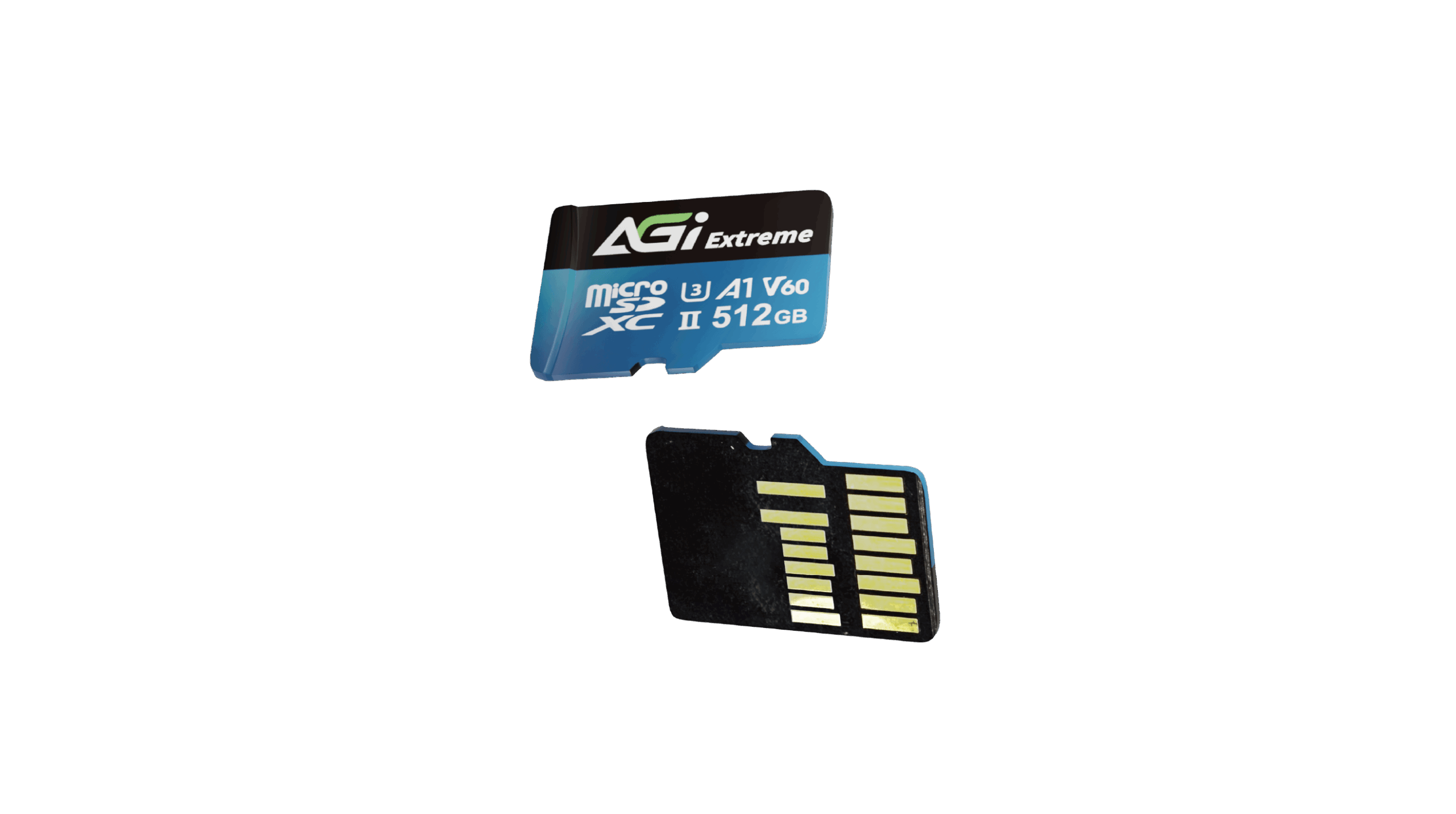
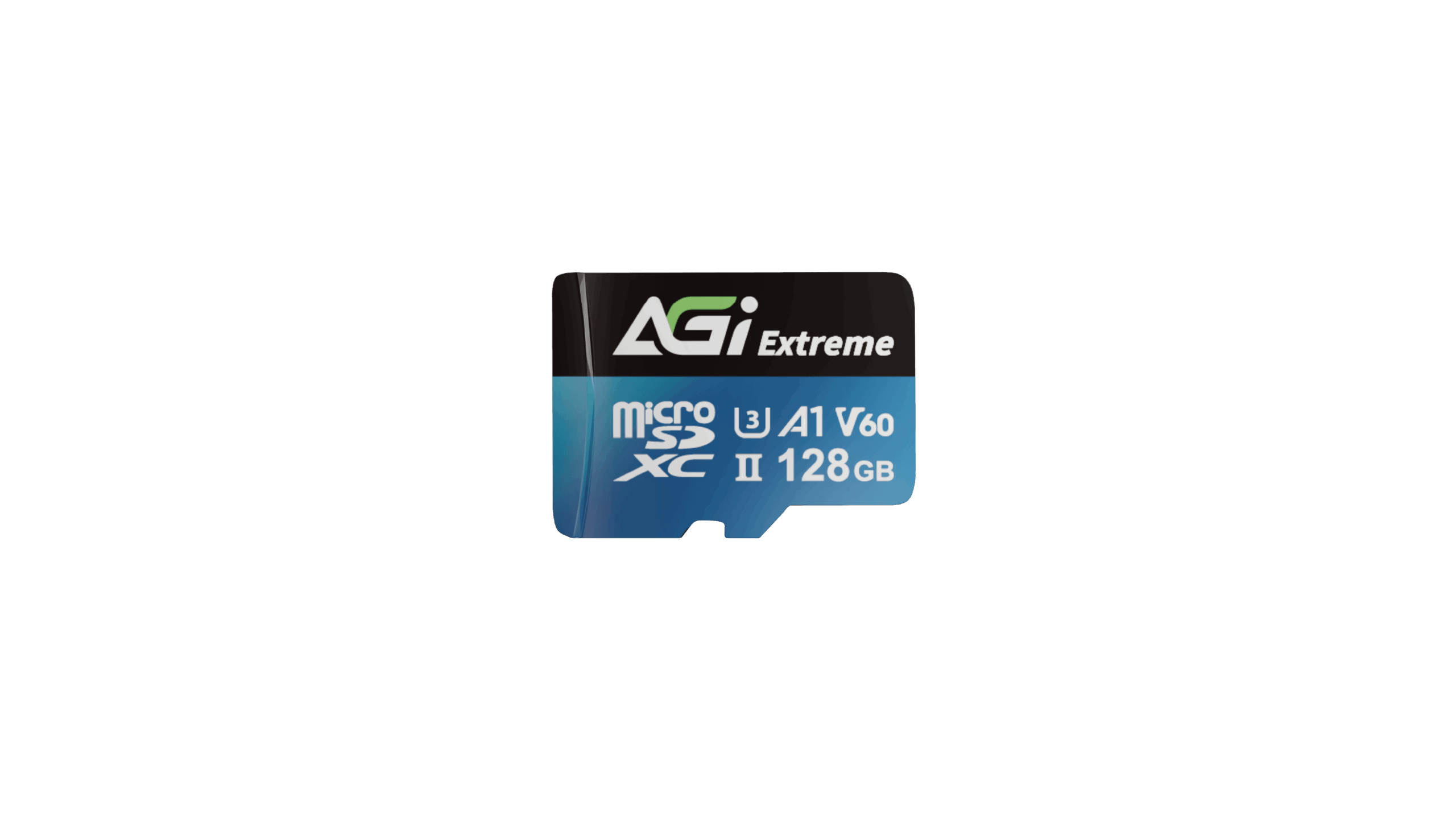
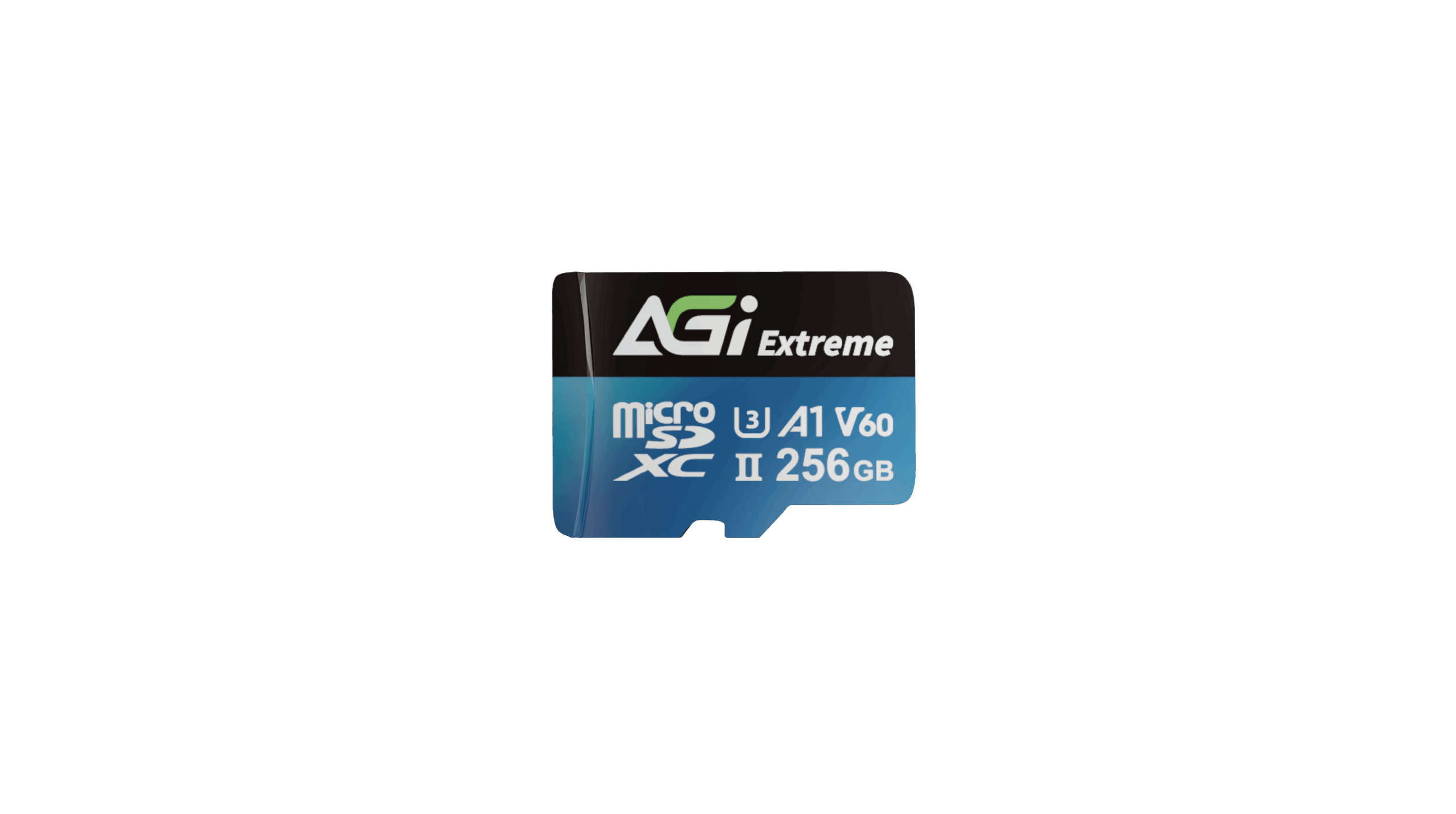
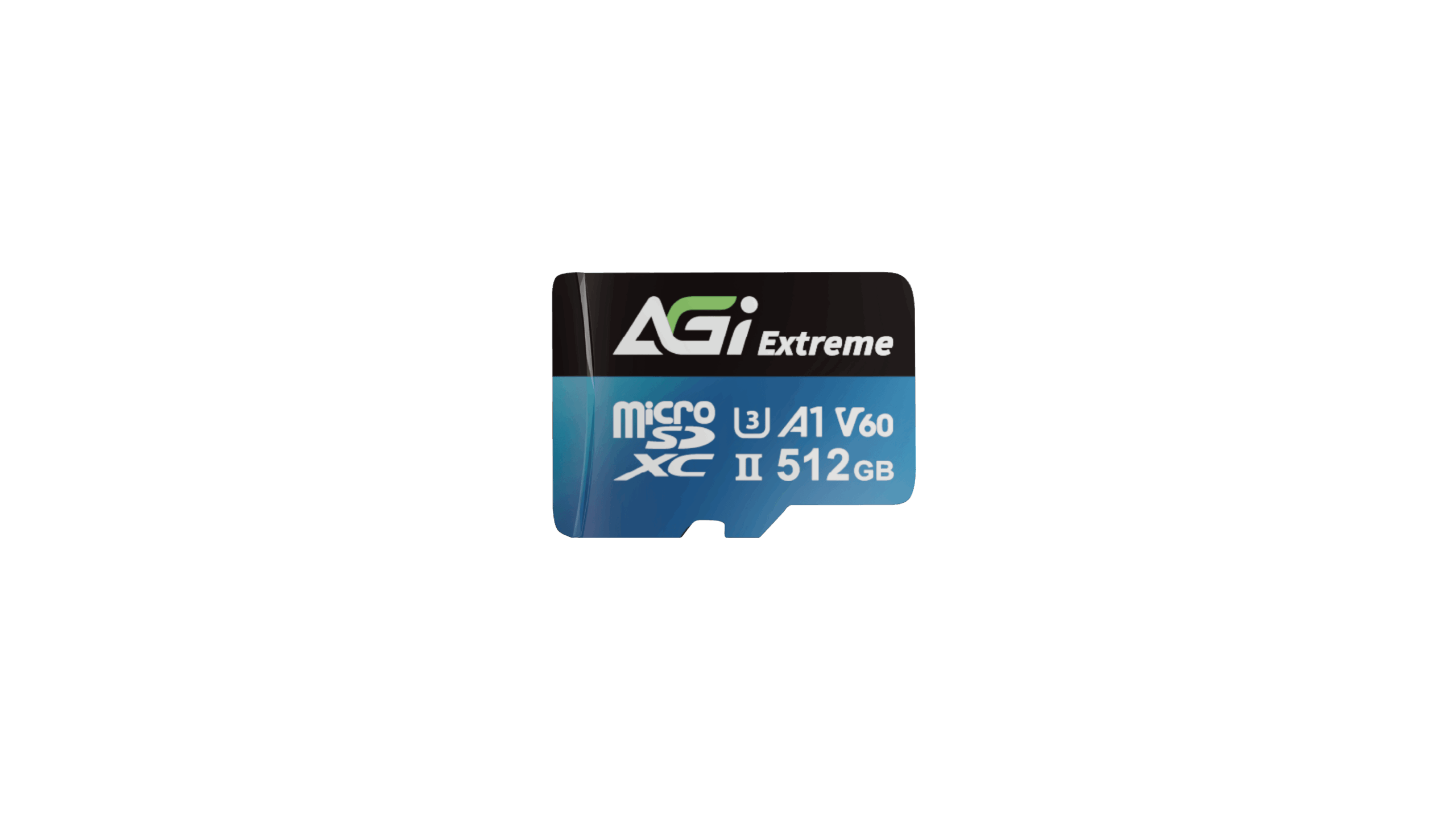
Extreme TF238 V60 microSD Card
KEY FEATURES
- Ultra-fast read/write speeds up to 300/200 MB/s
- V60 supports 8K UHD & Full HD high-resolution video recording
- Suitable for various photography equipment
- **Some capacity is reserved for over-provisioning and wear leveling to ensure optimal performance, reliability, and longevity. Actual usable capacity may slightly vary
- **Maximum speeds are only achievable when paired with UHS-II compatible devices and card readers. Backward compatible with UHS-I

8K UHD

Camera

Drone
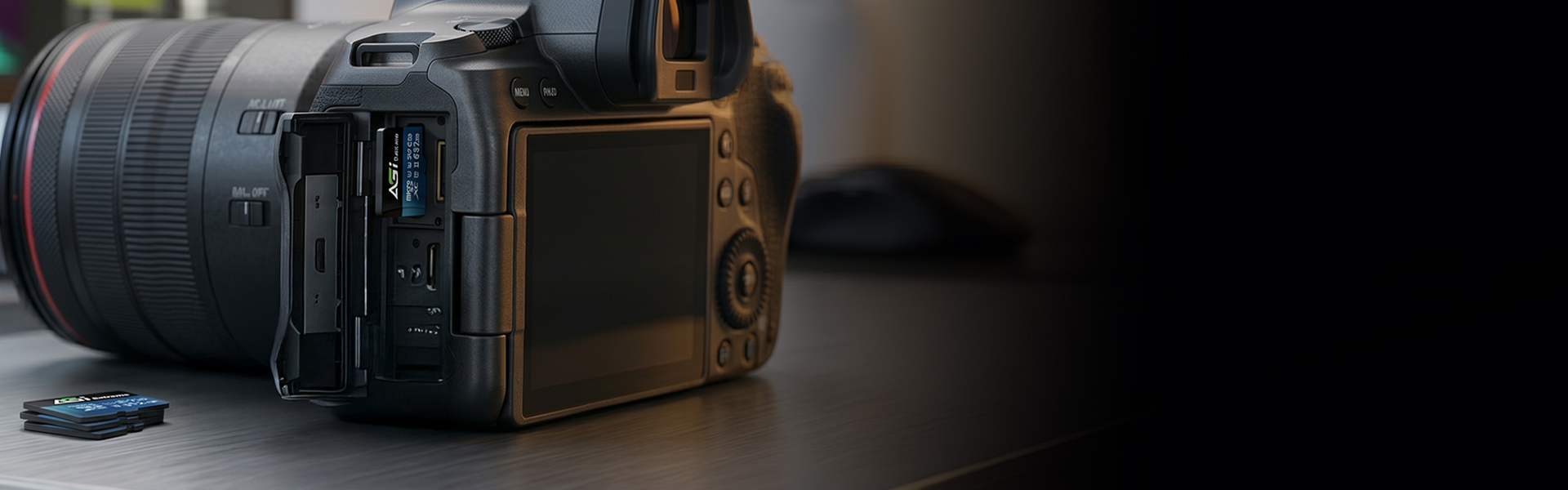
Break Through Transmission Bottlenecks: Syncing Creativity with Inspiration in Real-Time
- Supports ultra-high definition 8K video recording, perfectly capturing every brilliant frame in full detail.
V60 Video Performance: Perfectly Mastering 8K UHD Ultra-High Definition
- V60 Rated: Stable 8K and High-Frame-Rate Recording. Combining UHS-II technology with over-provisioning (OP) management, this card ensures data integrity and long-term stability—making it the trusted choice for professional cinematography and extreme action shooting.
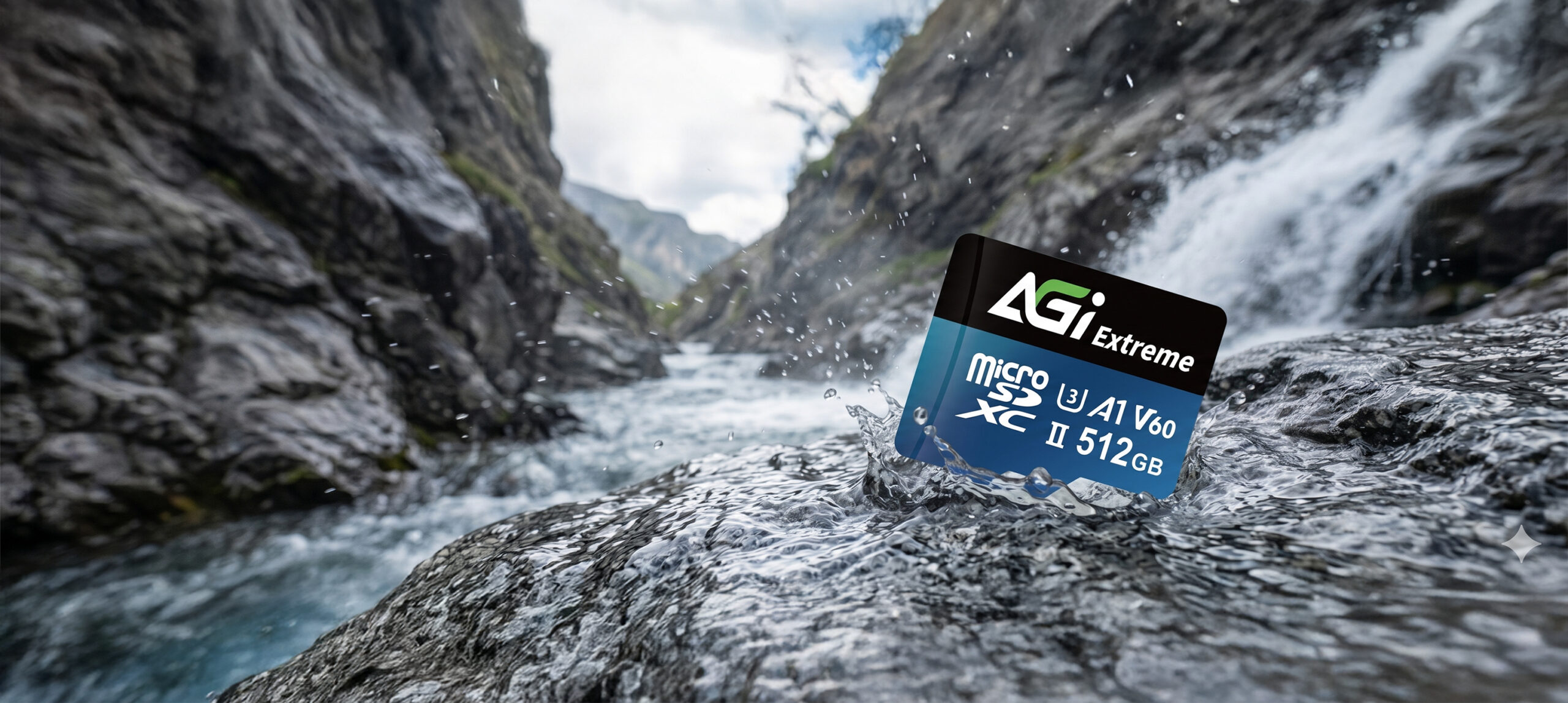
Professional Data Management: Safeguarding Your Precious Imagery
- Built-in spare block management optimizes performance and ensures data security. Featuring exceptional durability, it remains your most reliable support even in the harshest shooting environments.
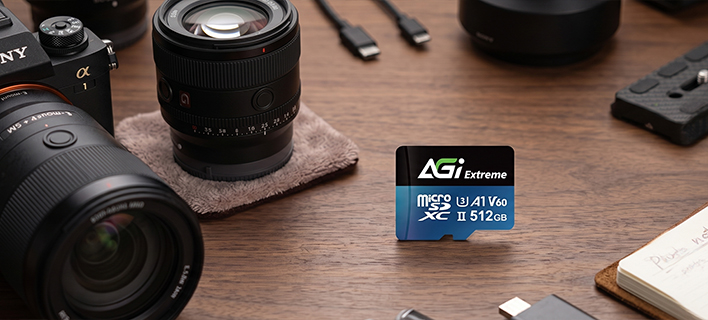
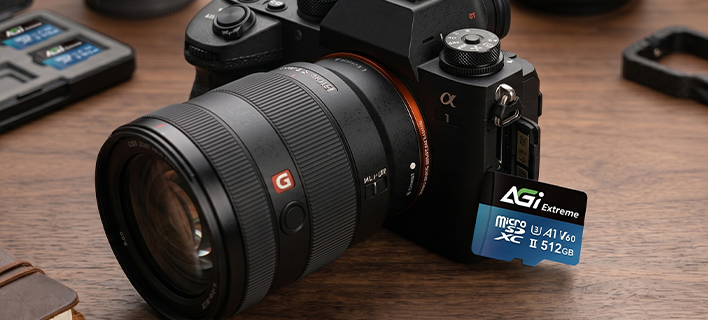
Universal Cross-Platform Compatibility: Defying Device Boundaries
- Perfectly compatible with professional cameras, drones, and high-end handheld consoles. Supporting the latest UHS-II standards while remaining backwards compatible with UHS-I devices, it delivers a consistently superior experience no matter how your gear evolves.
Specifications
Capacity
128GB / 256GB / 512GB
Standard
SD 6.1
Speed Class
UHS-II U3 / V60 / A1 **Maximum speeds are only achievable when paired with UHS-II compatible devices and card readers. Backward compatible with UHS-I
Dimensions (L x W x H)
15 x 11 x 1mm
Weight
0.25g
Read/Write(Max)*
300/200 MB/s **Some capacity is reserved for over-provisioning and wear leveling to ensure optimal performance, reliability, and longevity. Actual usable capacity may slightly vary
Certifications
CE, FCC, BSMI, RoHS
Warranty
5 years limited
Product FAQ
01
Why do I get a "Write Protected" error when transferring files to the memory card?
Please check the write-protection switch on the side of the SD adapter. If it is set to "Lock," simply slide it up to unlock it.
02
Why is my computer not detecting the card reader?
Please ensure the memory card is firmly inserted into the reader. Try plugging the card reader into a different USB port on your computer. If the issue persists, test the reader on another computer to see if it functions correctly.
03
Why is the file transfer speed to my computer inconsistent?
Transfer speeds depend on your device's hardware, including the card reader and USB port specifications. Additionally, the size and quantity of the files affect the speed; transferring a large number of small files is generally slower and more inconsistent than transferring a single large file.
04
What should I do if I am unable to format my memory card?
Please try formatting using a different reader or device. If the issue persists, use the SD Formatter tool available at:
https://www.sdcard.org/downloads/formatter_4/
05
What do the different speed and performance classes (e.g., C10, U3, V30, A2) on an SD card mean?
Speed classes (such as Class 10, U3, or V30) indicate the minimum sustained write speed of the memory card, which is crucial for video recording. For a complete breakdown of all standards, please refer to the official SD Association website: https://www.sdcard.org/developers/sd-standard-overview/speed-class/
Explore Related Knowledge

Memory Cards
Memory Card Buying Guide: Master Capacity, Speed, and Compatibility in 3 Minutes
2026-06-23