Memory Cards
Memory Card Buying Guide: Master Capacity, Speed, and Compatibility in 3 Minutes
2026-06-23
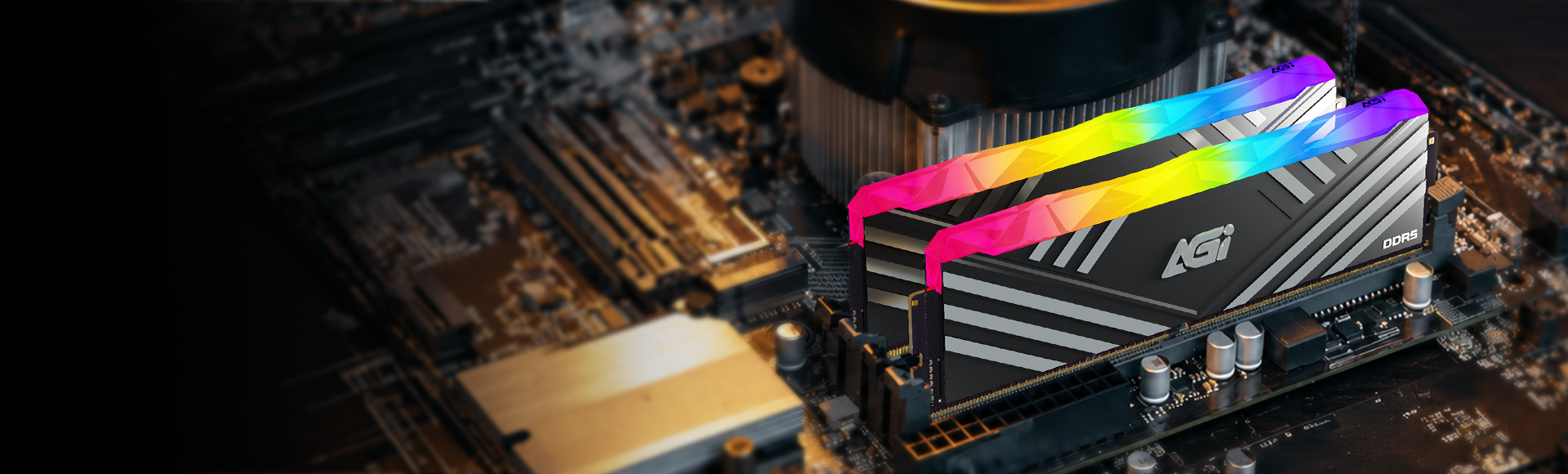
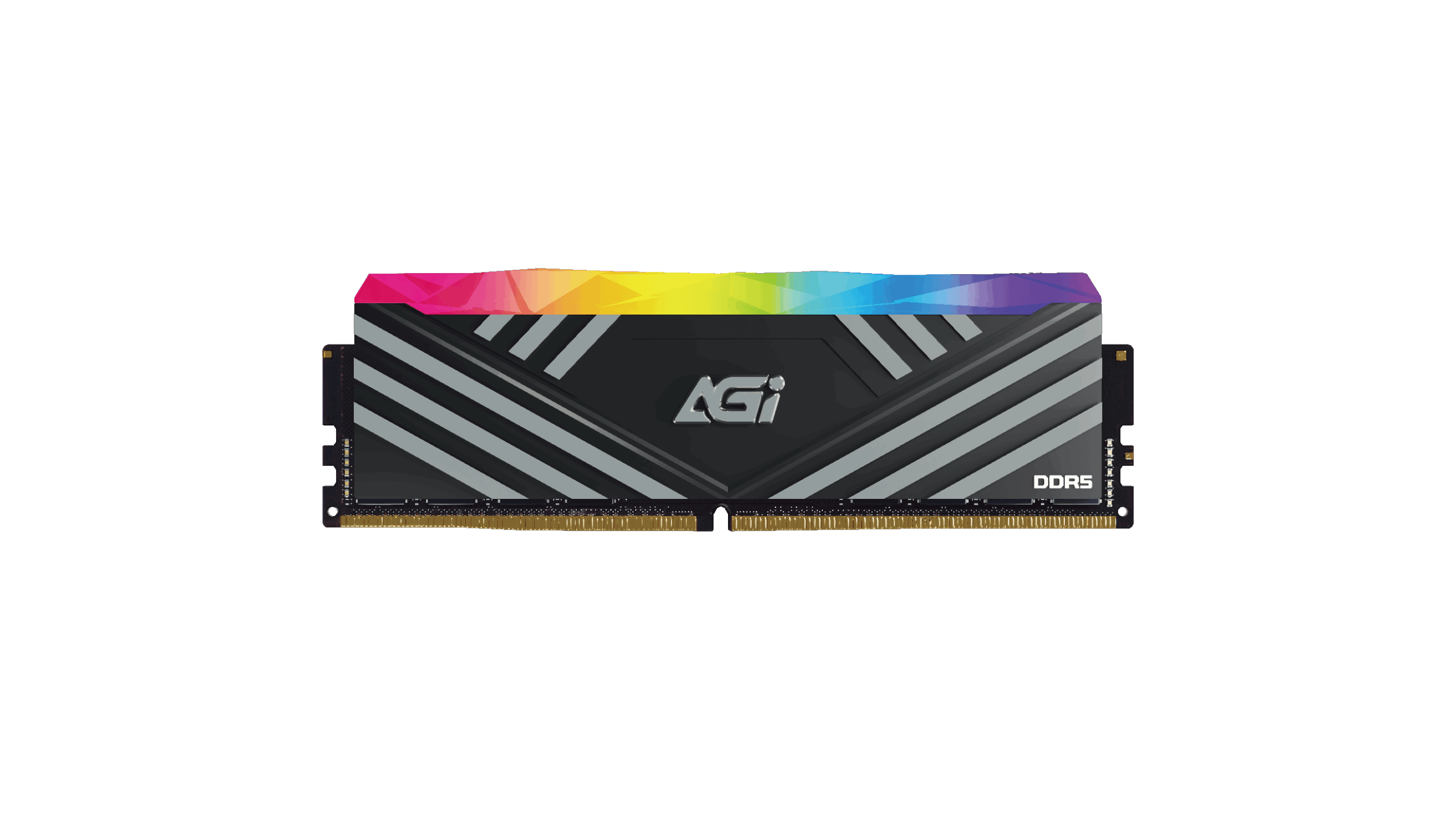
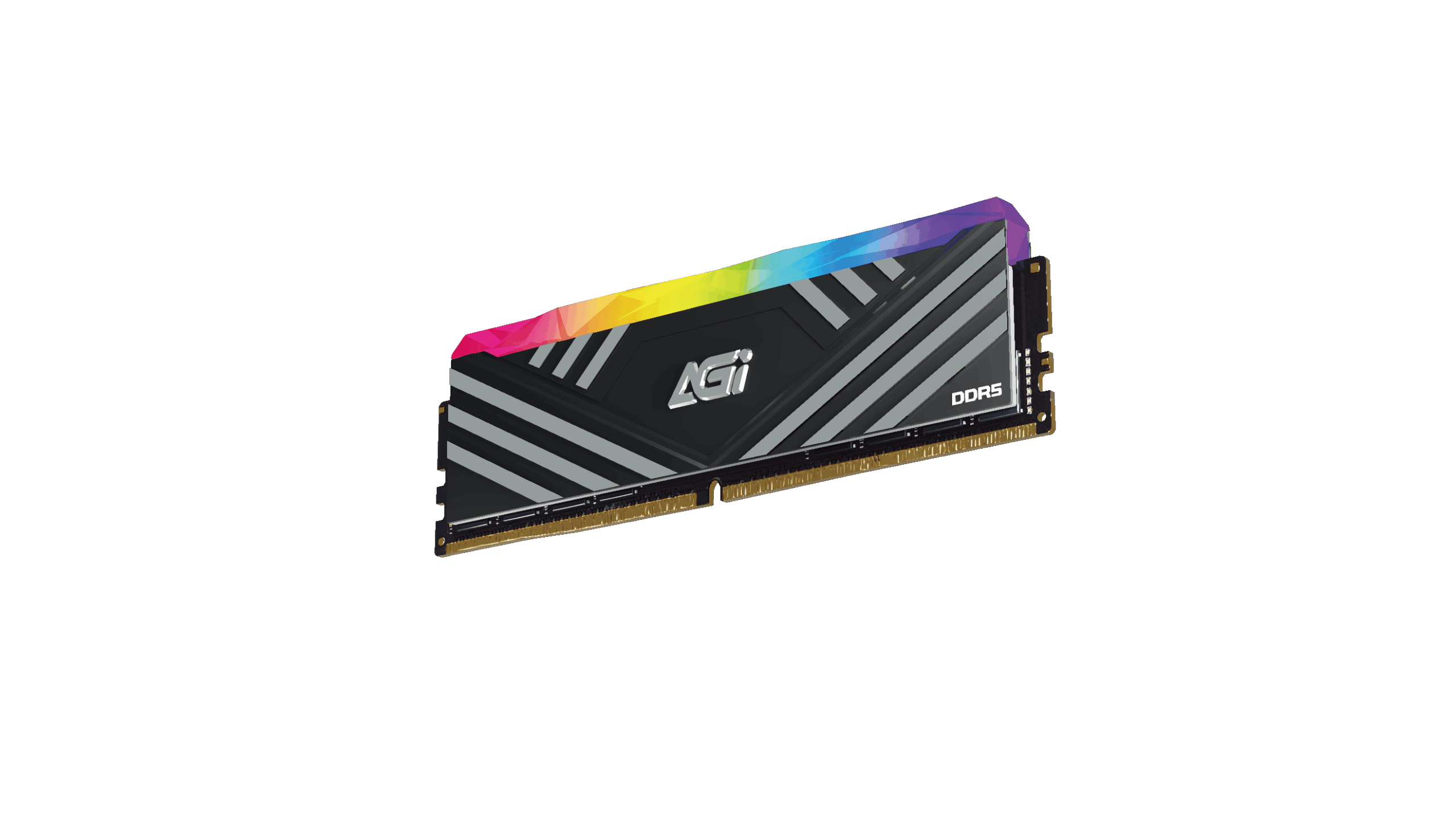
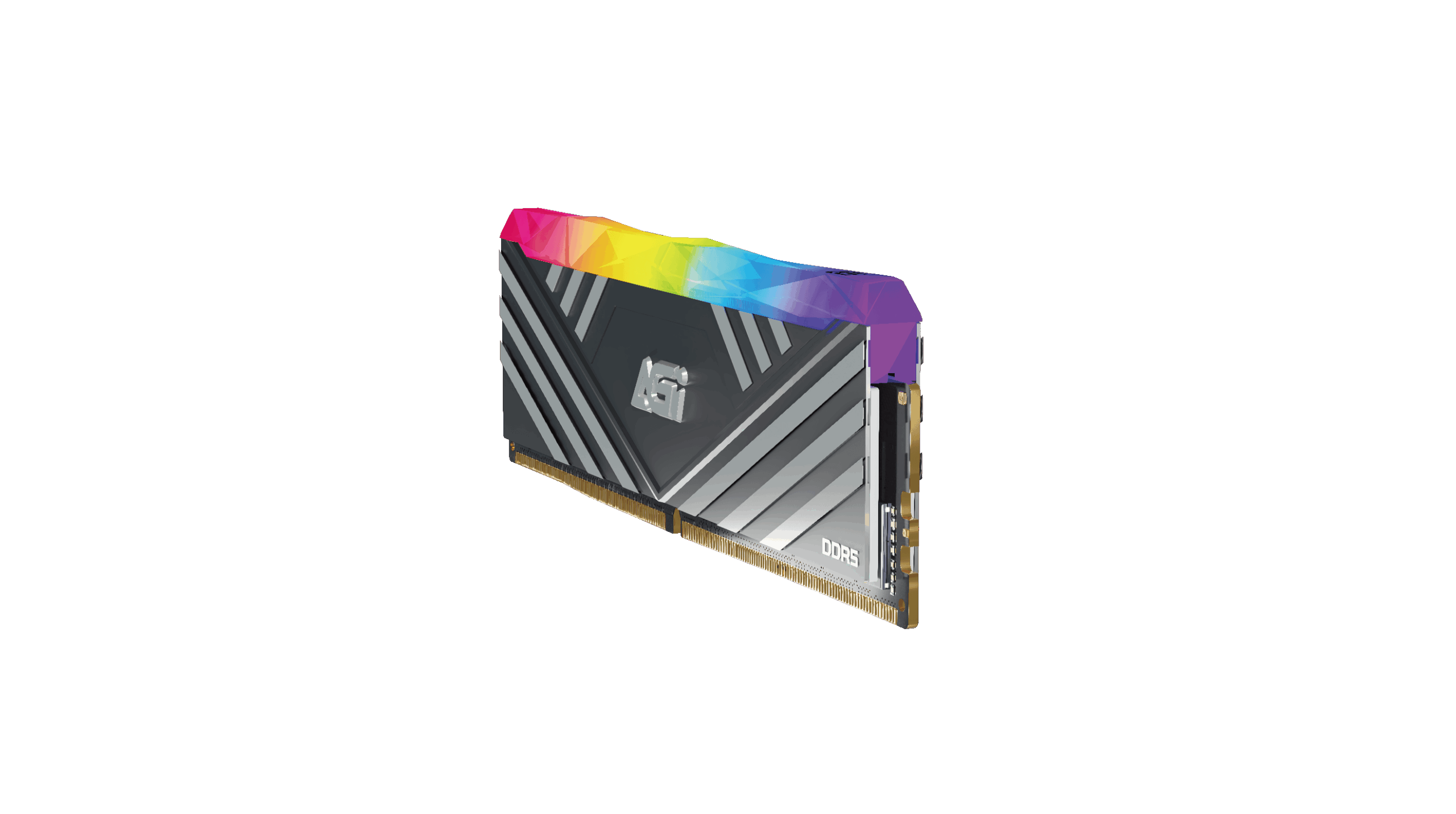
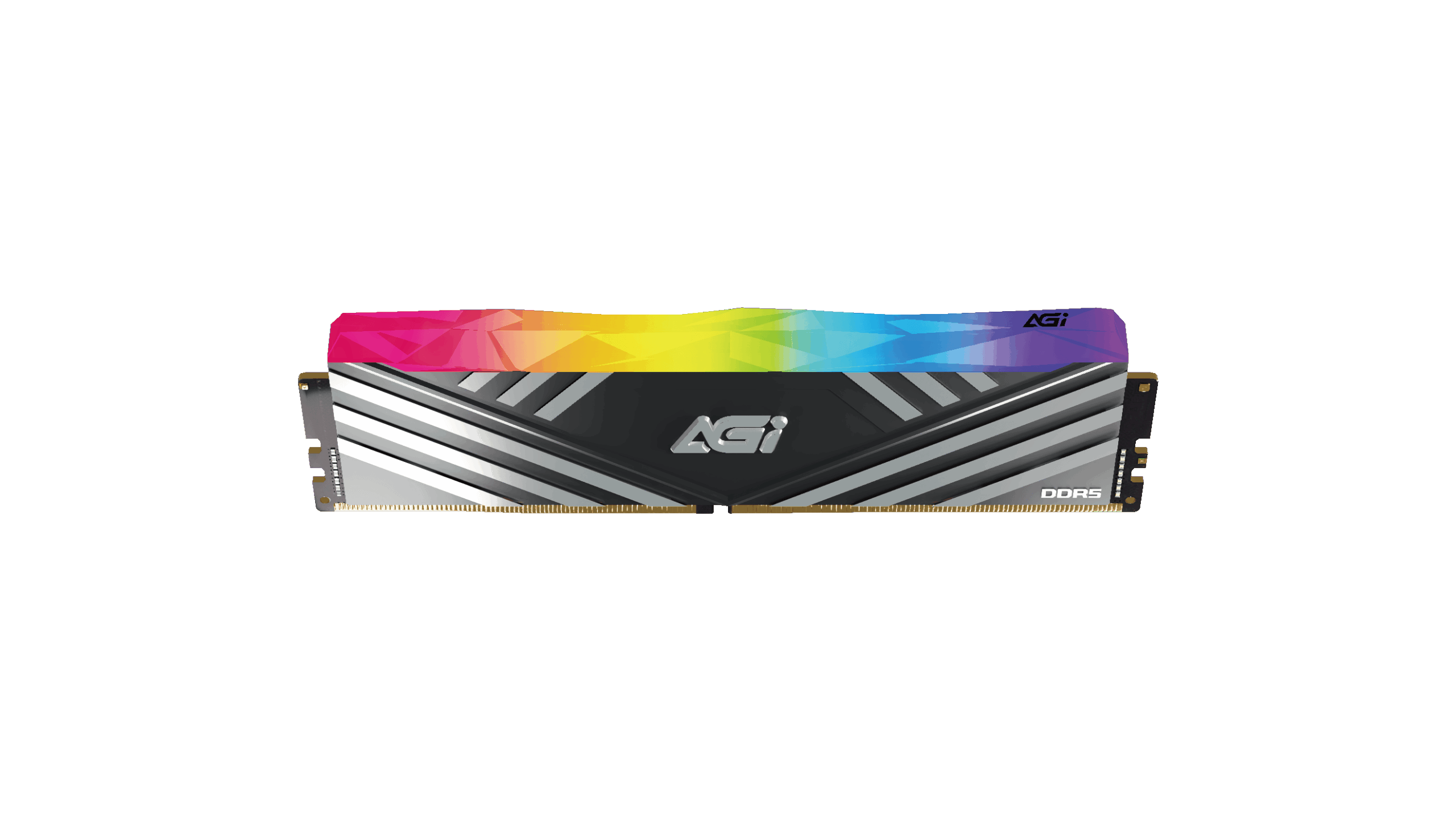
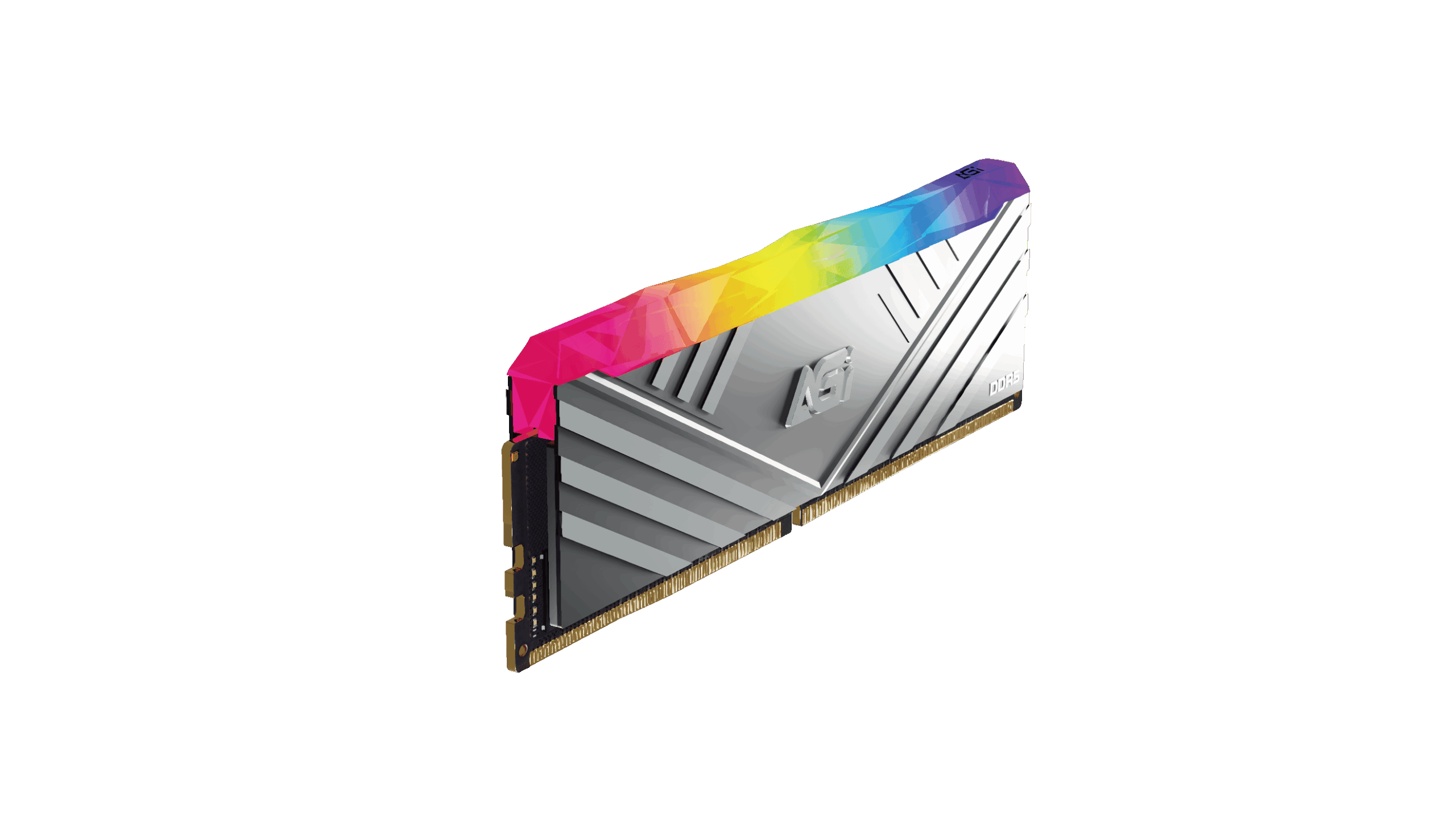
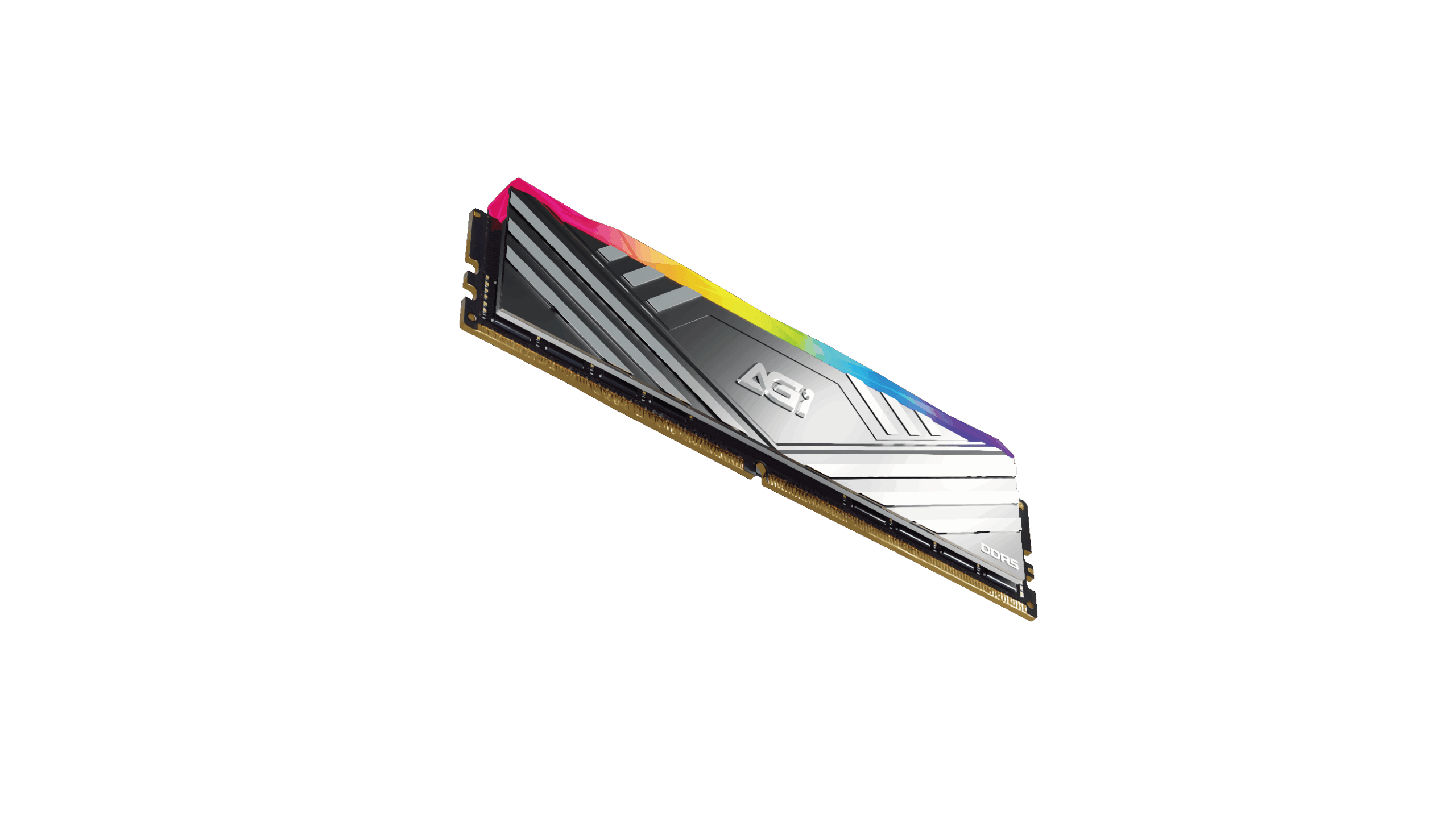
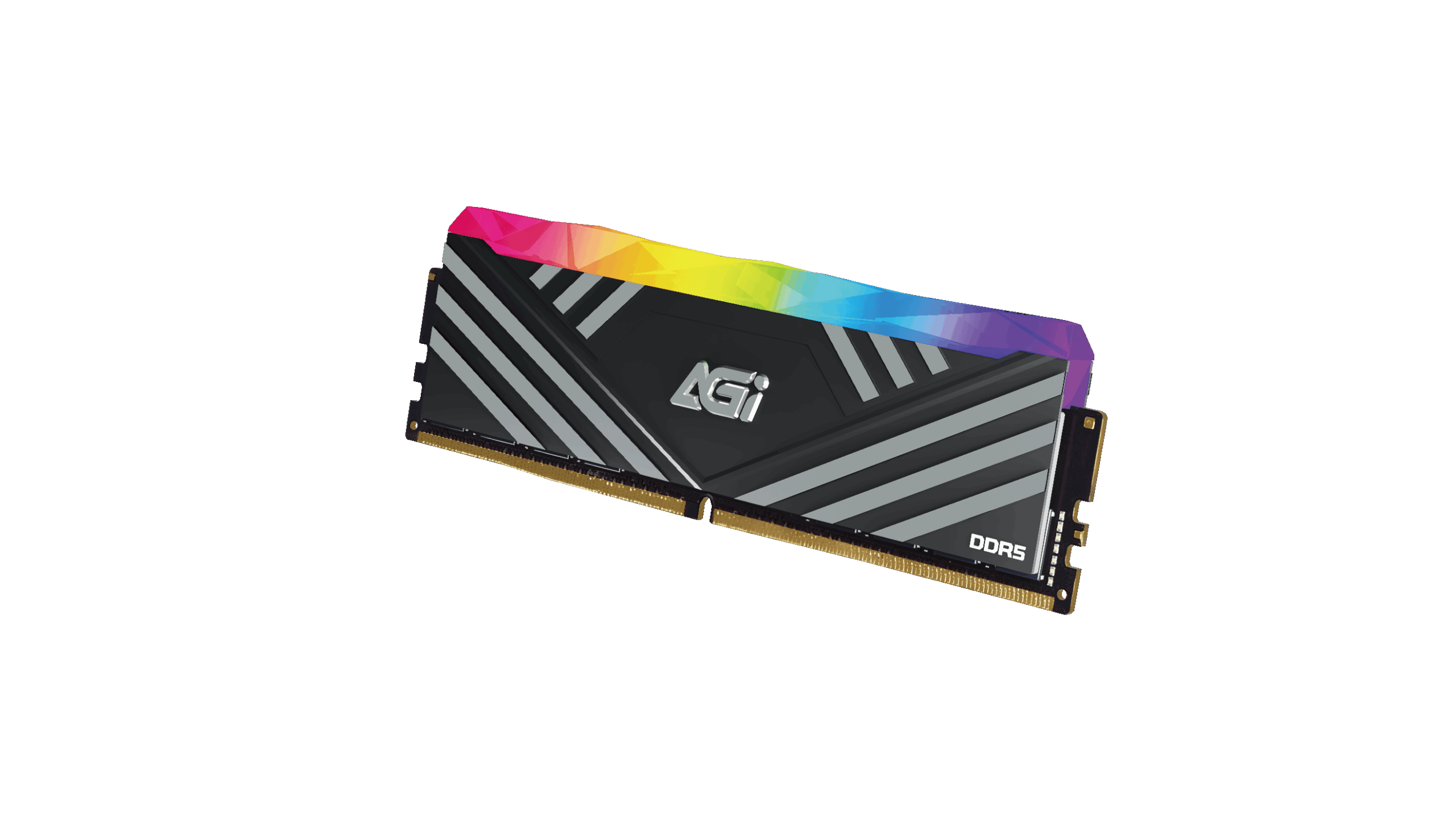
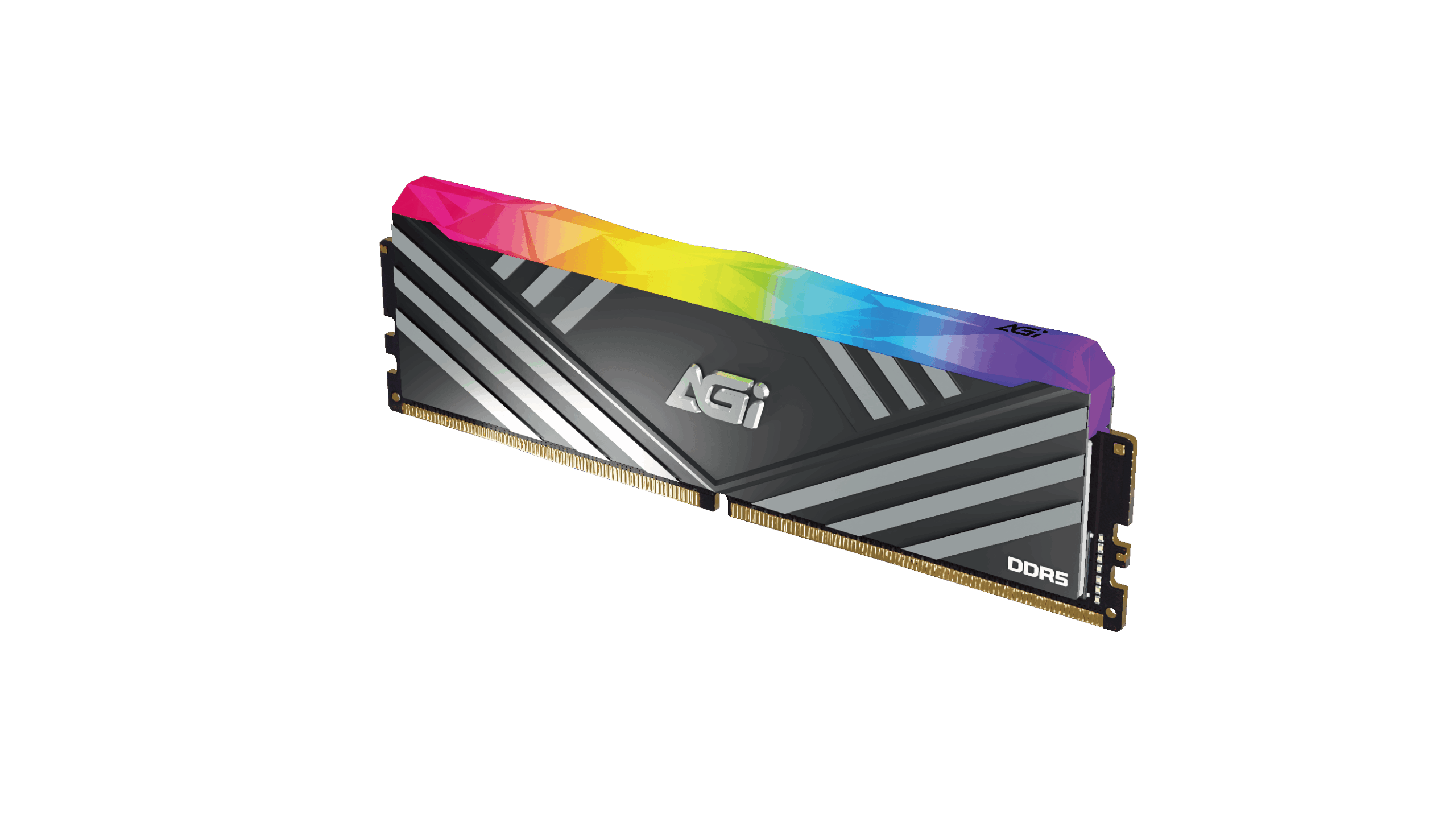
TURBOSPRINT UD858 DDR5 RGB Memory Module
KEY FEATURES


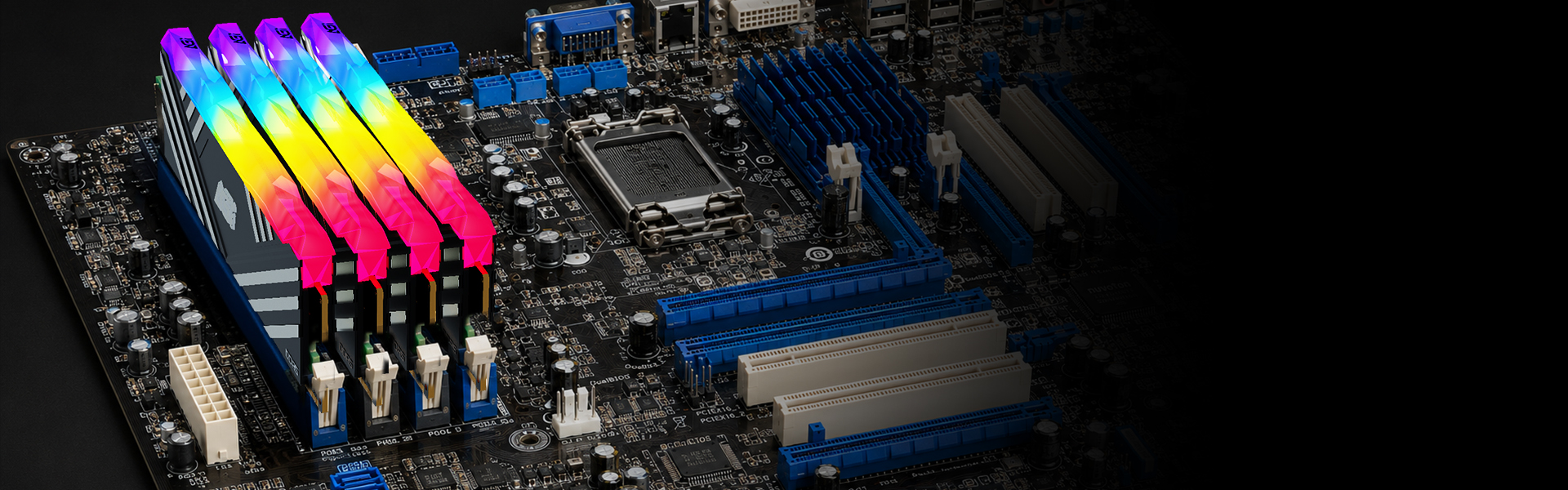
TURBOSPRINT RGB DDR5
TURBOSPRINT RGB DDR5
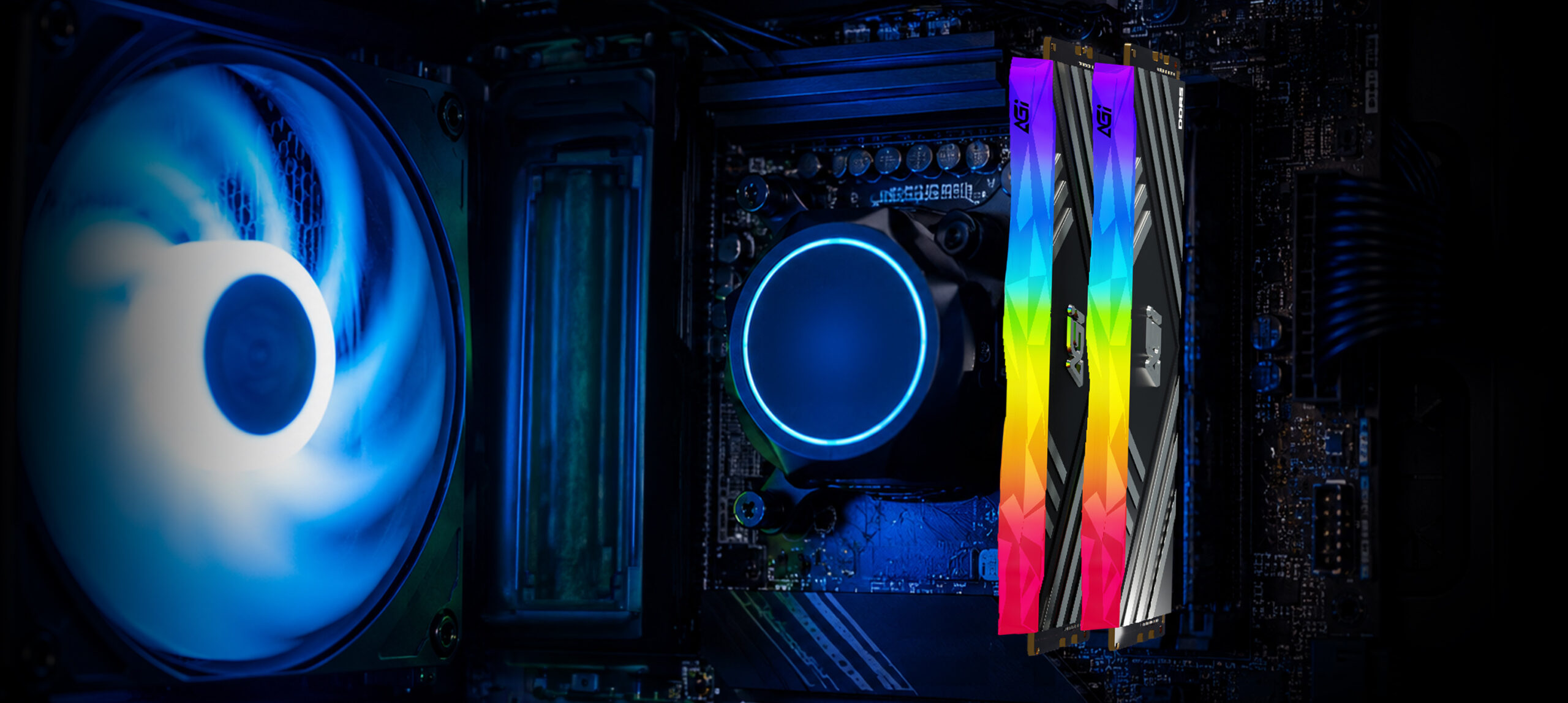
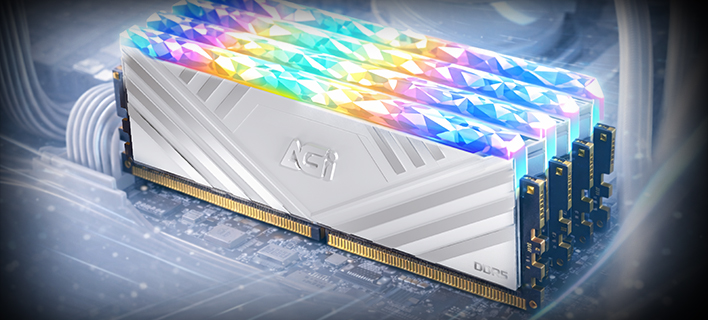
TURBOSPRINT RGB DDR5
TURBOSPRINT RGB DDR5
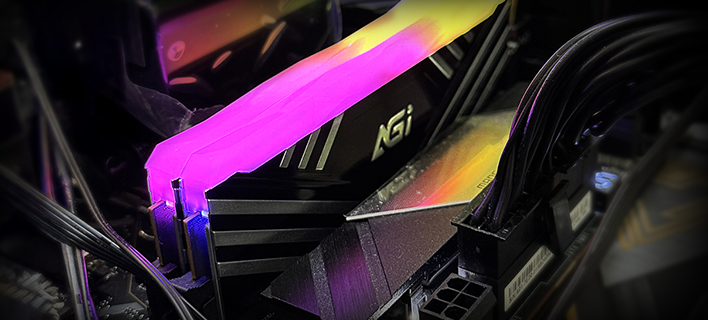
TURBOSPRINT RGB DDR5
TURBOSPRINT RGB DDR5
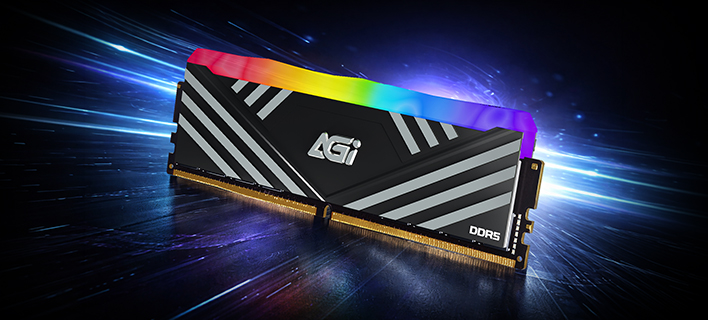
Capacity
16GB / 32GB (16GBx2) / 48GB (24GBx2)
Frequency
6000, 6400, 6800, 7200, 7600, 8000 MT/s
Module
288-pin U-DIMM
Operating voltage
1.35V -1.5V
Heatsink color
Black, White
Operating temperature
0°C to 85°C
Dimensions (L x W x H)
134 x 43 x 8.8mm
CAS latency
30, 32, 34, 36, 38
Weight
63g (1pcs)
Warranty
Limited lifetime
Please try the following troubleshooting steps:
Step 1. Ensure the memory module is compatible with your system. Please refer to the motherboard's compatibility list.
Step 2. Disconnect power, remove the memory, and check for dirt or oxidation on the gold connectors. Clean them gently with an eraser.
Step 3. Reinstall the memory and ensure it is firmly seated in accordance with your motherboard’s manual.
Step 4. Try installing only the suspected faulty module to isolate the issue.
Step 5. If possible, test the module in another system to determine whether the problem lies with the memory or the motherboard.
If the issue persists, please return the product for repair.
2026-06-23