

eNewsIndustrial
Building the Memory and Storage Foundation for Next-Generation AI Computing
2026-10-13
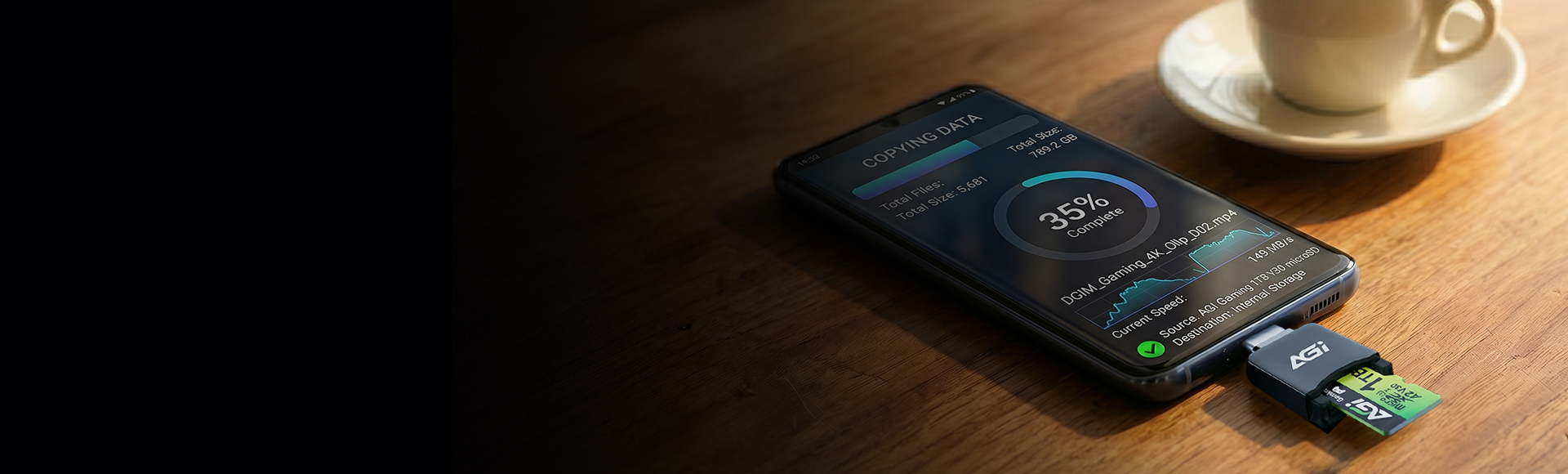
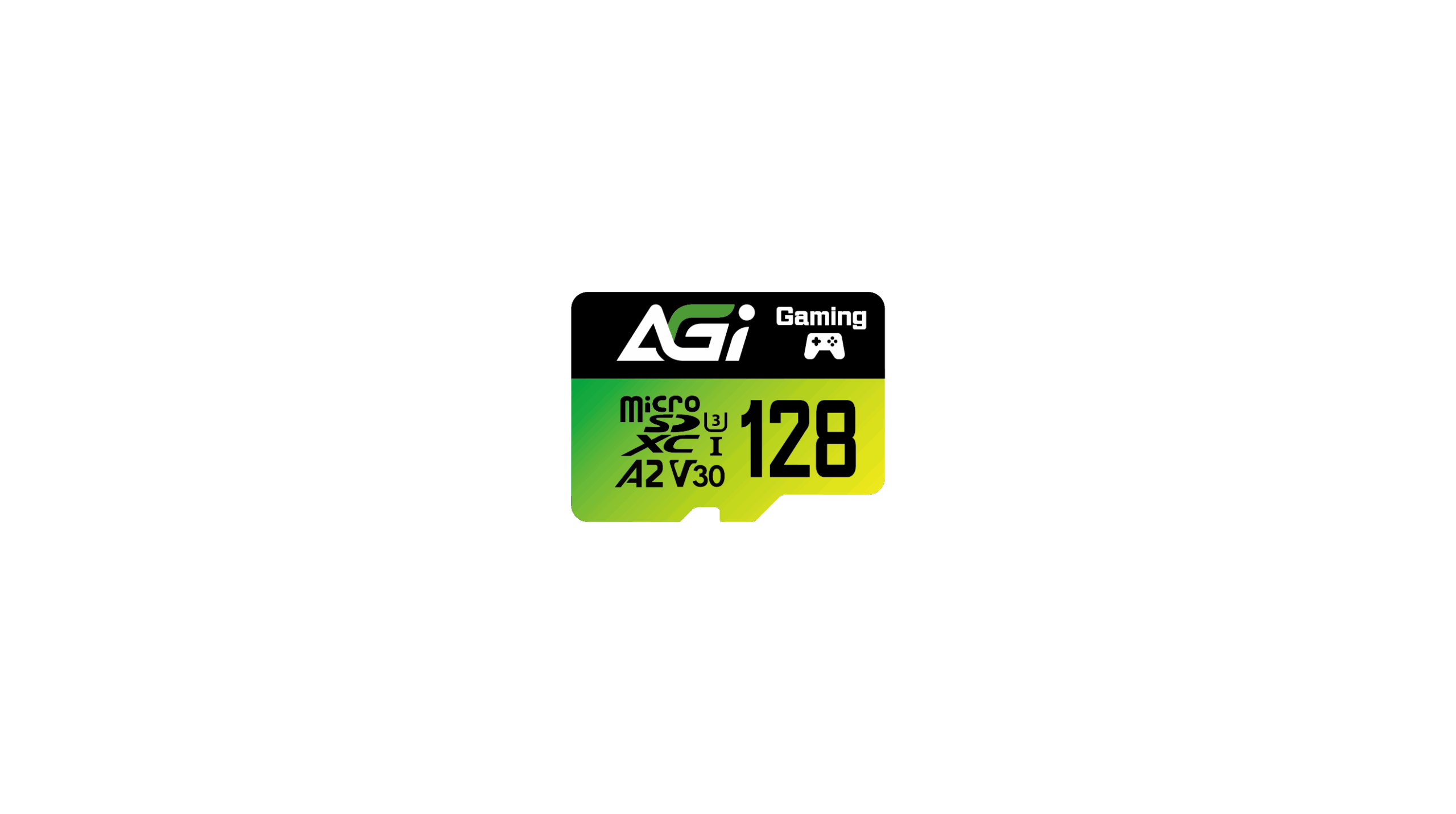
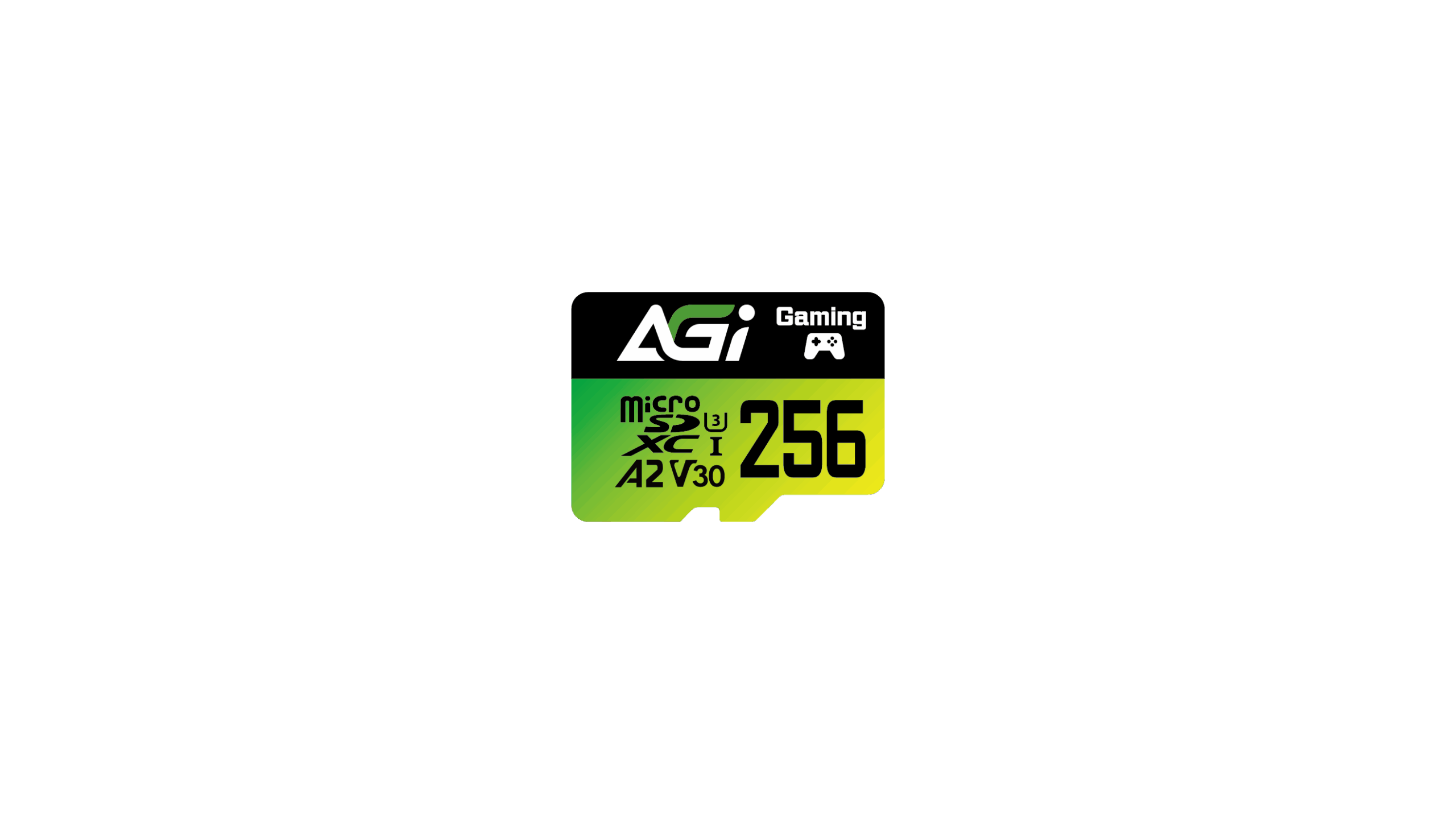
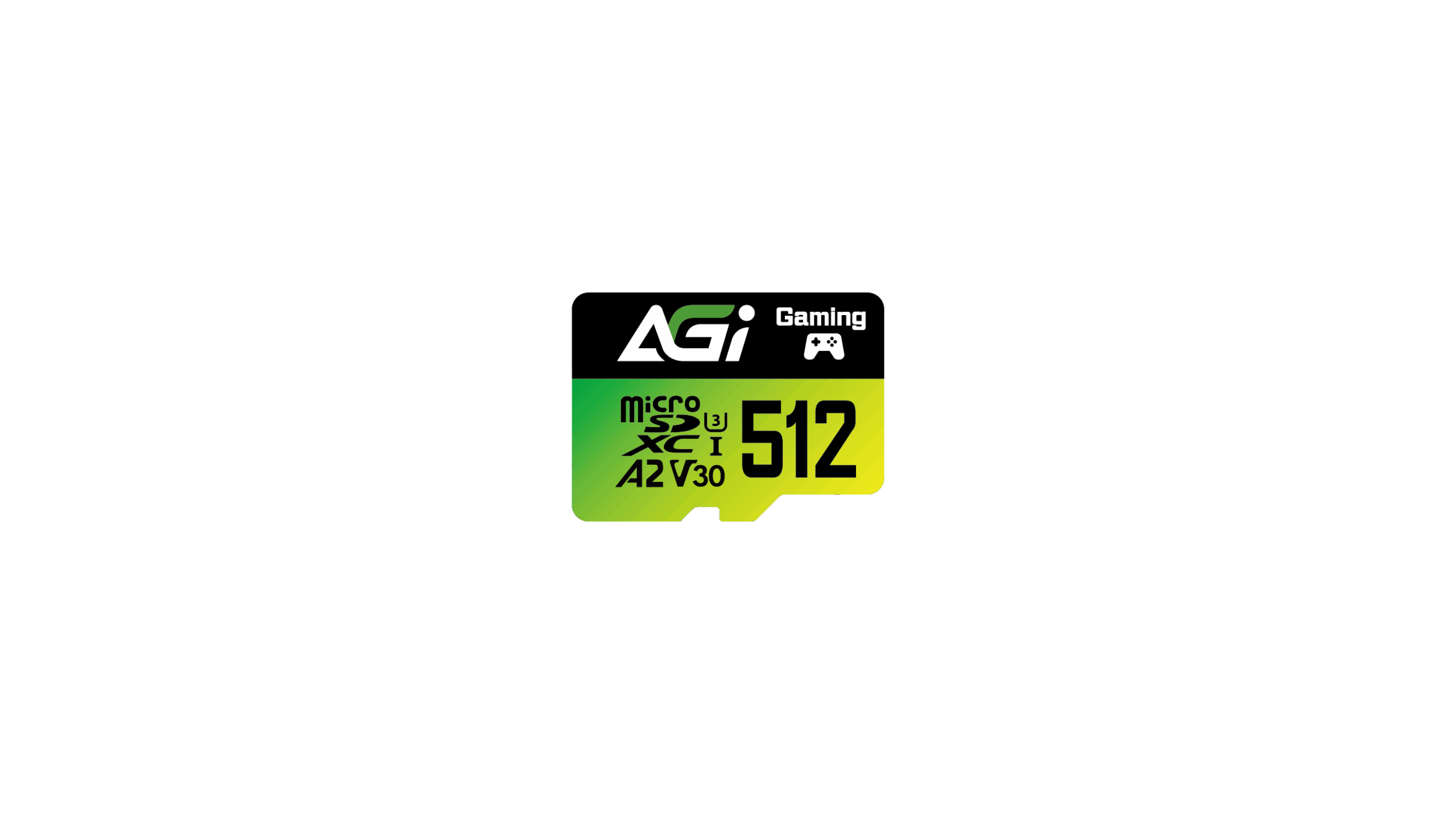
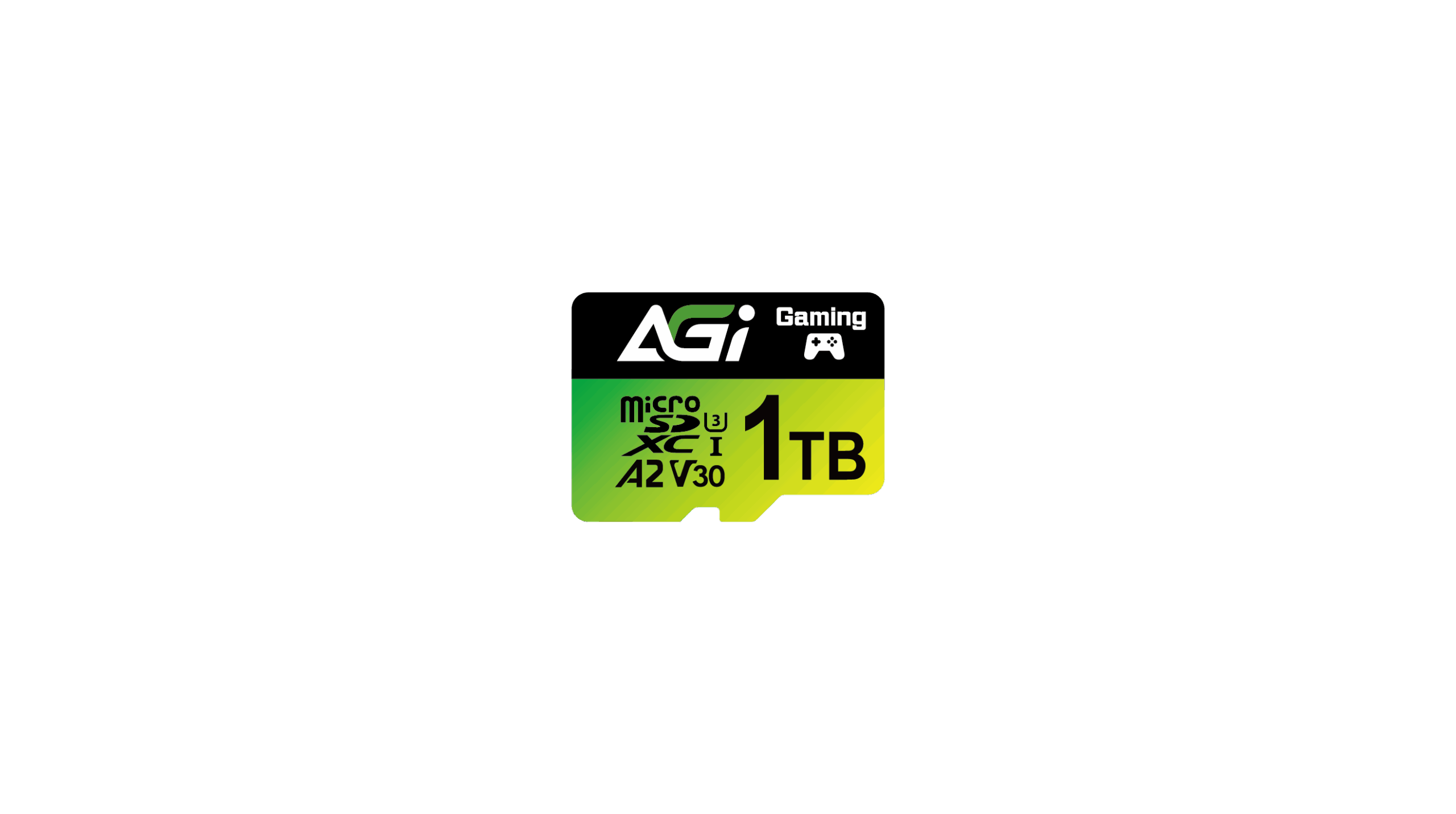
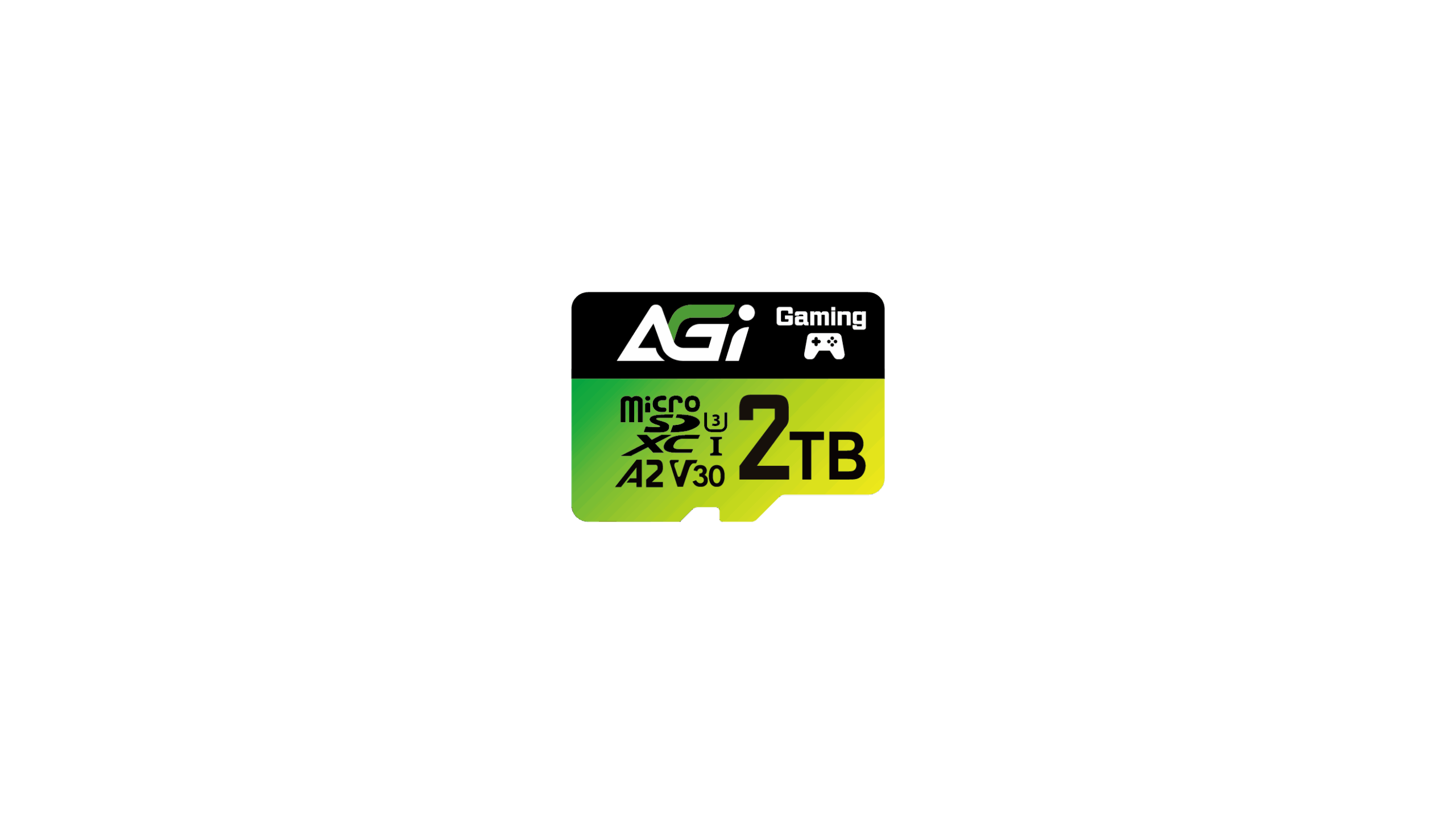
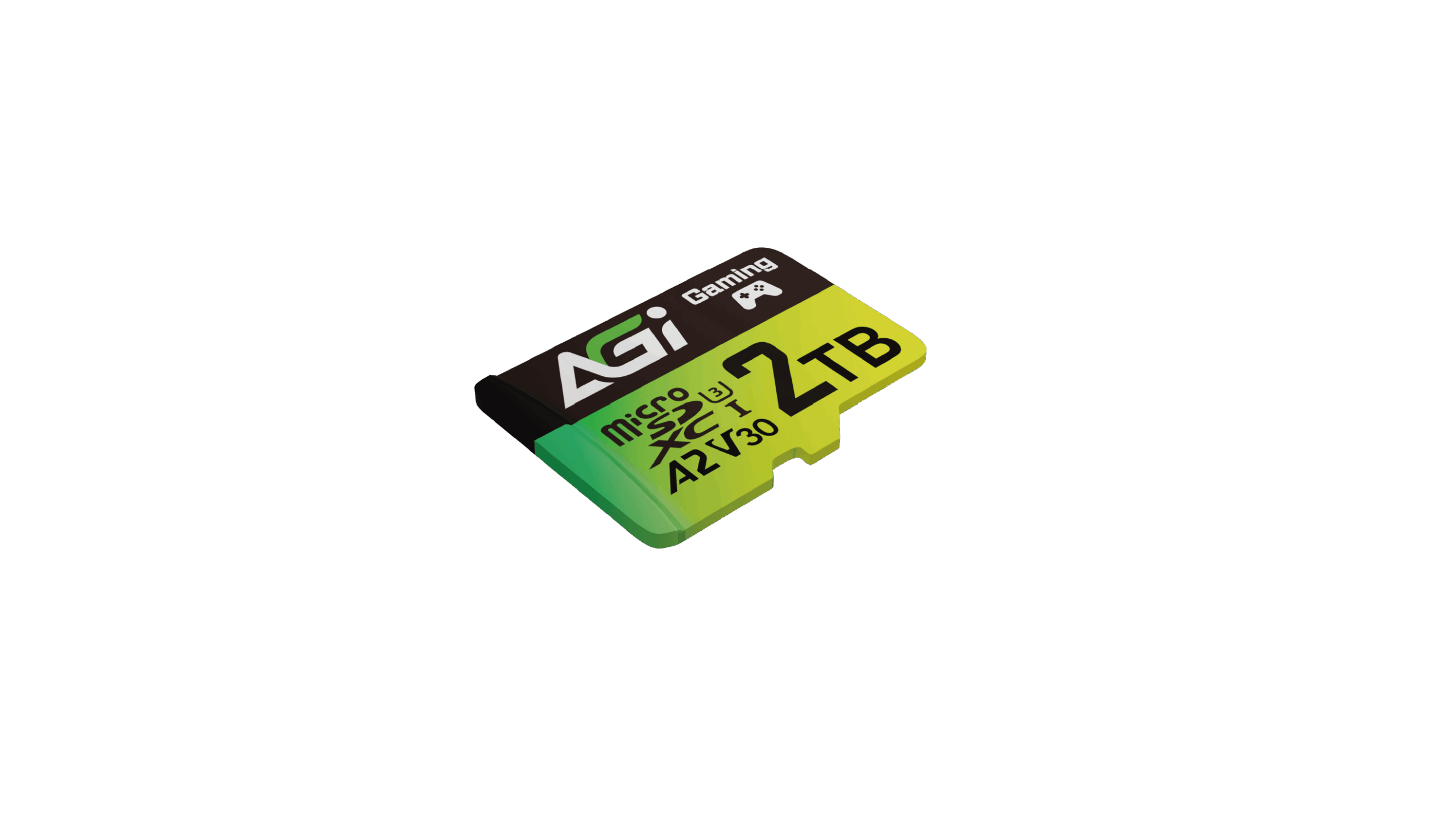
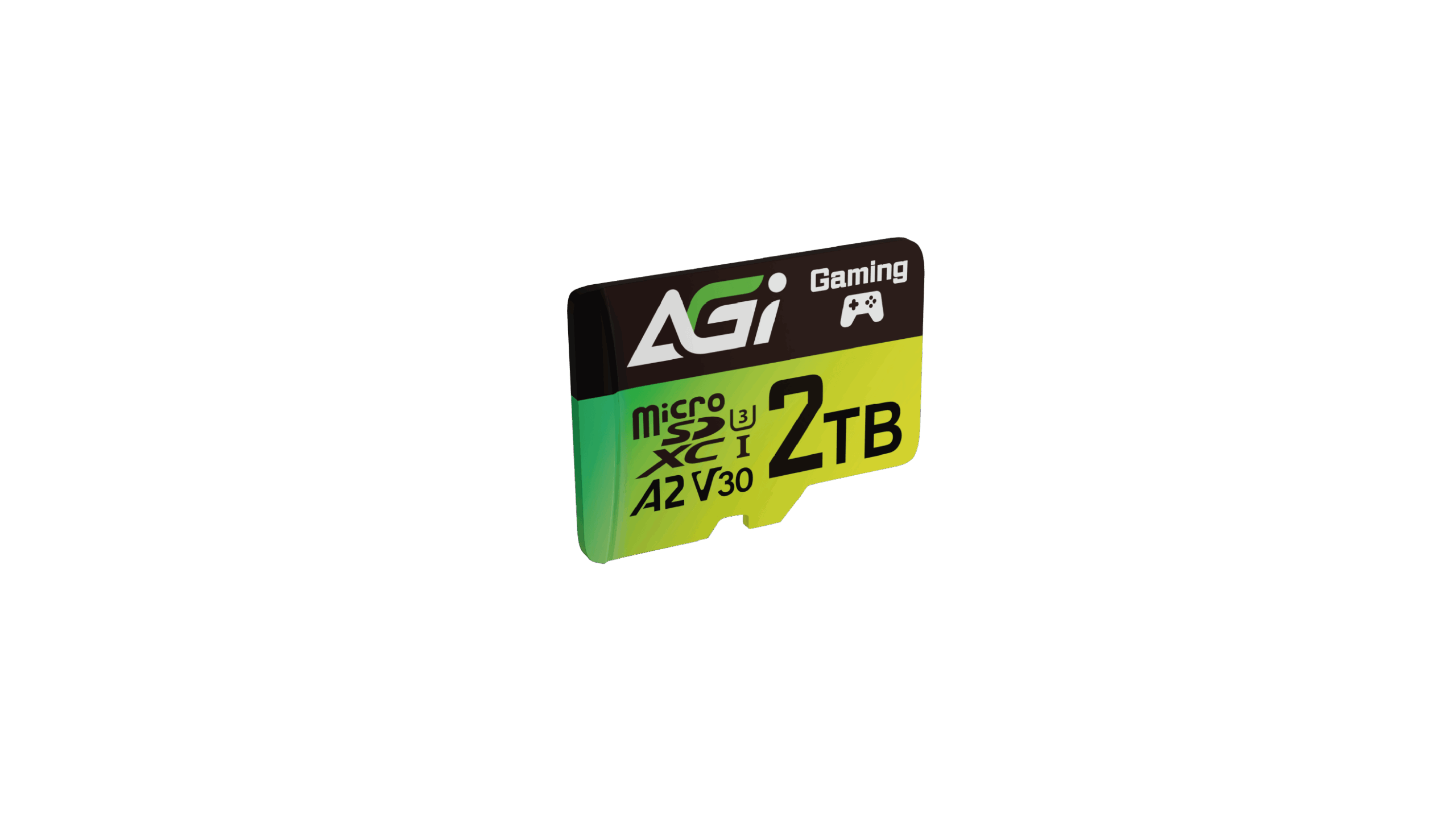
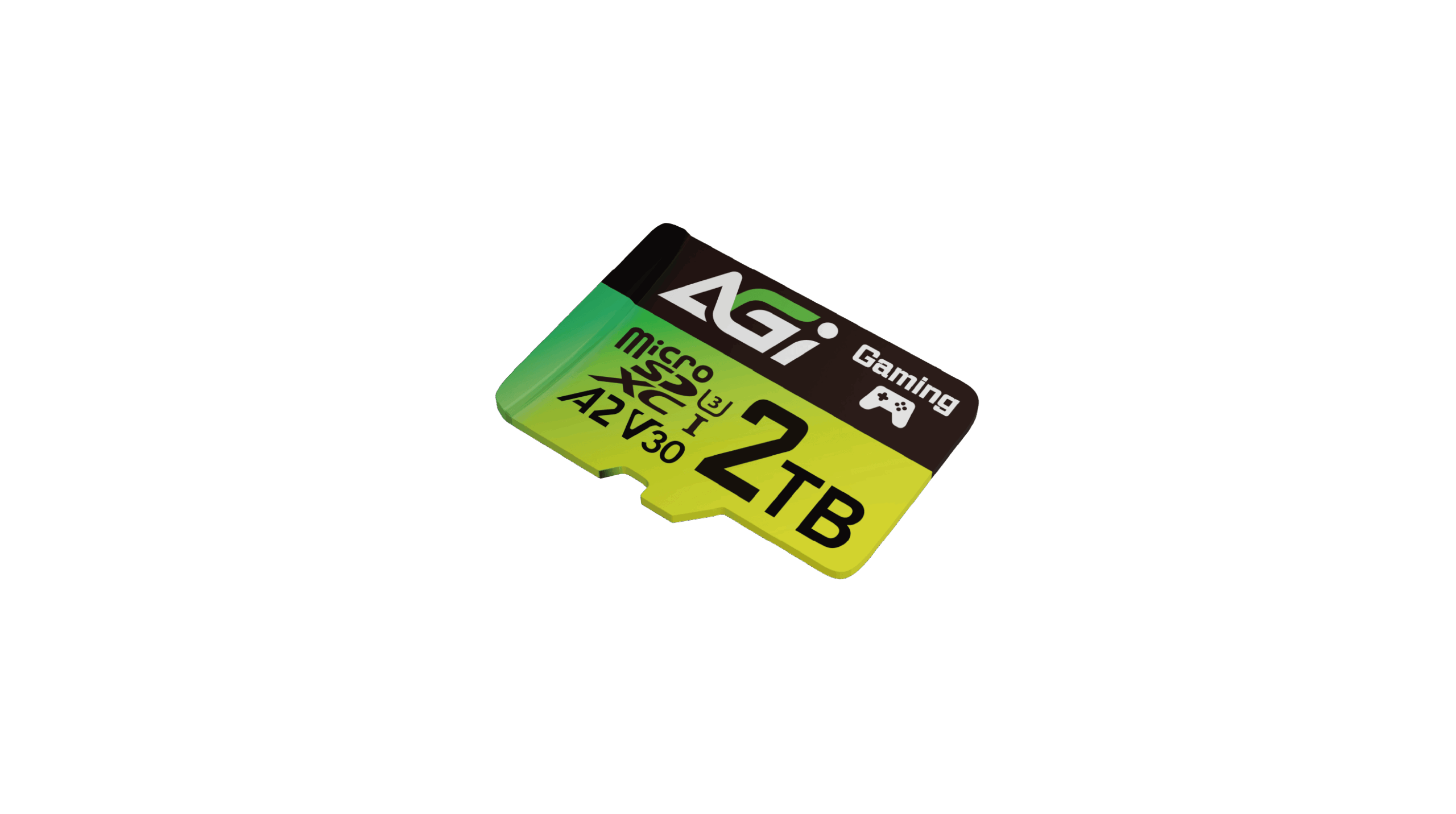
Supreme Pro TF138 microSD Card
KEY FEATURES

4K UHD

Camera

Action Camera

Capacity
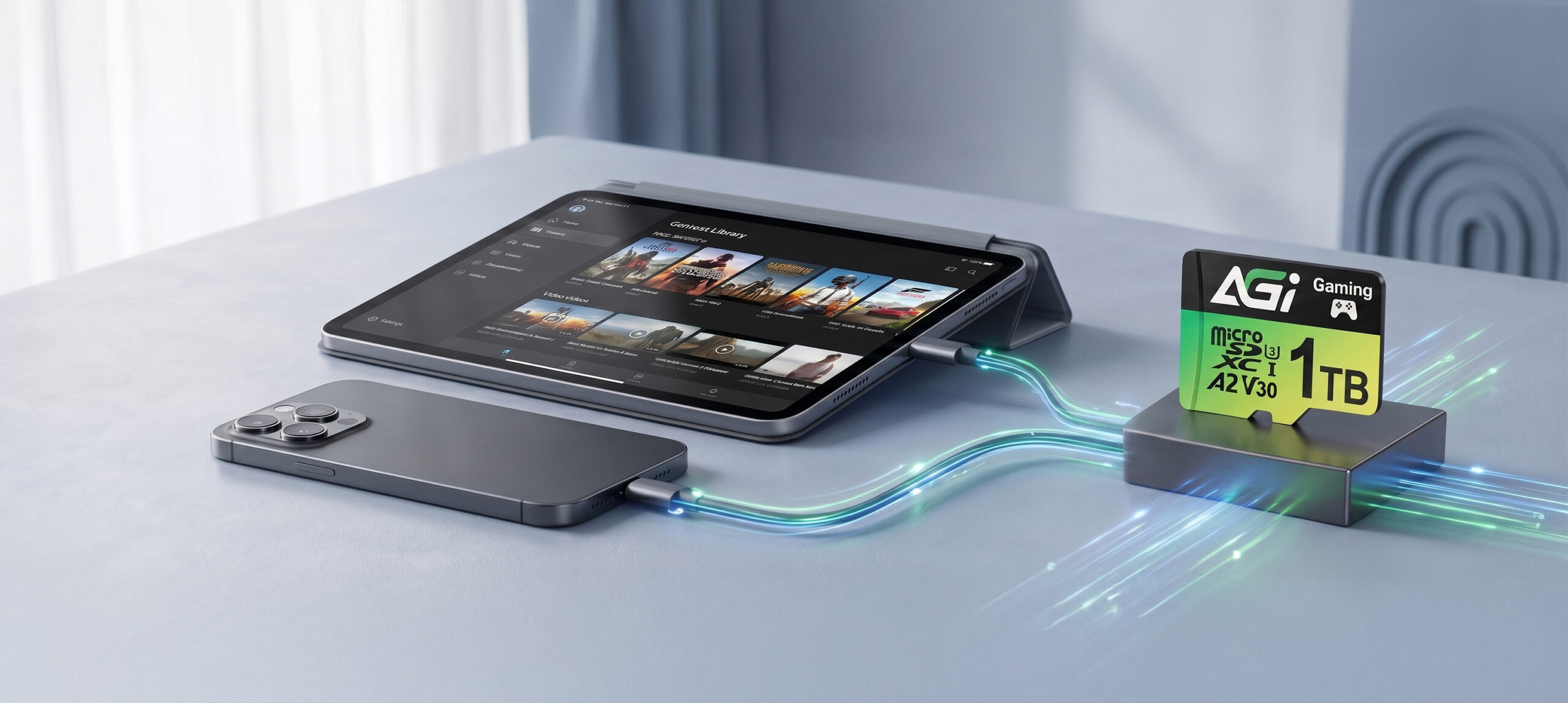
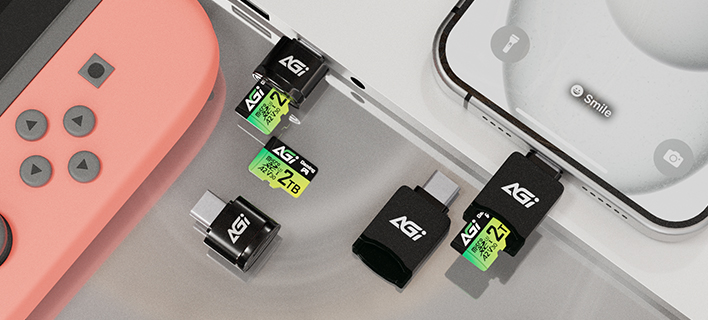
128GB / 256GB / 512GB / 1TB / 2TB
Standard
SD 6.1
Speed Class
UHS-I U3 / V30 / A2
Dimensions (L x W x H)
15 x 11 x 1mm
Weight
0.25g
Read/Write(Max)*
170/160(128GB: 110) MB/s * This is internal test data and actual speeds may vary depending on the environment and equipment, and should be used with a dedicated card reader.
Certifications
CE, FCC, BSMI, RoHS
Warranty
5 years limited
Please check the write-protection switch on the side of the SD adapter. If it is set to "Lock," simply slide it up to unlock it.
Please ensure the memory card is firmly inserted into the reader. Try plugging the card reader into a different USB port on your computer. If the issue persists, test the reader on another computer to see if it functions correctly.
Transfer speeds depend on your device's hardware, including the card reader and USB port specifications. Additionally, the size and quantity of the files affect the speed; transferring a large number of small files is generally slower and more inconsistent than transferring a single large file.
Please try formatting using a different reader or device. If the issue persists, use the SD Formatter tool available at:
https://www.sdcard.org/downloads/formatter_4/
Speed classes (such as Class 10, U3, or V30) indicate the minimum sustained write speed of the memory card, which is crucial for video recording. For a complete breakdown of all standards, please refer to the official SD Association website: https://www.sdcard.org/developers/sd-standard-overview/speed-class/
2026-10-13
2026-06-23