



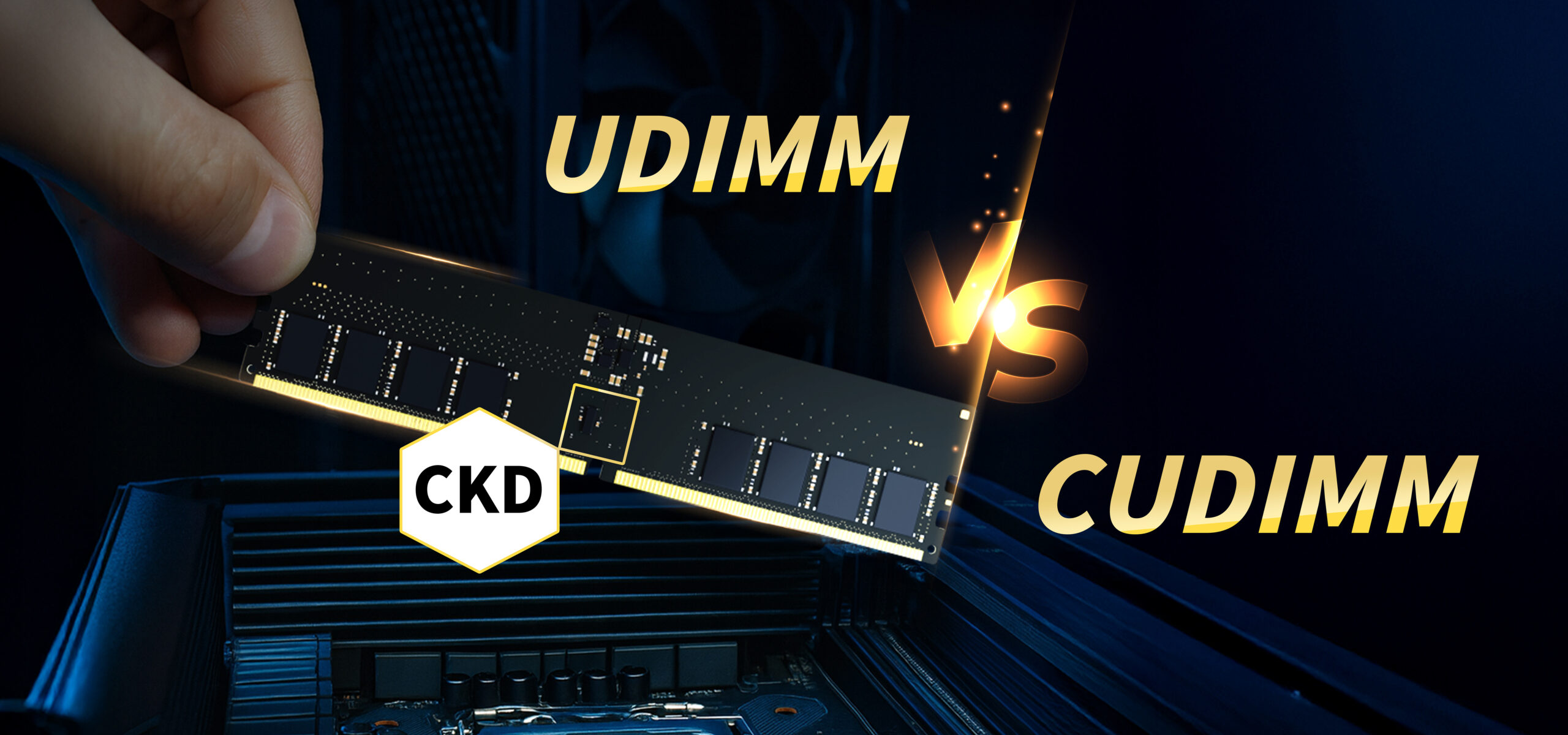
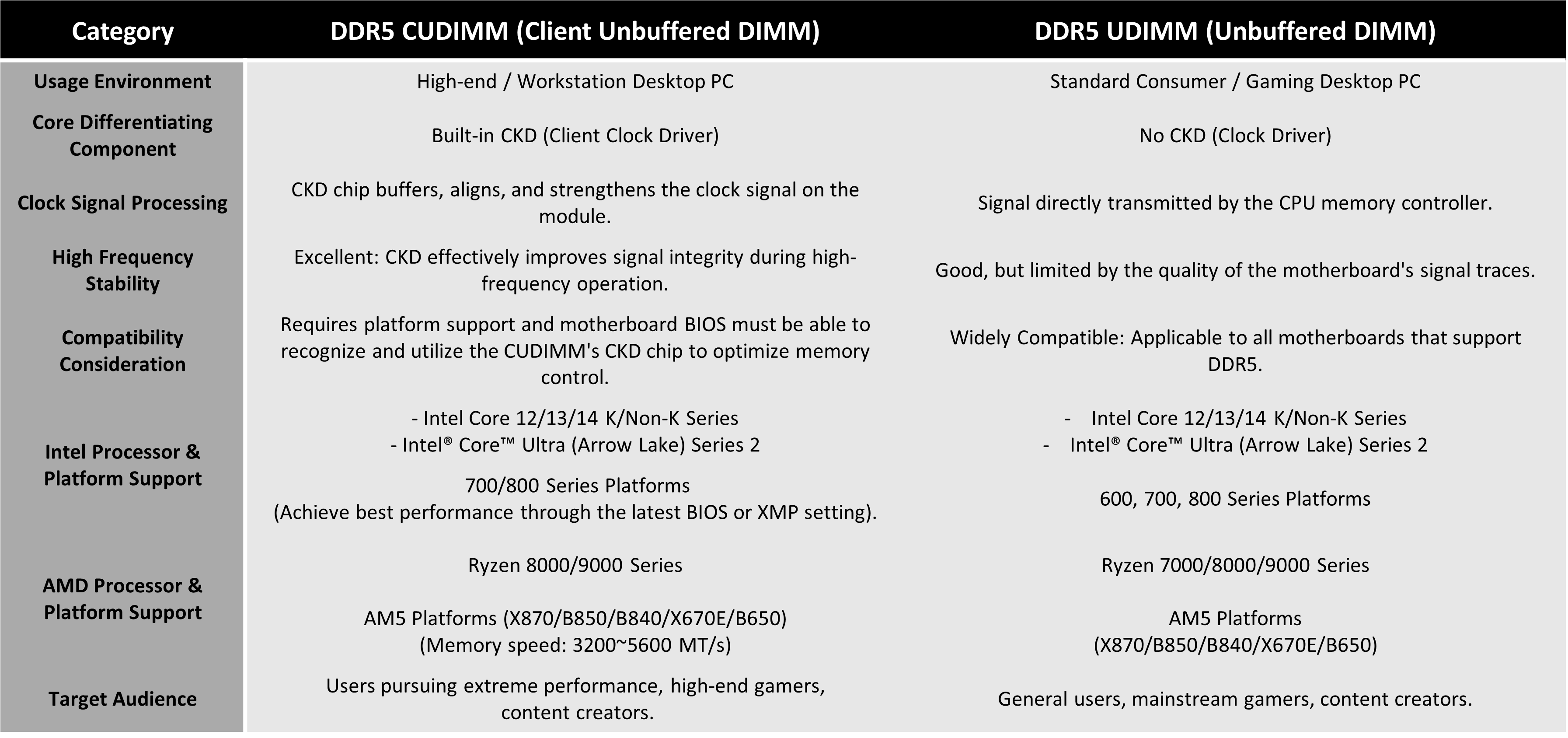
When selecting memory for your PC build, you have two main options: UDIMM and CUDIMM. The primary difference is the addition of a CKD (Clock Driver) on CUDIMM modules. This driver acts as a stabilizer to strengthen signal integrity at high frequencies.
- Choose UDIMM if: You want a cost-effective solution with wide hardware compatibility.
- Choose CUDIMM if: You are an advanced user on the Intel Core Ultra platform looking to unlock extreme speeds and maximum stability.
- CUDIMM vs. UDIMM: Choosing the Right Memory for Your PC
When upgrading or building your PC, you may encounter different types of DDR5 memory modules. The most common are UDIMM (Unbuffered DIMM) and CUDIMM (Client Unbuffered DIMM). Although they are both DDR5 specifications, there are key differences in their design, purpose, and compatibility. Understanding these differences will help you make the best choice for your motherboard and usage needs.
Key Points on Platform Compatibility
- Although CUDIMM and UDIMM physically use the 288 pins of DDR5 and can be inserted into the same memory slot, for the CUDIMM to leverage the signal advantages provided by its CKD (Client Clock Driver), the motherboard’s BIOS firmware must be compatible.
- If you are using Intel or AMD’s high-end chipsets and plan to use memory operating above the JEDEC specification (e.g., 6000 MHz and above), choosing CUDIMM and updating to the latest BIOS will be the optimal way to maximize performance.
- The final performance of the memory will be collectively influenced by the quality of the CPU’s Integrated Memory Controller (IMC) and the motherboard’s design.”