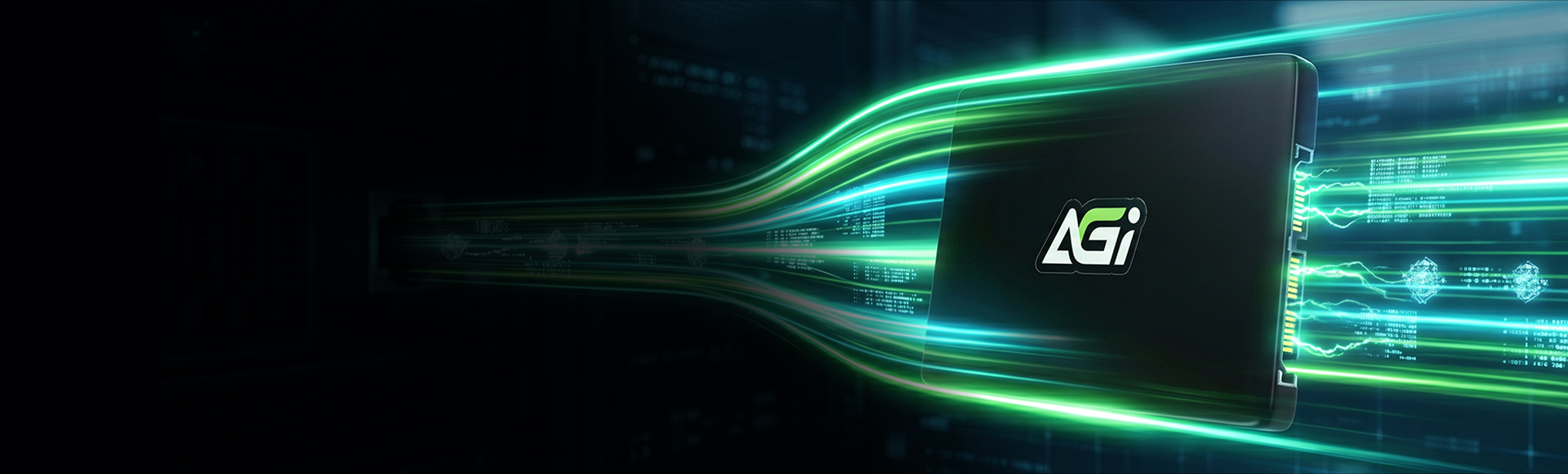
AI238 SATA3 Solid State Drive
Extreme Durability, Double the Performance: The Premier Choice for Upgrading Aging Devices.



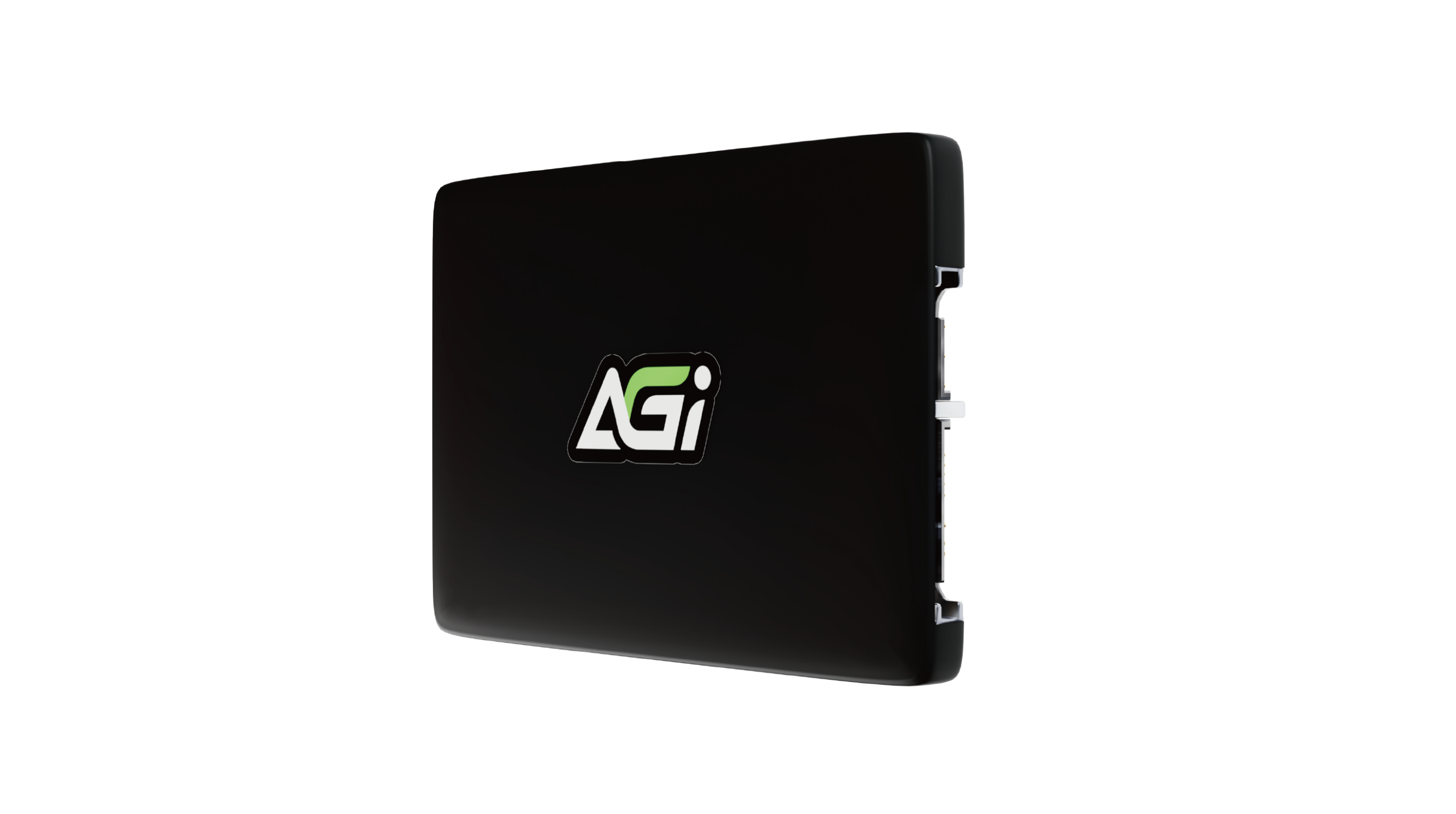
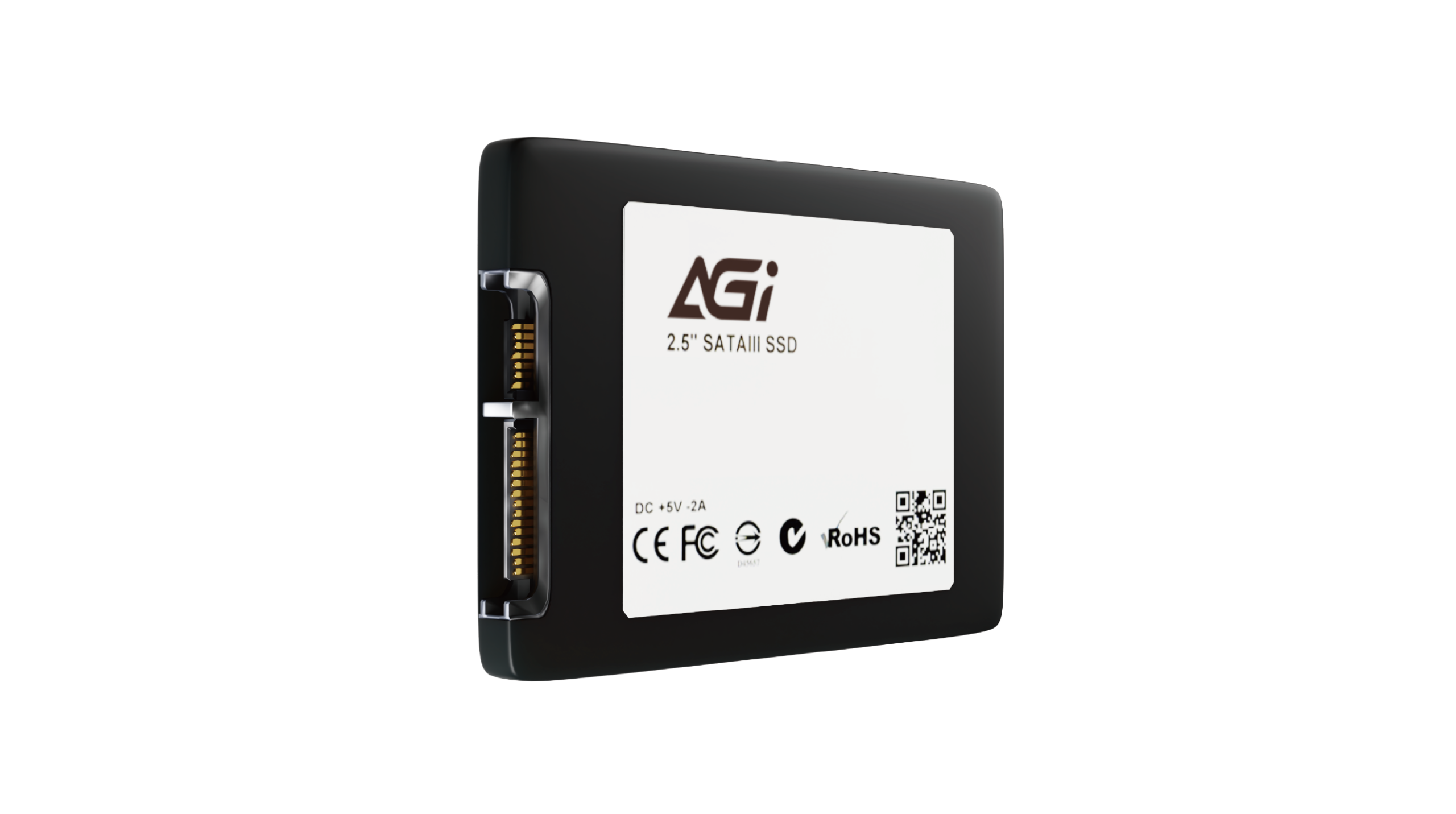
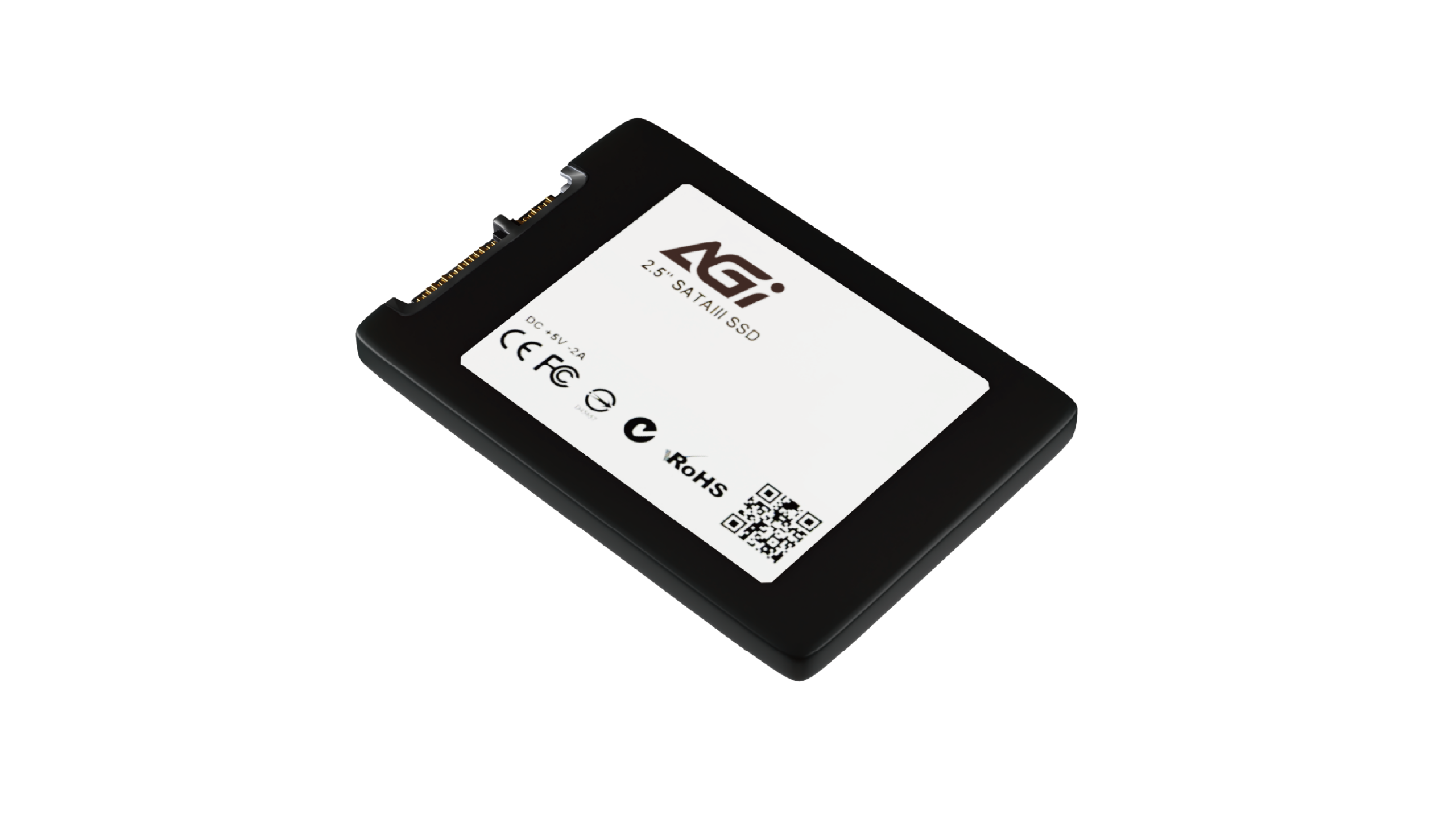
AGI SATA SSD
KEY FEATURES
- 3D NAND Flash technology provides enhanced durability and capacity.
- Utilizes SLC Caching to significantly boost transfer speeds.
- Supports S.M.A.R.T., TRIM, APM, and NCQ commands.

SLC Cache

3D NAND

LDPC Error Correction
3D Stacking Technology: Evolution in Durability.
AI238 SATA3 SSD
- Equipped with 3D NAND Flash, offering higher storage density and longevity than traditional SSDs. Ensure long-term data stability for both daily tasks and high-volume storage.
AI238 SATA3 SSD
SLC Caching for lightning-fast transfers and seamless performance.
- Leveraging SLC Caching to significantly reduce boot times and app launches, ensuring fluid performance and instant responsiveness even under heavy workloads.

AI238 SATA3 SSD
Comprehensive Monitoring Commands for Long-Term System Stability.
- Supports S.M.A.R.T. monitoring and TRIM optimization to prevent performance degradation, with built-in power management and NCQ for smarter, more energy-efficient operation.
AI238 SATA3 SSD
The Premier Choice for Upgrades: High Compatibility with SATA III.
- Fully compatible with all SATA-based laptops and desktops, making it the most cost-effective solution for replacing aging HDDs. A simple installation to revitalize your old PC with peak performance.
Specifications
Capacity
128GB / 256GB / 512GB / 1TB / 2TB / 4TB
NAND Flash
3D NAND
Form factor
2.5"
Interface
6Gb/s (SATA III)
Dimensions(L x W x H)
100 x 70 x 7mm
Read/Write(Max)*
550/510 MB/s *Performance may vary by SSD capacity, hardware, and system configuration.
Shock resistance
1500G/0.5ms
Operating Temperature
0°C-70°C
Storage Temperature
-40°C-85°C
TBW
2000TB(4TB)
MTBF
MTBF: 1,500,000 hours
Certifications
CE, FCC, BSMI, RoHS
Warranty
3 Years Limited
Product FAQ
Please try the following steps to resolve the issue:
Step 1. Turn off your computer and disconnect all other storage drives, leaving only the target SSD connected.
Step 2. Enter your motherboard’s BIOS, restore the default settings, and ensure that both AHCI and UEFI modes are enabled. Save the configuration and exit.
Step 3. Boot into the OS installer. When you reach the drive selection screen, delete all existing partitions on the target SSD, and then proceed with the installation.
Windows 11, Windows 10, and modern Linux distributions include native support for PCIe NVMe drives and can be installed directly. Please ensure your motherboard’s BIOS is updated to the latest version and configured to UEFI mode. If the SSD is not detected during the Windows installation process, you may need to download and load the specific storage controller drivers (such as Intel VMD/RST) provided by your motherboard or laptop manufacturer. For further assistance, please refer to the following link or contact Microsoft: https://support.microsoft.com/
This is normal. The discrepancy is due to system calculations and allocation of space for firmware, software, and data management, which help enhance performance and prolong lifespan.
Please check the following:
1. Hardware Connection: Ensure that the data cable, power cable, and motherboard slot are properly and securely connected.
2. System Initialization: Right-click the Start menu > select “Disk Management” > locate the unallocated SSD > right-click it and select “New Simple Volume” to initialize the drive.
Please refer to the installation guide provided. If product damage, installation errors (e.g., misalignment or poor adhesion), or other issues occur, do not forcibly disassemble the unit. Doing so may cause physical damage. Contact customer service and return the product for proper handling.
Yes, but the data transfer speed will be limited by the motherboard and will not reach SATA 6 Gb/s performance.
這是正常現象。此容量差異是由於電腦系統的計算方式不同,加上部分空間被保留用於韌體、軟體與資料管理,這些預留空間有助於提升固態硬碟的效能並延長其使用壽命。
Actual performance may vary depending on your system hardware, software environment, and whether the SSD is used as a boot drive (with an OS installed). These variations are completely normal.